Pokémon Card Display Guides: Find Your Reference & Scene
Start with the card you own, then find the scene you want to display. These 99 guides compare specific catalogue references, alternate artwork and multi-card arrangements. Each guide links to the corresponding product photographs and explains a different matching decision.
Read the complete character name, set prefix and card number together. For theme-led designs without a complete reference, keep the product code and compare your card photograph with the gallery. Catalogue labels describe our listings; they are not independent release verification.
Trainer cards & Lillie
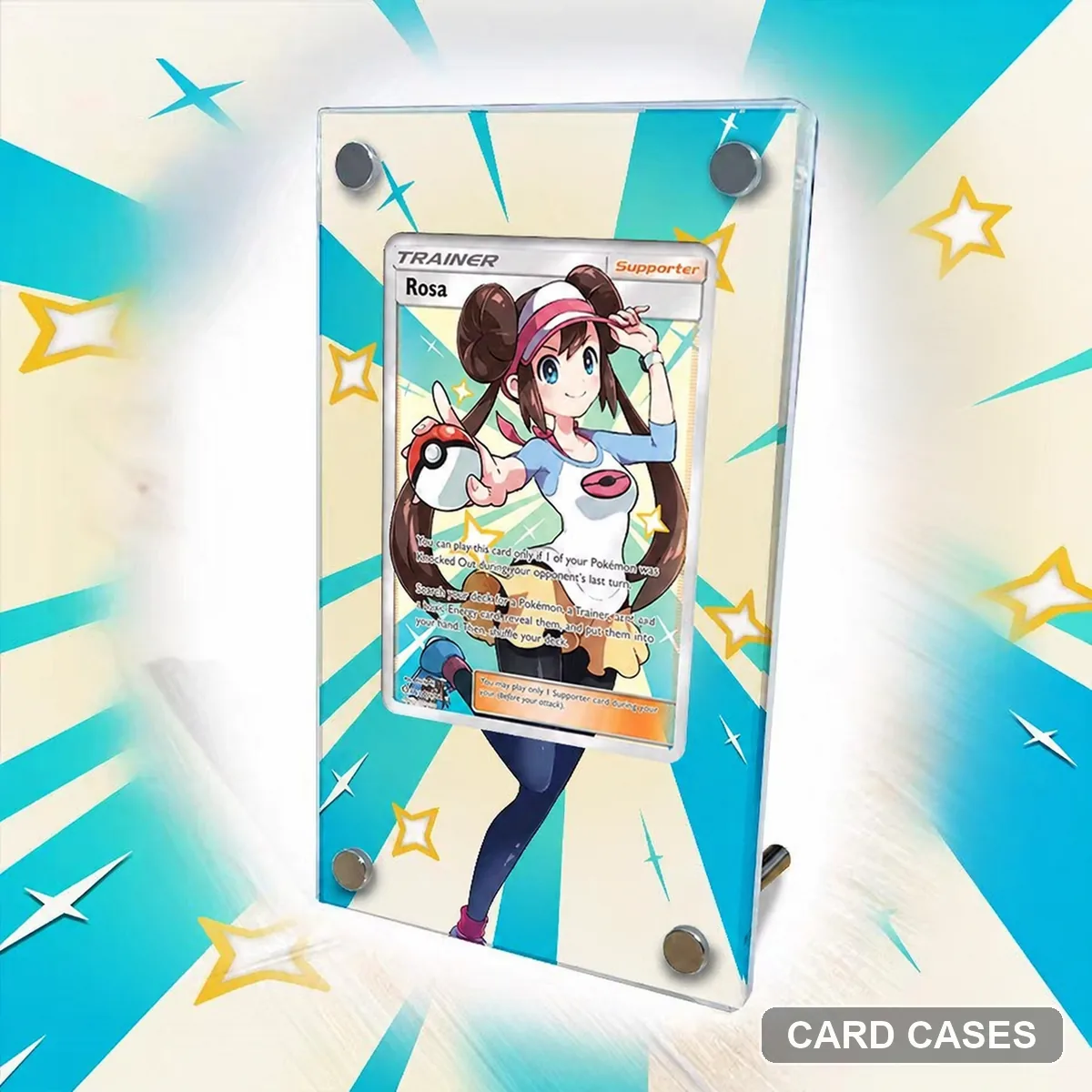 Start with Rosa’s complete card reference
SM11b Rosa SR 067/049 Extended-art Display Frame · PCC-001
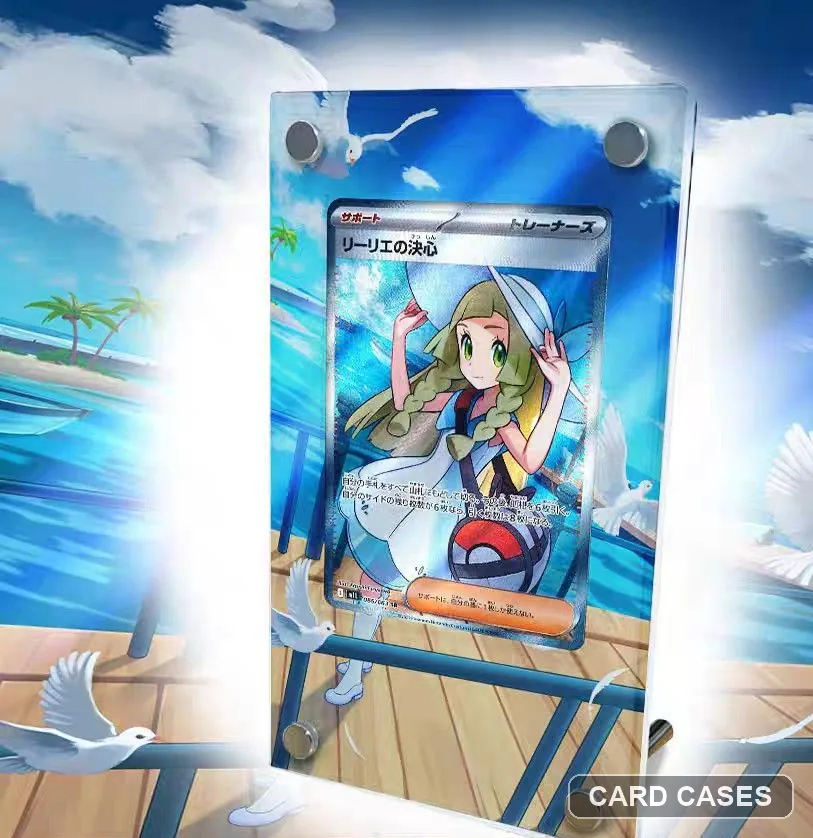 Distinguish the SR artwork from Lillie’s SAR entry
M1L Lillie’s Determination SR 086/063 Extended-art Display Frame · PCC-005
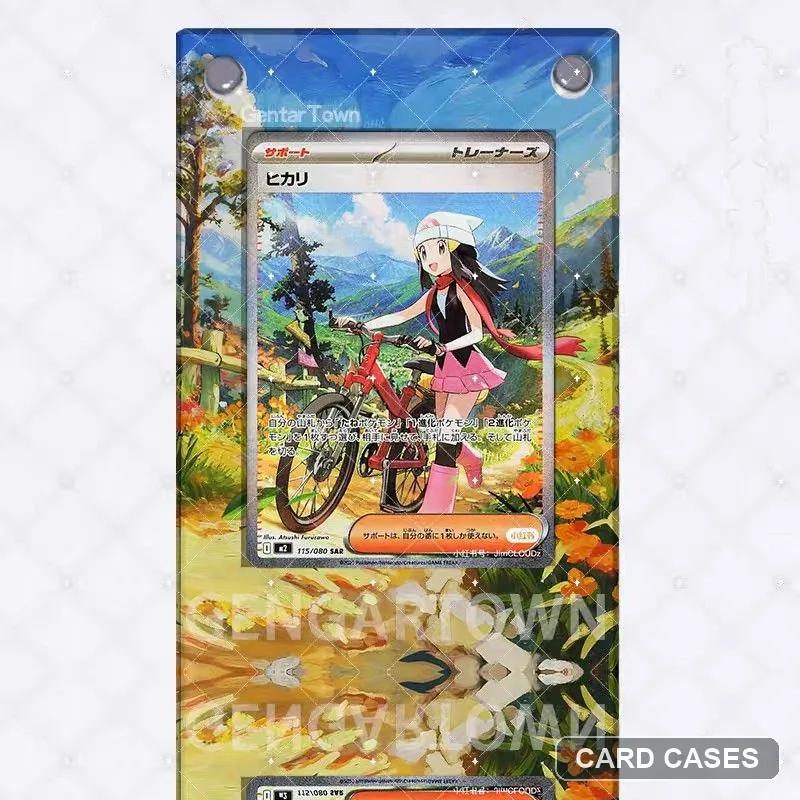 Include the Trainer name when numbers overlap
M2 Dawn SAR 115/080 Extended-art Display Frame · PCC-012
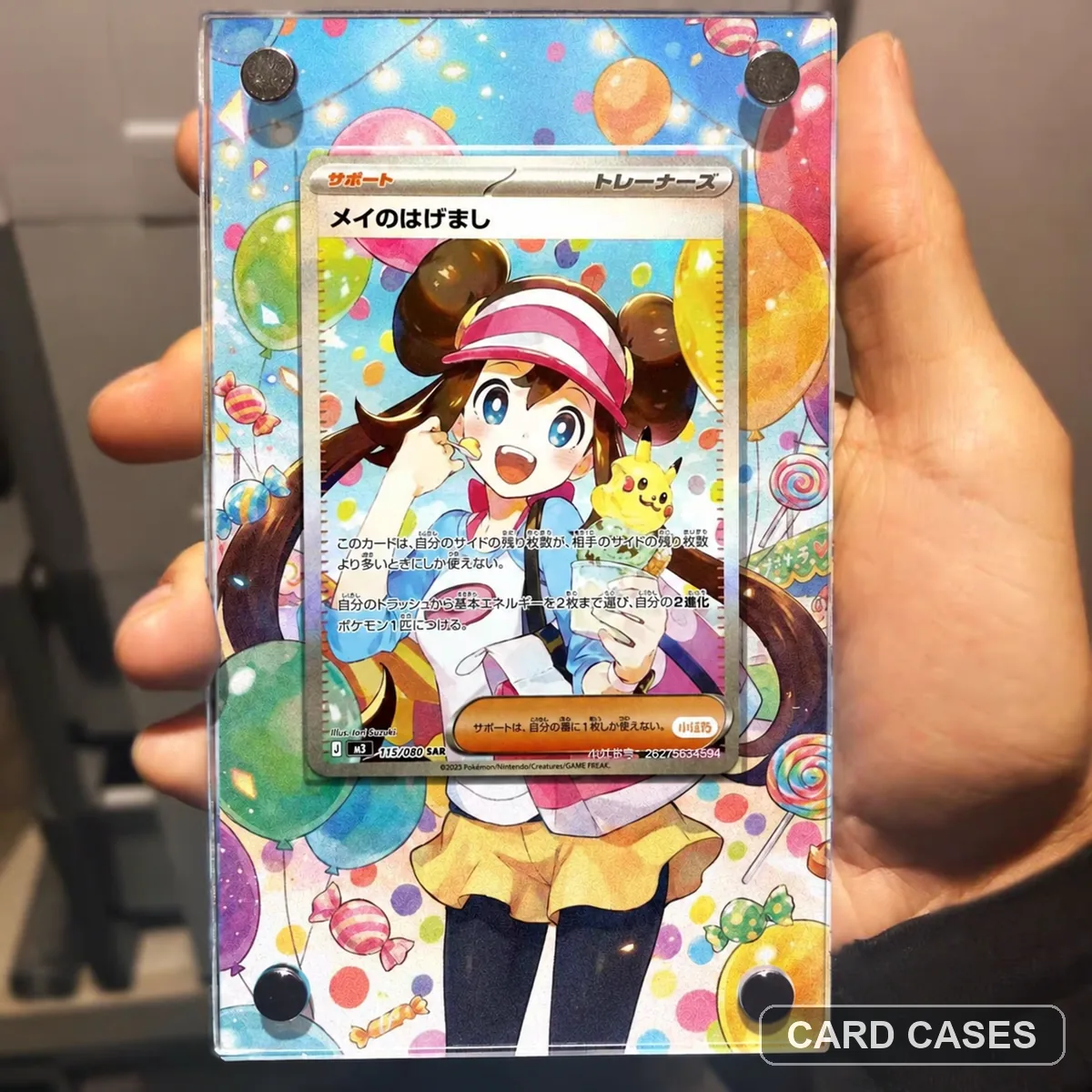 Treat Rosa’s Encouragement as its own Trainer reference
M3 Rosa’s Encouragement SAR 115/080 Extended-art Display Frame · PCC-016
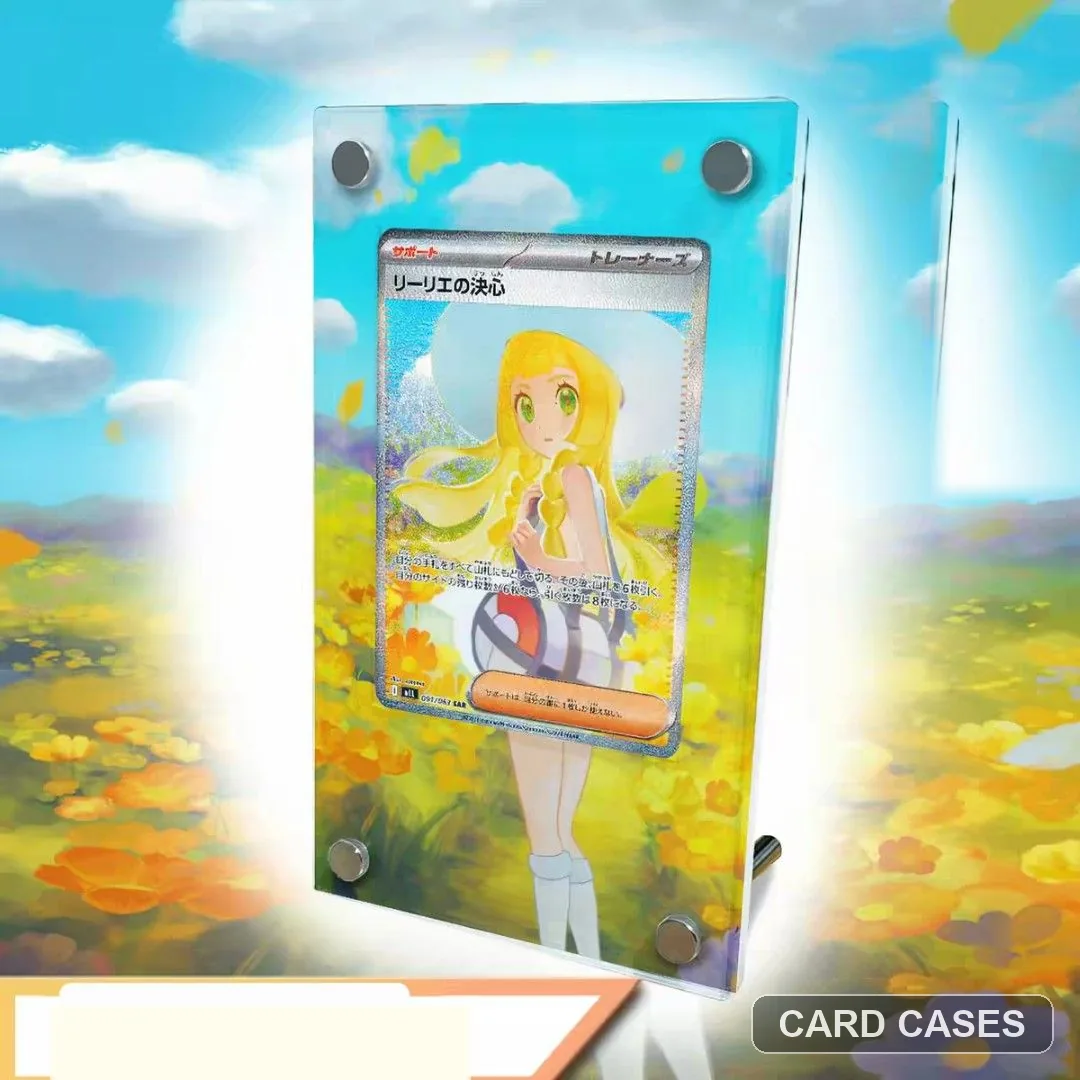 Choose the SAR illustration before the holder
M1L Lillie’s Determination SAR 091/063 Extended-art Display Frame · PCC-026
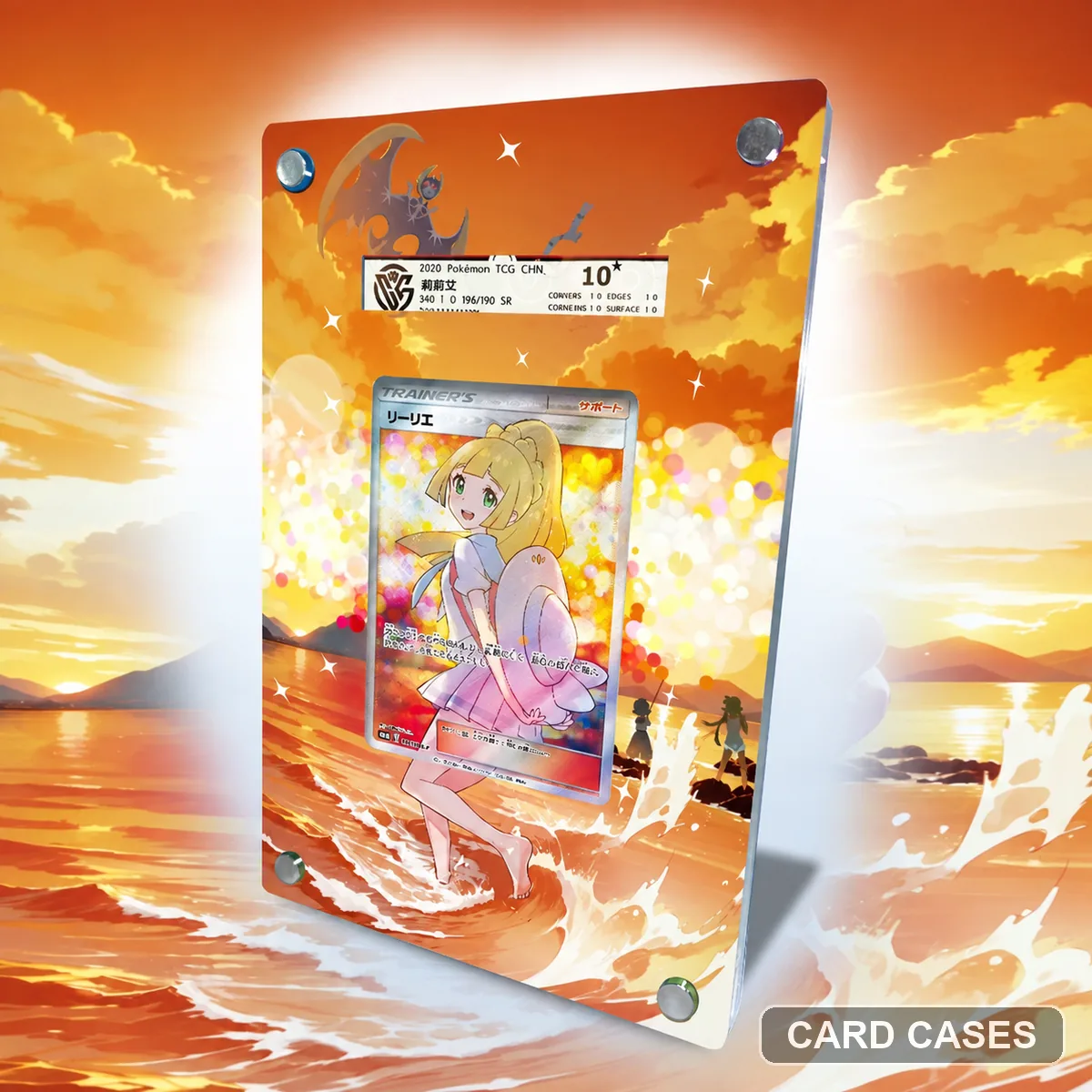 Use the promo number to narrow a Lillie shortlist
PROMO Lillie-themed Display Frame 397/S-P · PCC-029
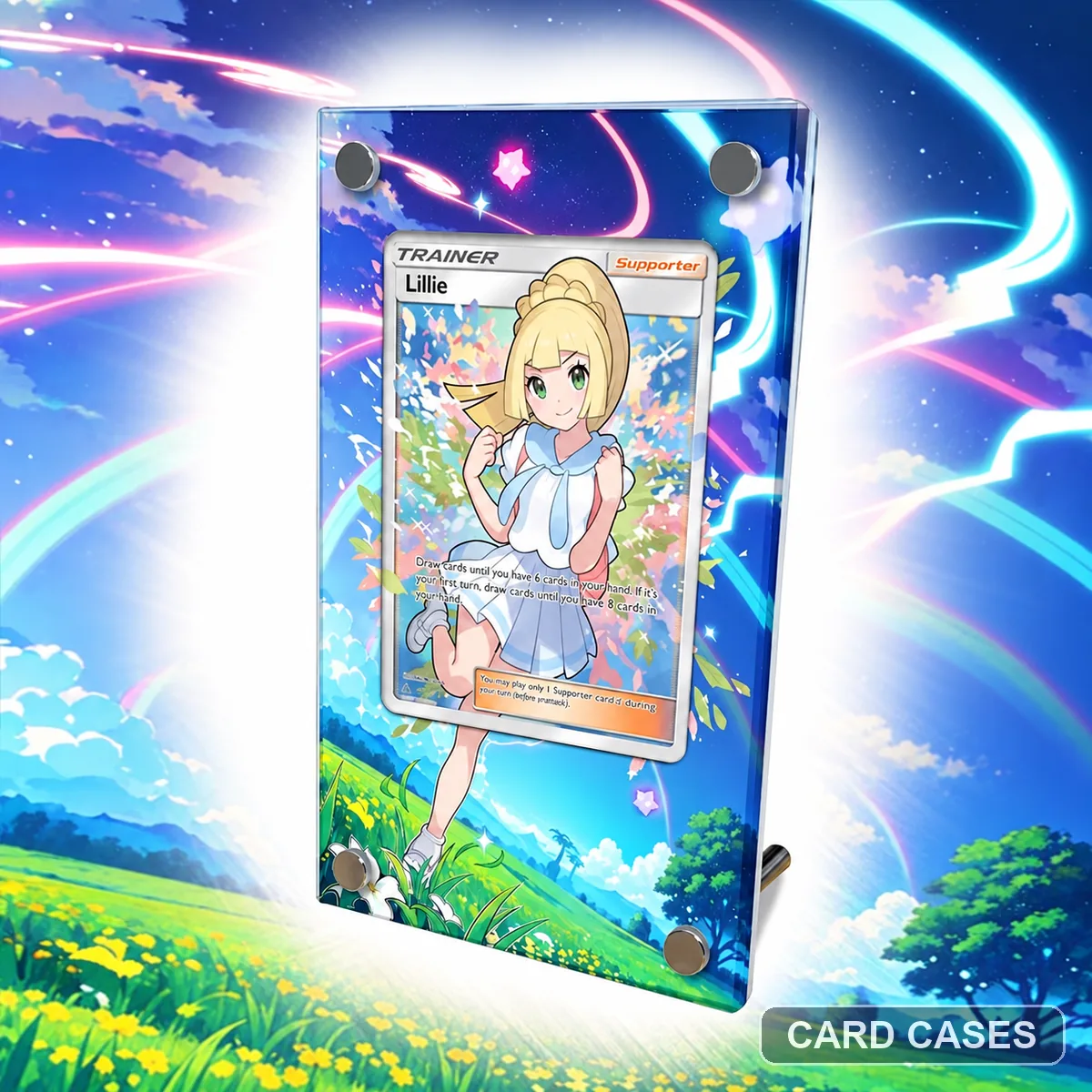 Identify the pictured Lillie card in a broad themed listing
Lillie Themed Extended-art Display Frame · PCC-067
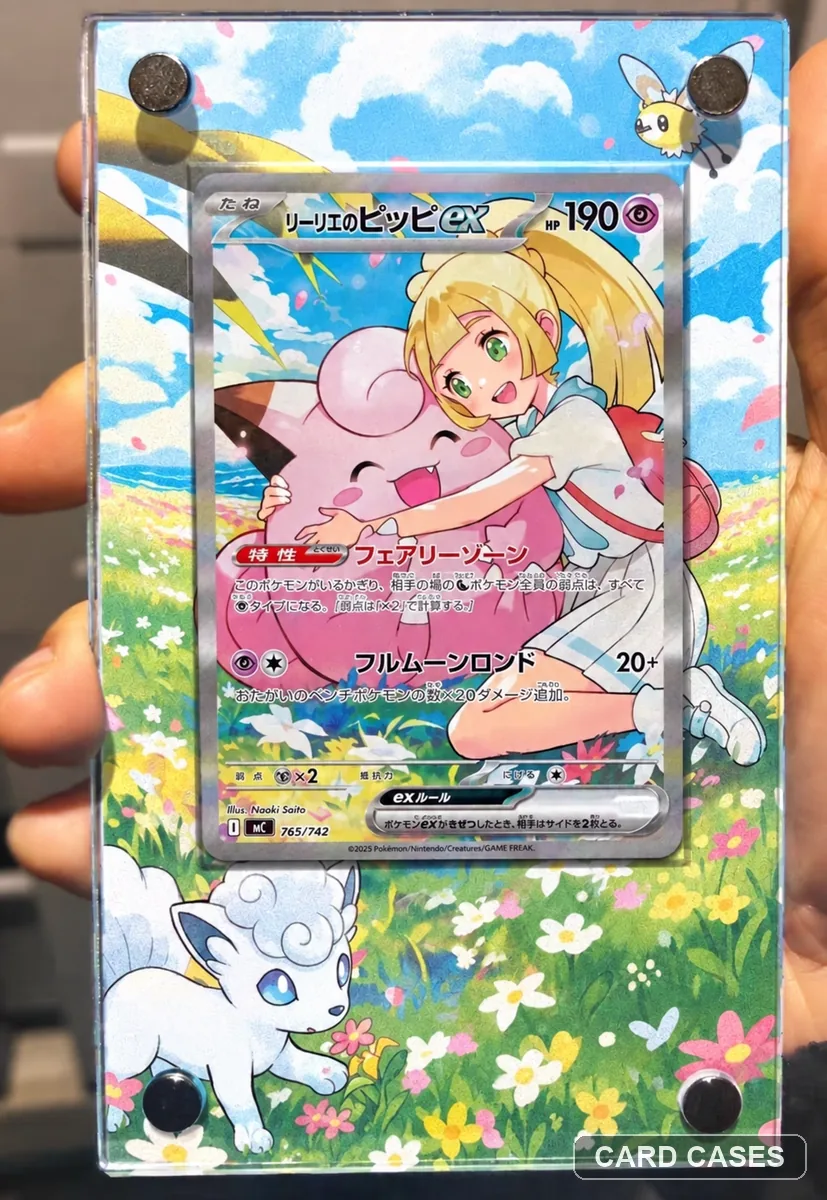 Keep a flower-field preference separate from a numbered match
Lillie’s Clefairy ex Flower Field Extended-art Display Frame · PCC-073
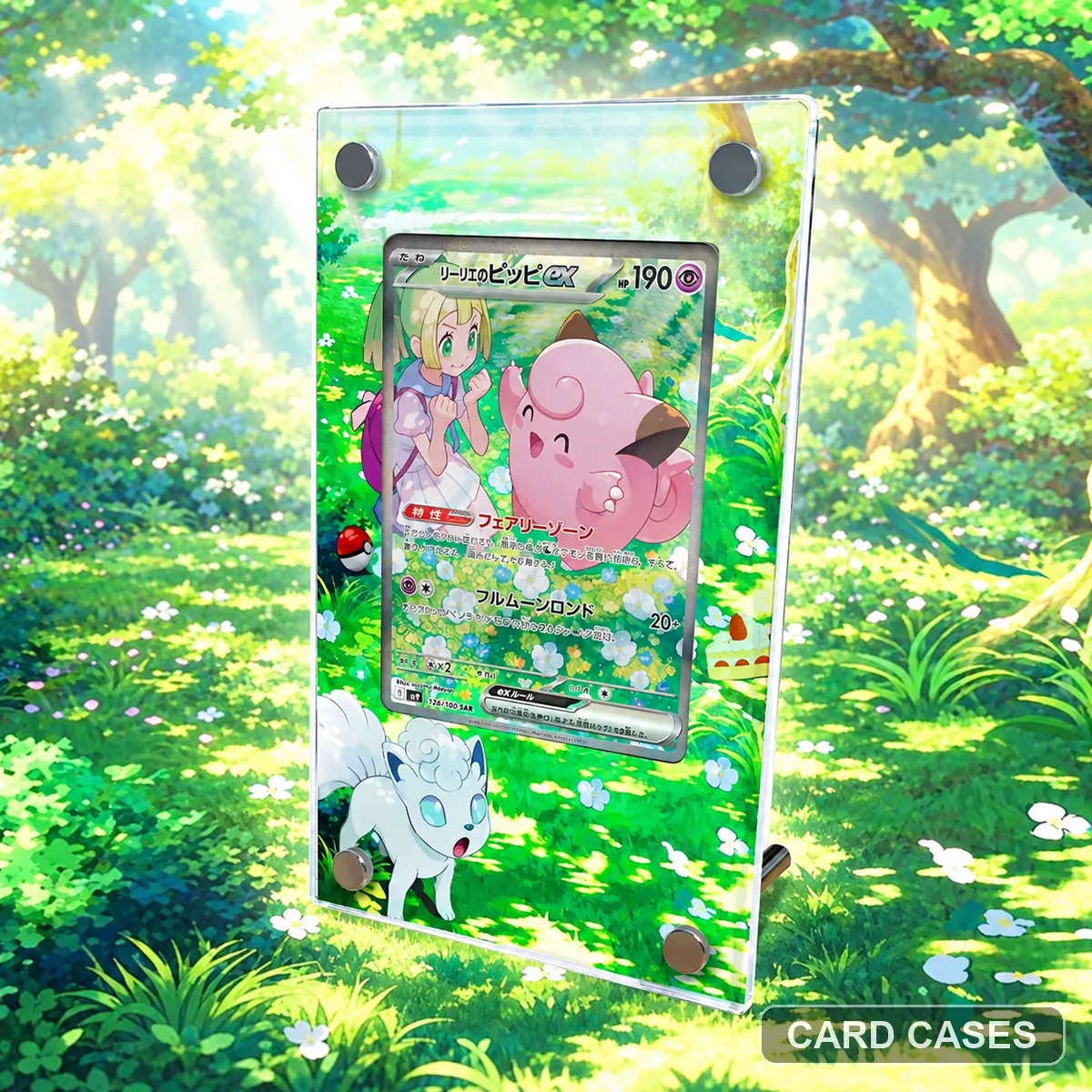 Use the numbered Clefairy entry to separate the two displays
SV9 Lillie’s Clefairy ex SAR 126/100 Extended-art Display Frame · PCC-082
Pikachu scenes & promos
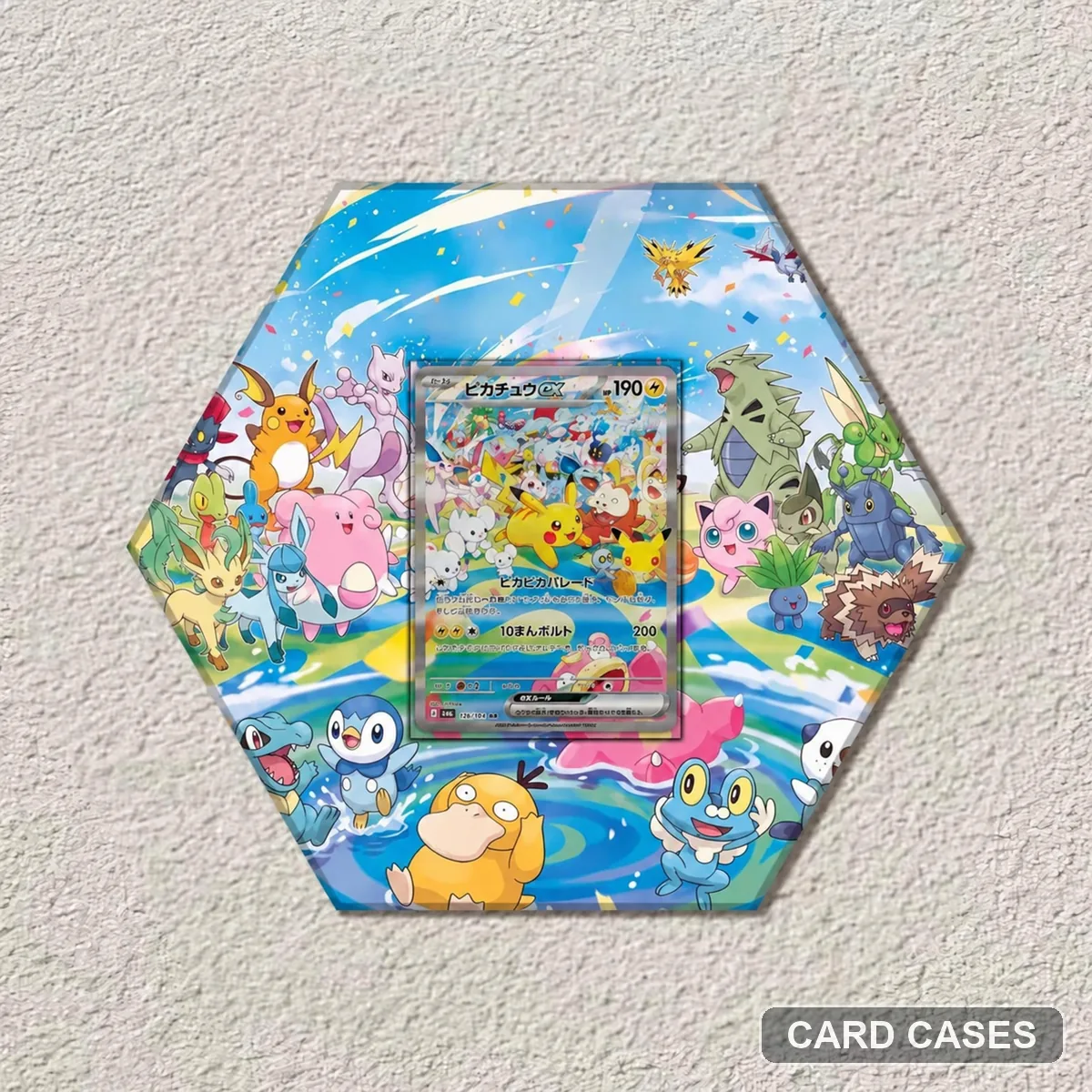 Treat 126/103 and 127/103 as separate choices
M6a Pikachu ex SAR 126/103 Extended-art Display Frame · PCC-002
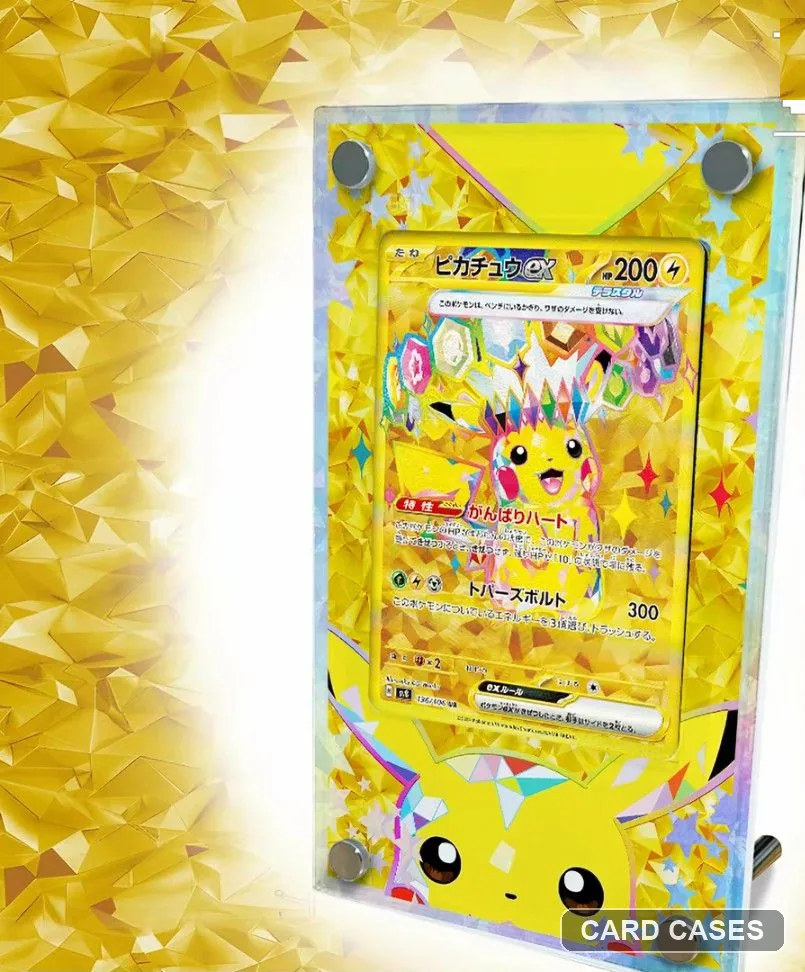 Use the pictured scene when a listing is theme-led
Pikachu ex Themed Extended-art Display Frame · PCC-006
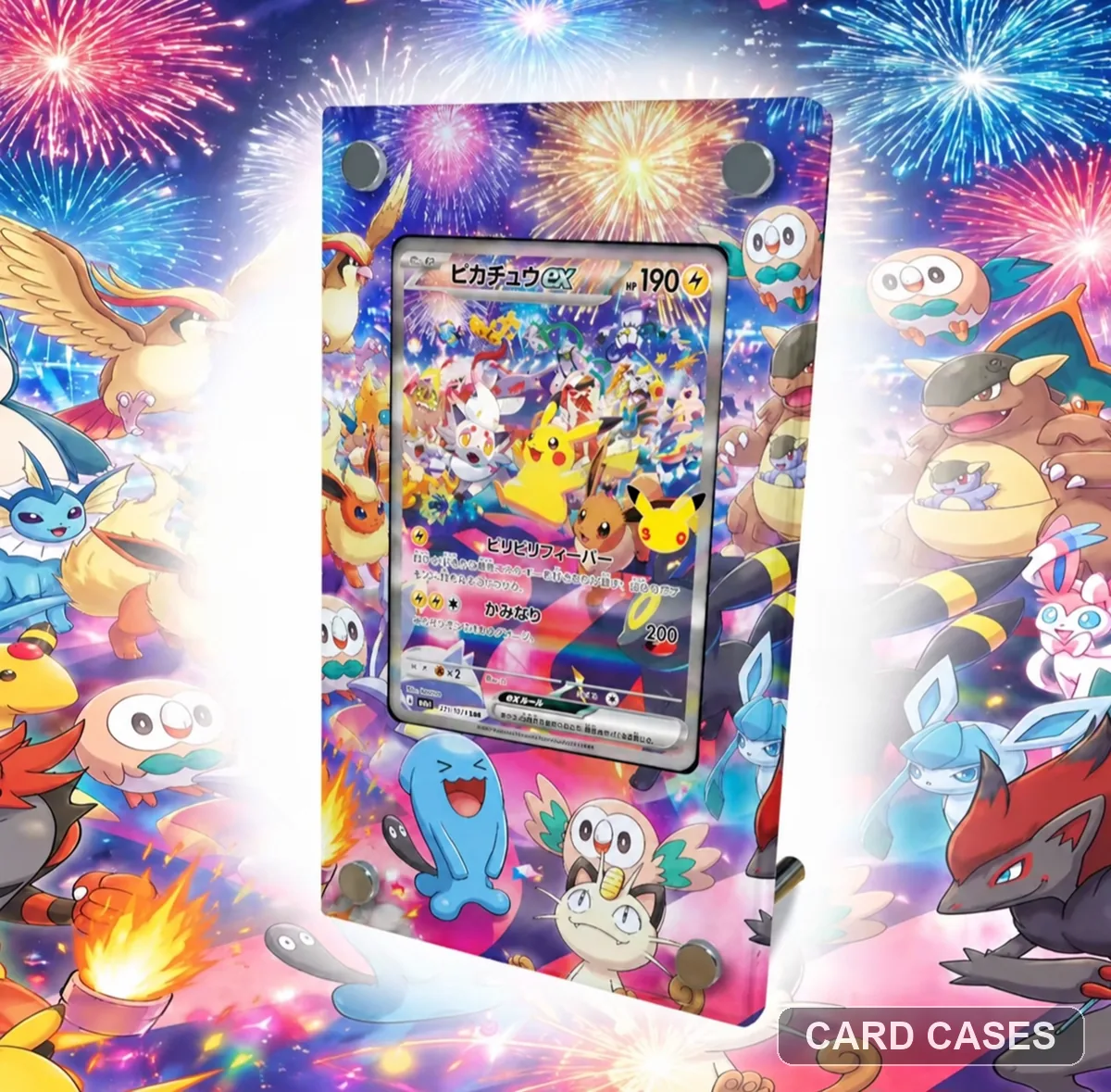 Choose 127/103 before comparing physical formats
M6a Pikachu ex SAR 127/103 Extended-art Display Frame · PCC-018
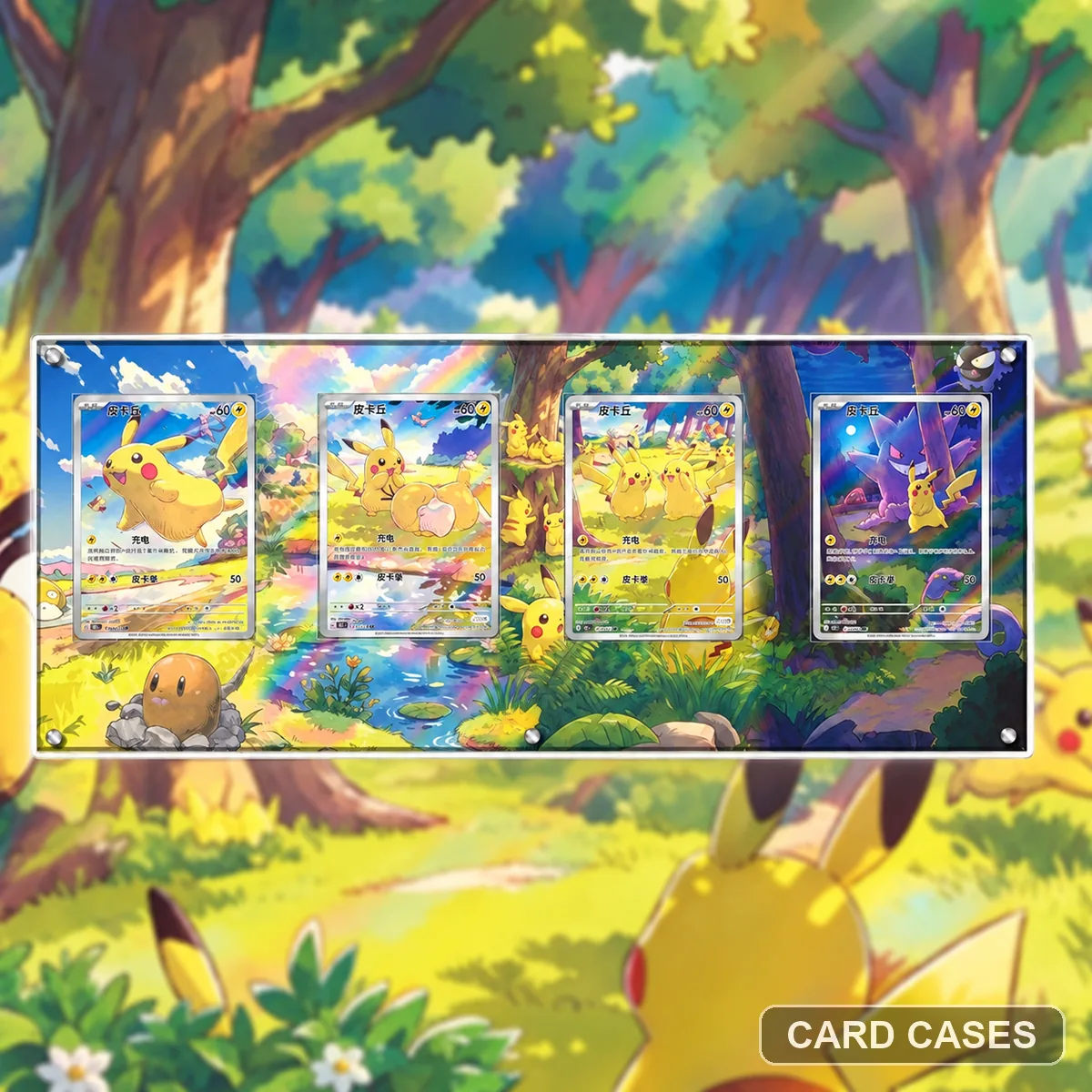 Check all four positions in the forest arrangement
Pikachu Four-card Forest Extended-art Display Frame · PCC-036
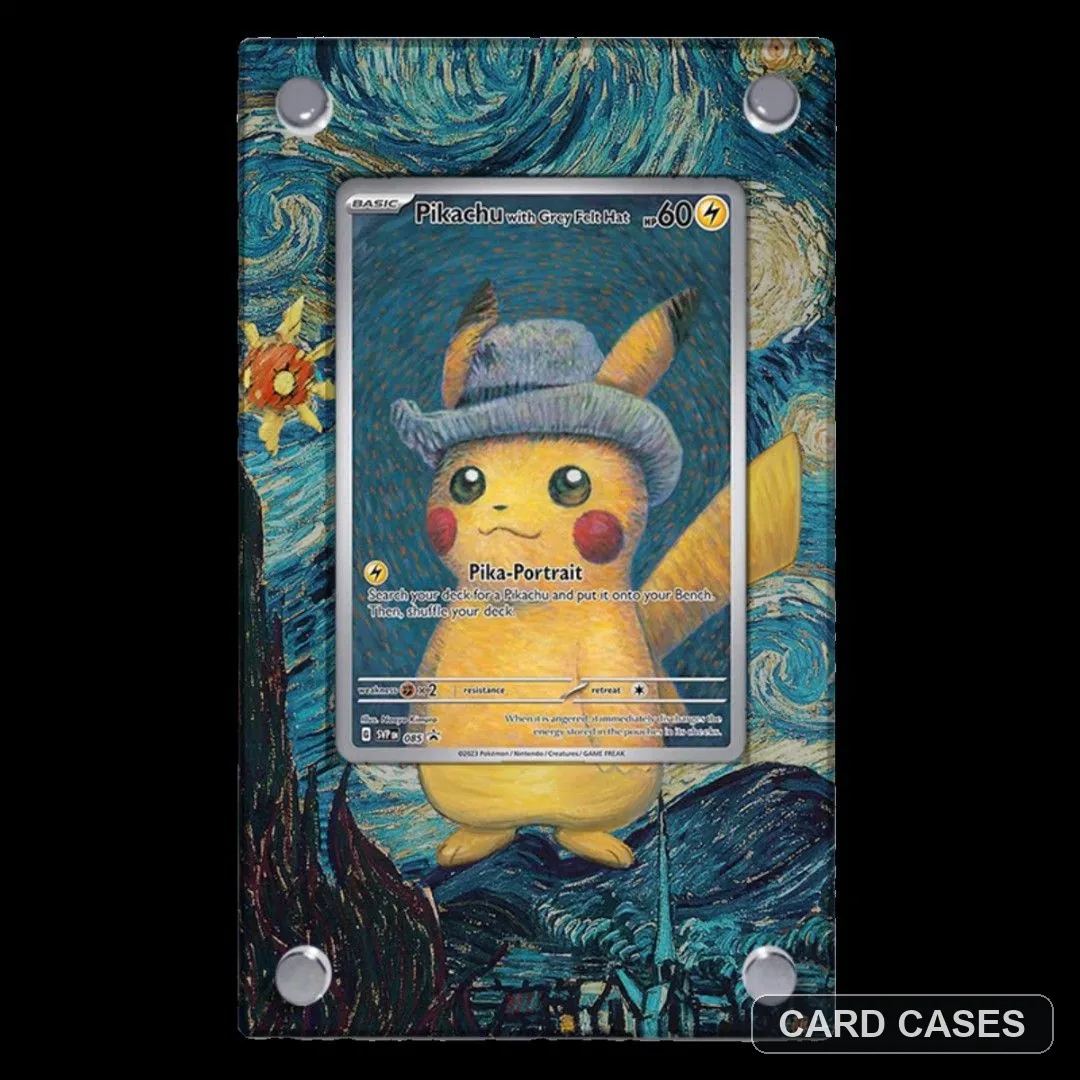 Keep Grey Felt Hat separate from the ukiyo-e promo
Pikachu with Grey Felt Hat PROMO Extended-art Display Frame · PCC-037
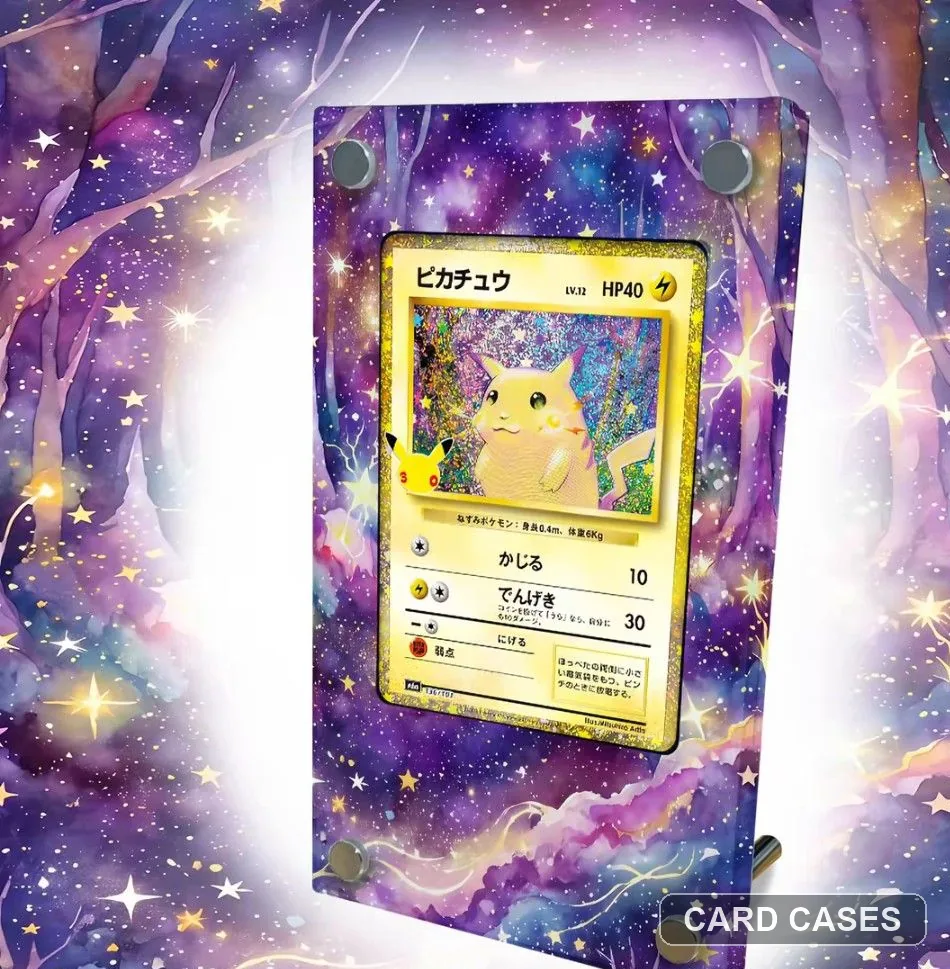 Separate the themed Pikachu card from Pikachu ex
M6a Pikachu 136/103 30th Anniversary Extended-art Display Frame · PCC-075
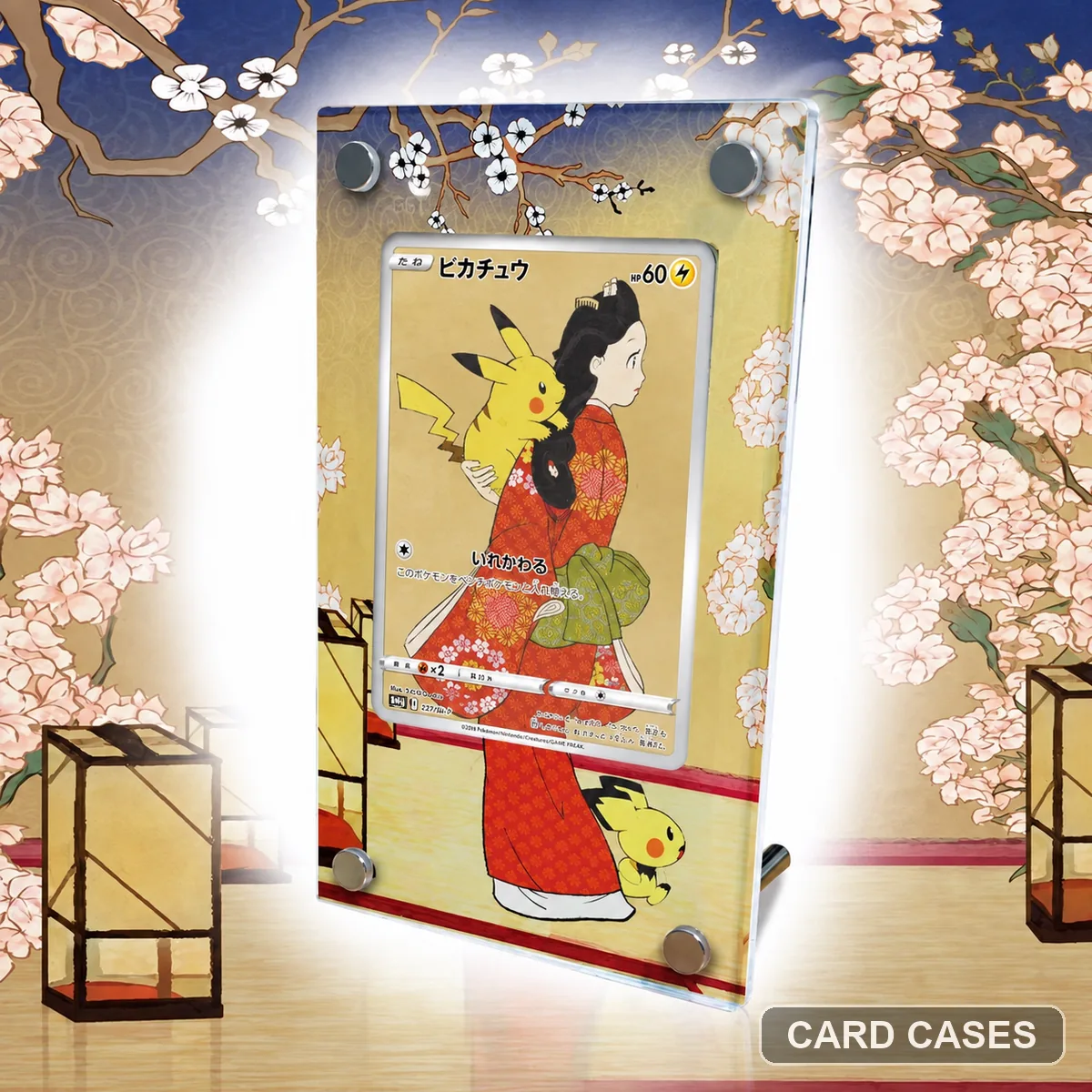 Keep 227/S-P attached to Pikachu’s ukiyo-e gallery
Pikachu PROMO 227/S-P Ukiyo-e Extended-art Display Frame · PCC-090
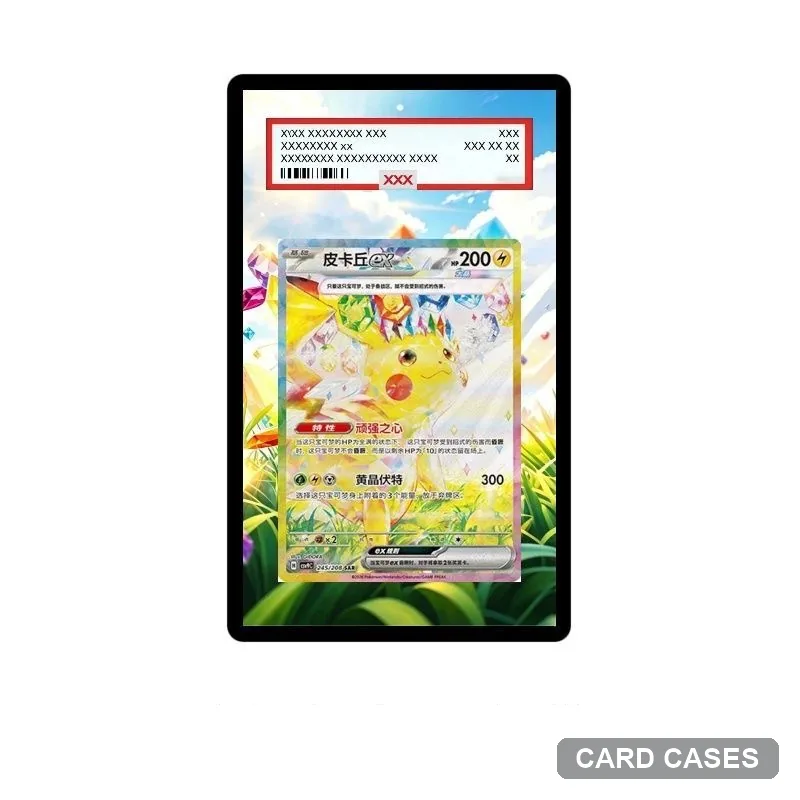 Check the garden scene before a numbered Pikachu alternative
Pikachu — Garden — Extended-art Display Frame · PCC-098
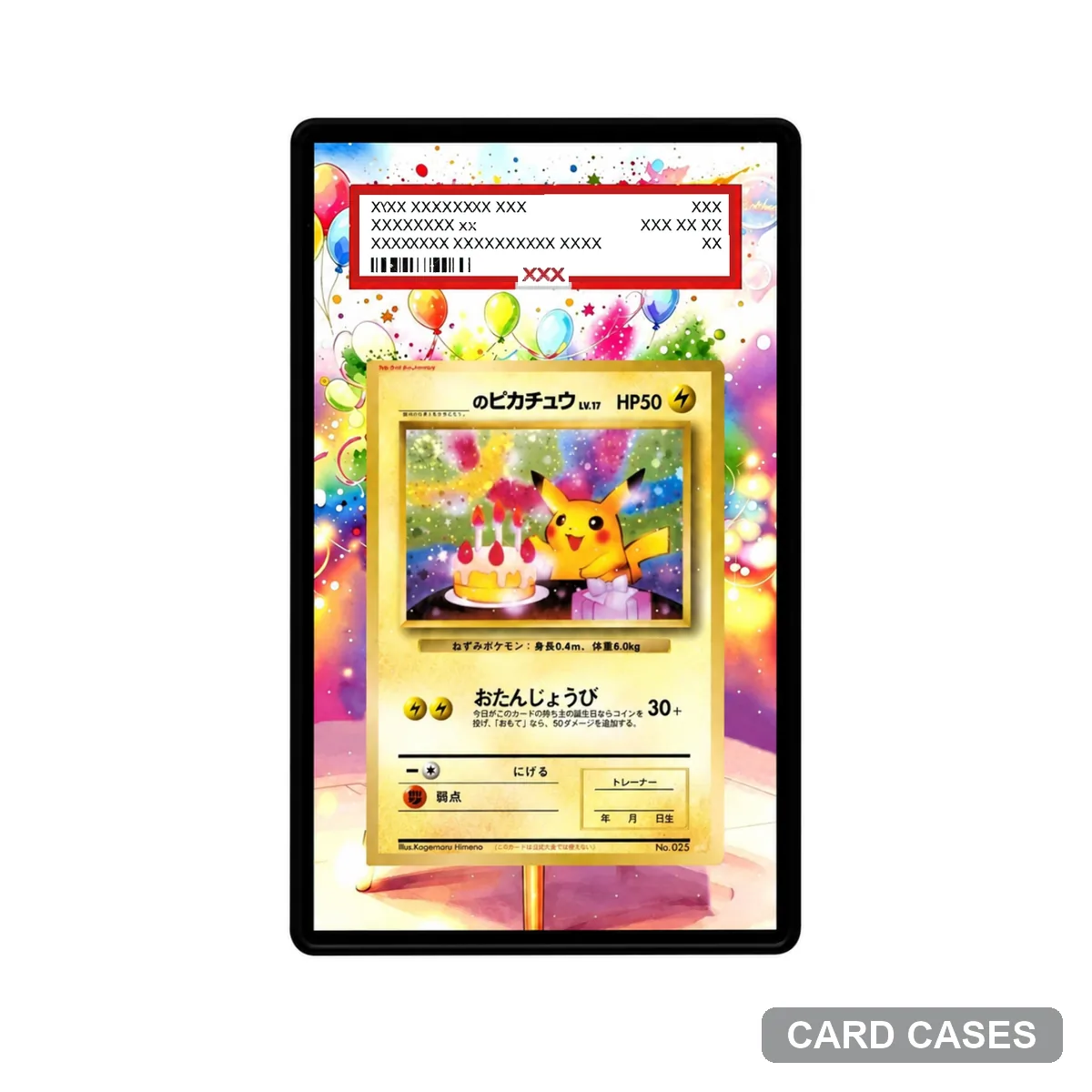 Compare the floral presentation separately from the garden design
Pikachu — Colourful Flowers — Extended-art Display Frame · PCC-101
Charizard & Mega Charizard
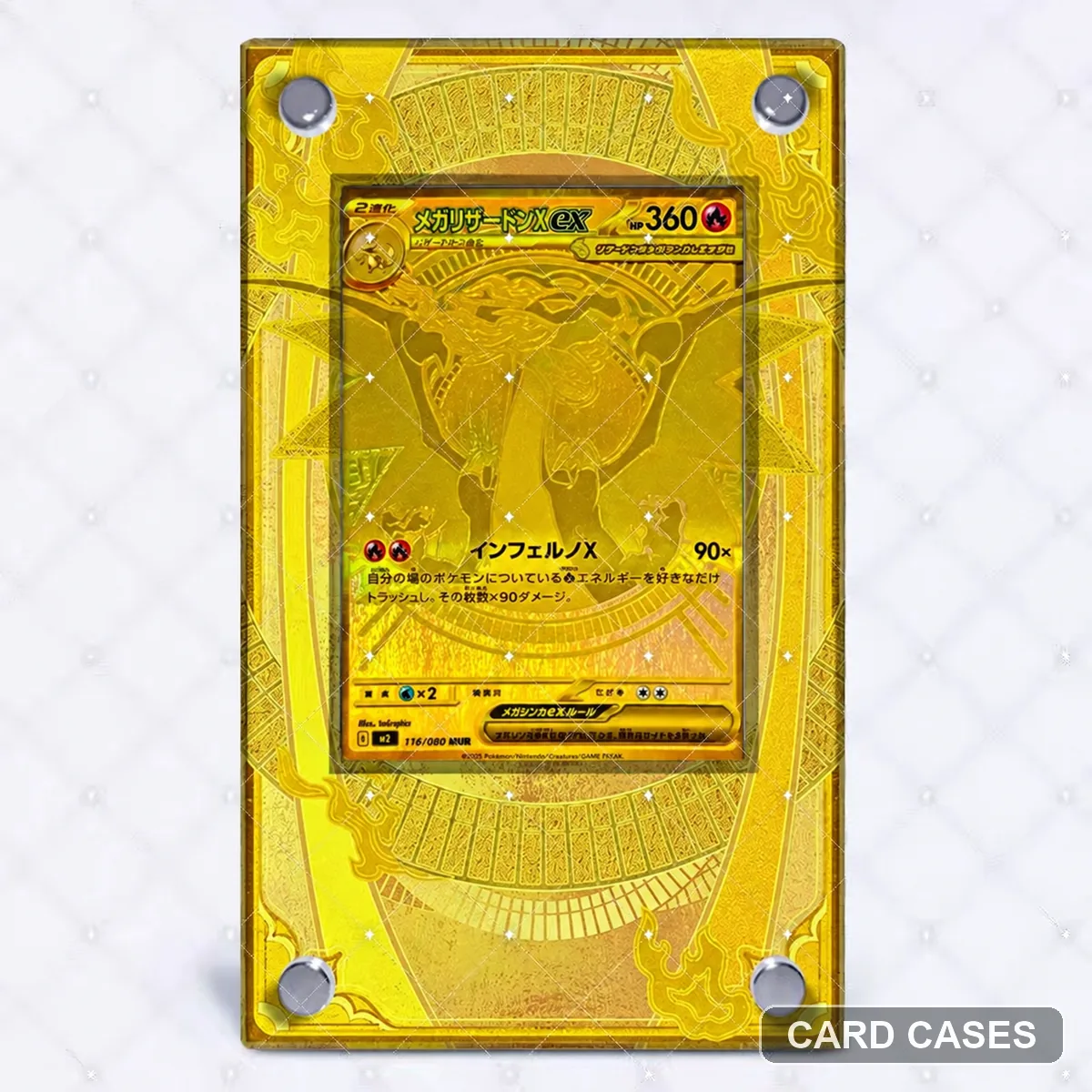 Separate the MUR listing from the SAR surround
M2 Mega Charizard X ex MUR Extended-art Display Frame · PCC-003
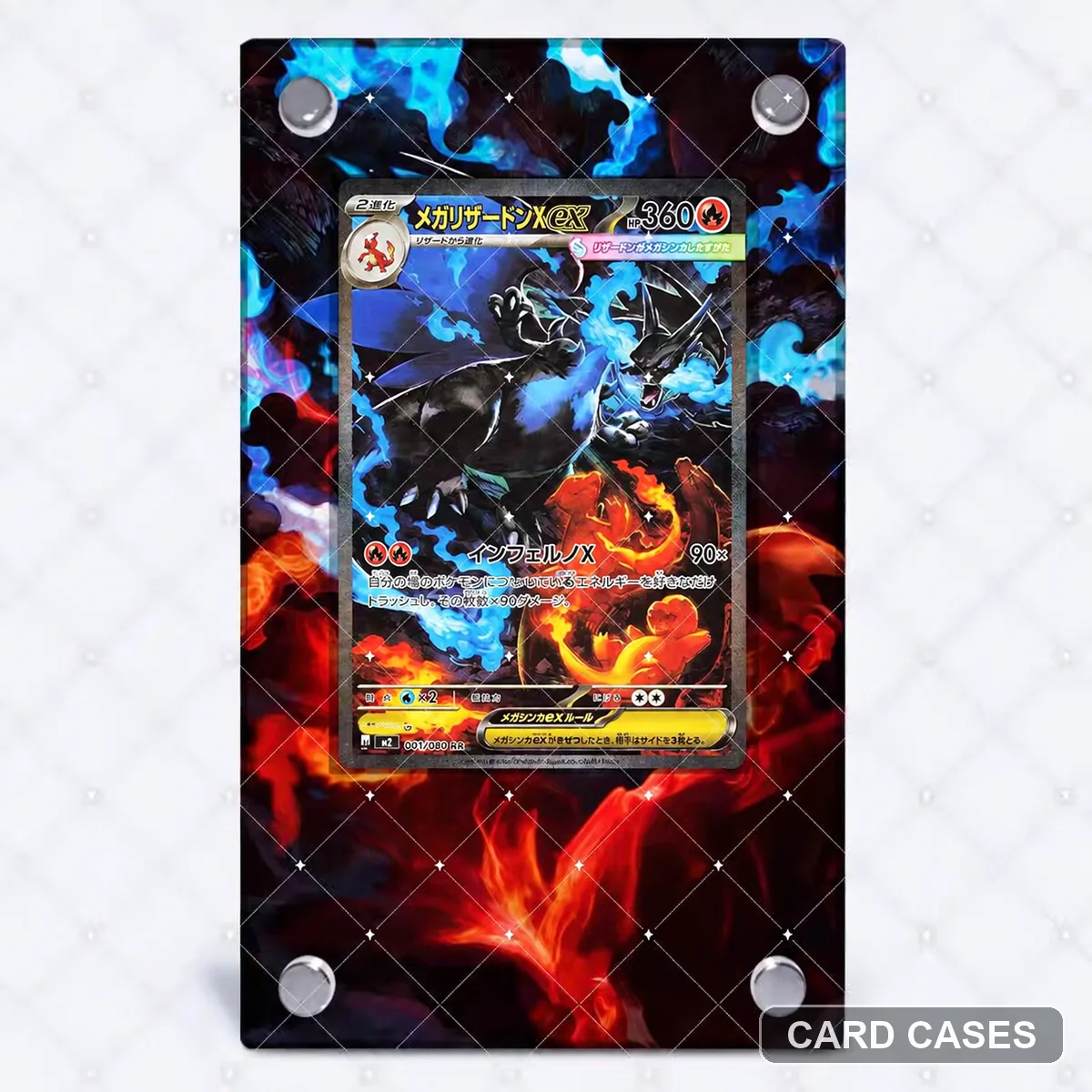 Begin with the SAR design rather than the character alone
M2 Mega Charizard X ex SAR Extended-art Display Frame · PCC-007
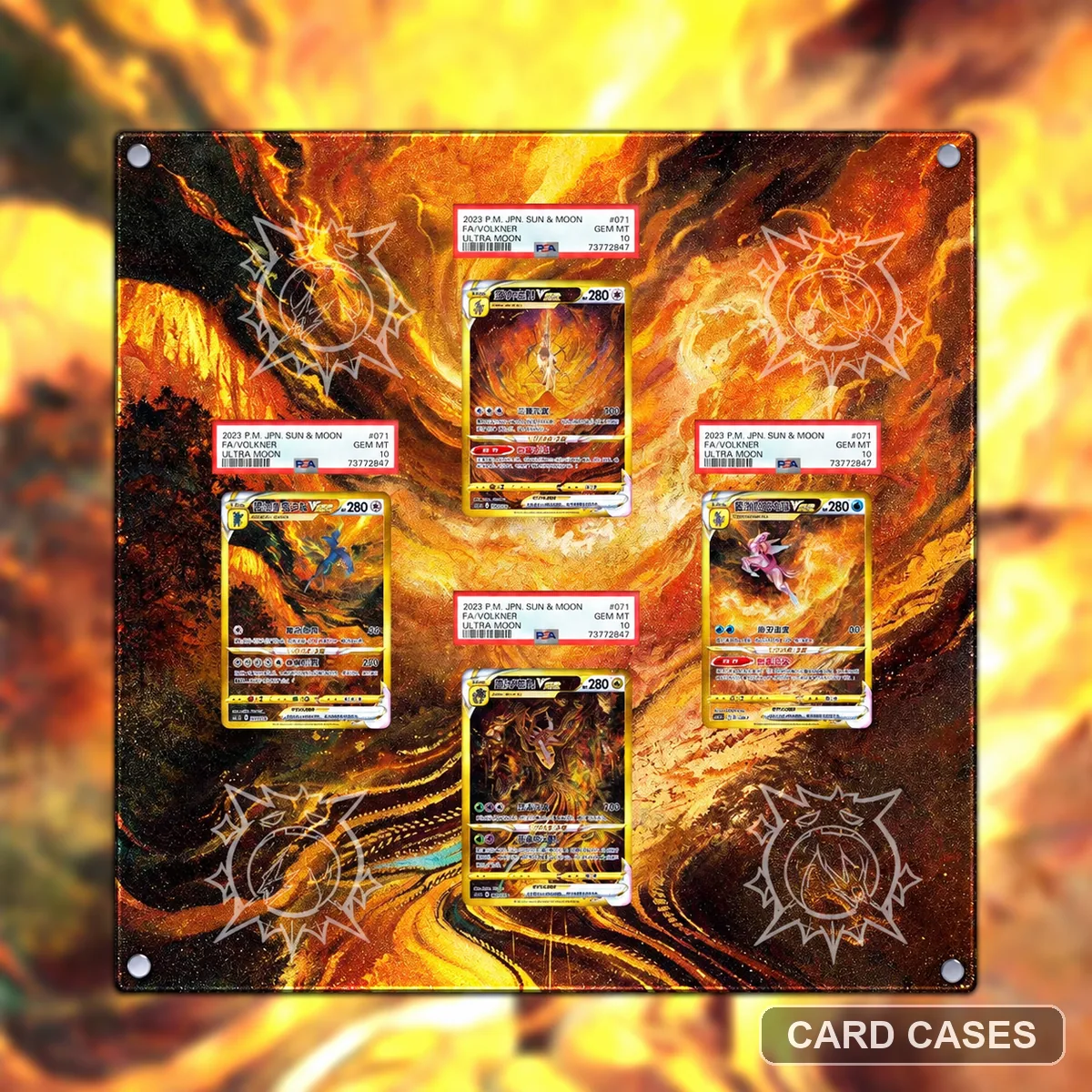 Plan the complete Charizard arrangement before the mount
Charizard Multi-card Wall Extended-art Display Frame · PCC-023
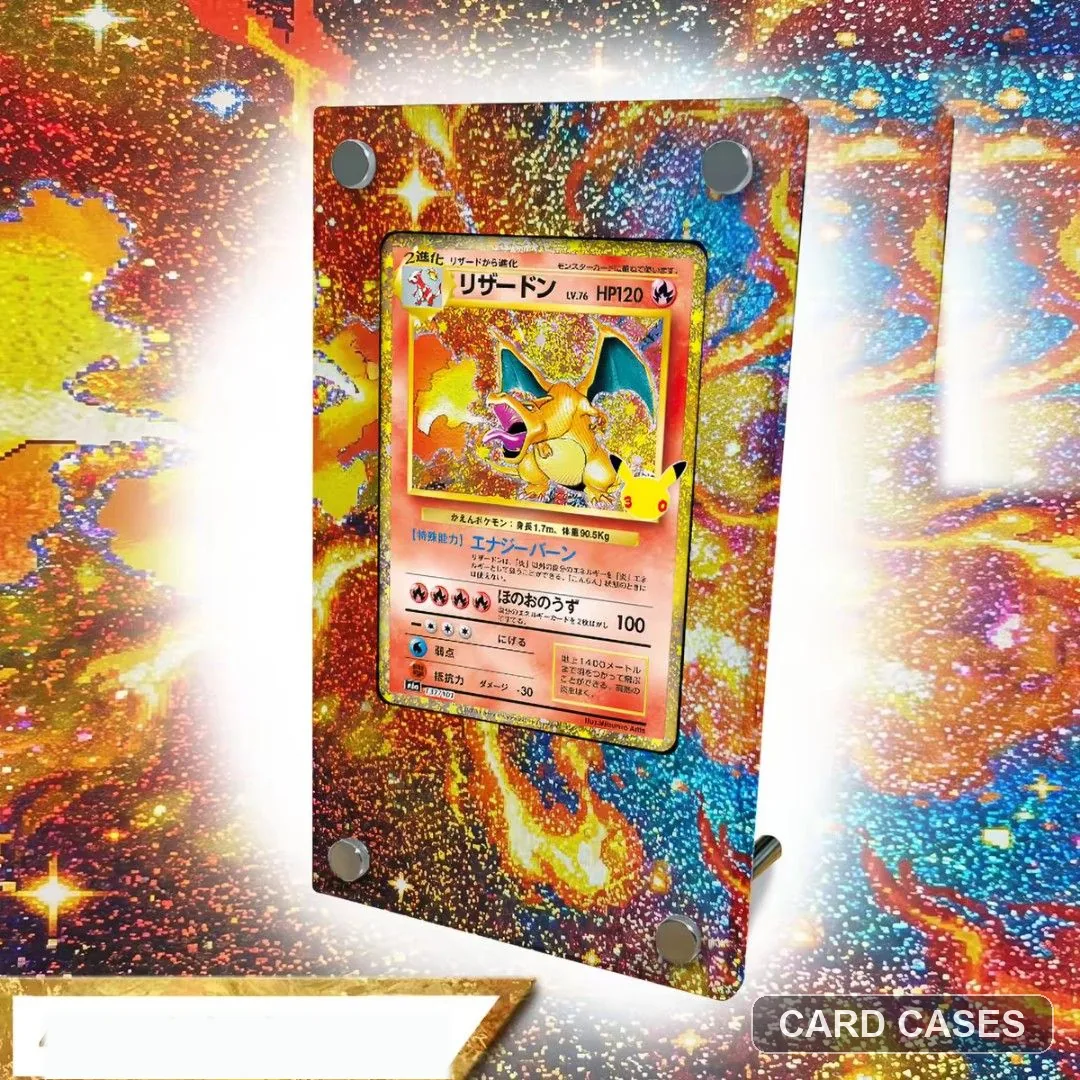 Keep the themed Charizard entry distinct from Charizard ex
M6a Charizard 137/103 30th Anniversary Extended-art Display Frame · PCC-045
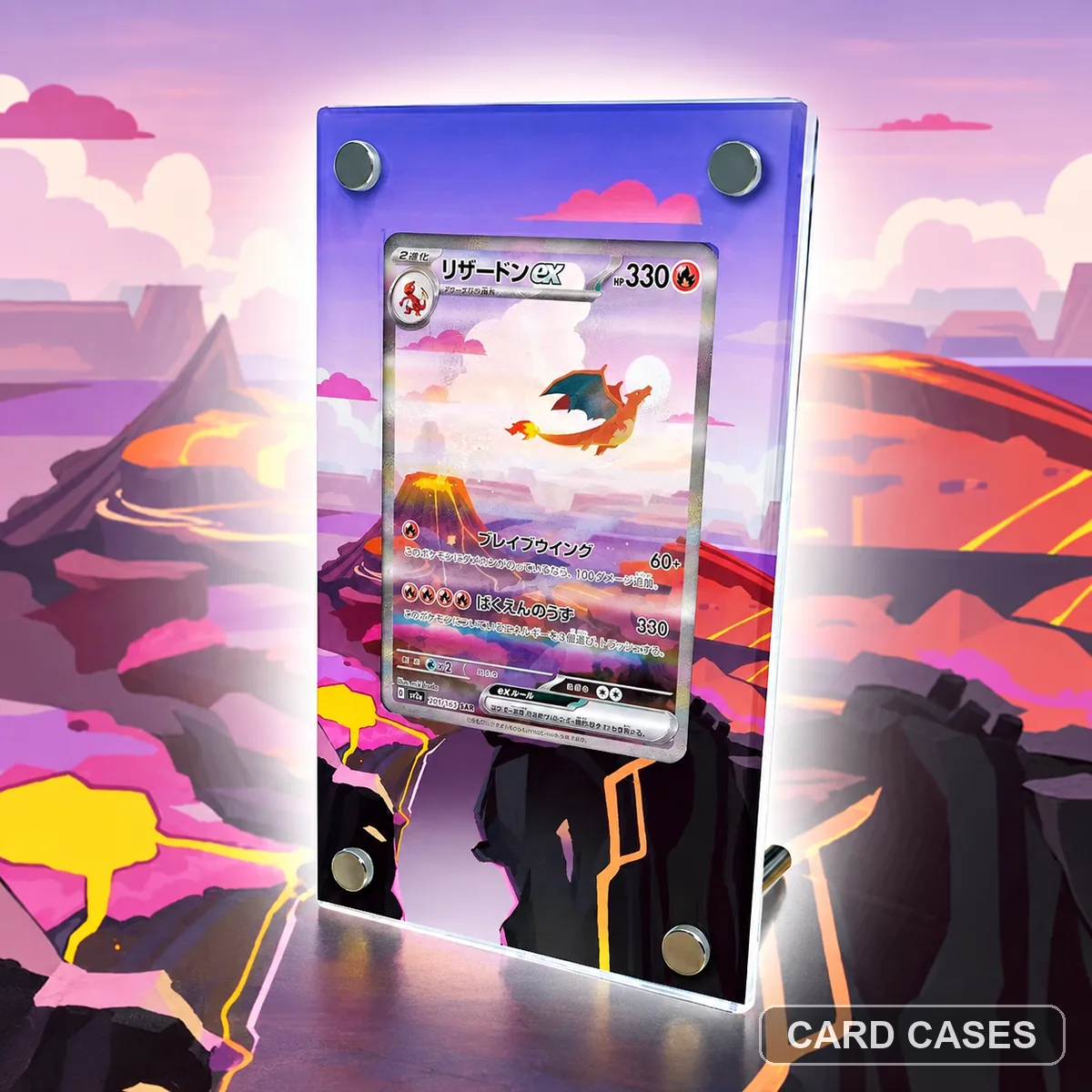 Keep the ex reference separate from Charizard VSTAR
SV2a Charizard ex SAR 201/165 Extended-art Display Frame · PCC-086
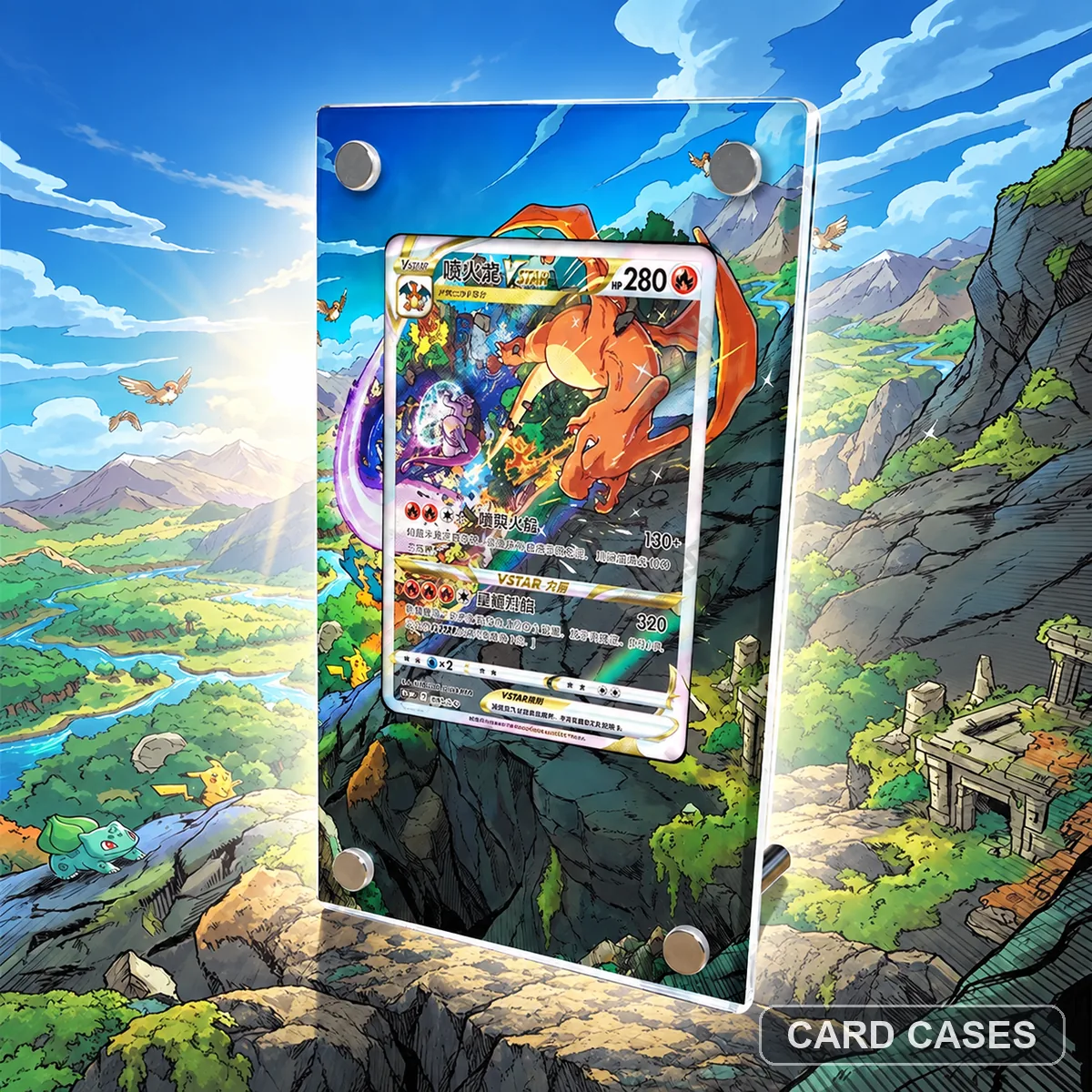 Identify the VSTAR scene in the theme-led entry
S12a Charizard VSTAR Themed Extended-art Display Frame · PCC-087
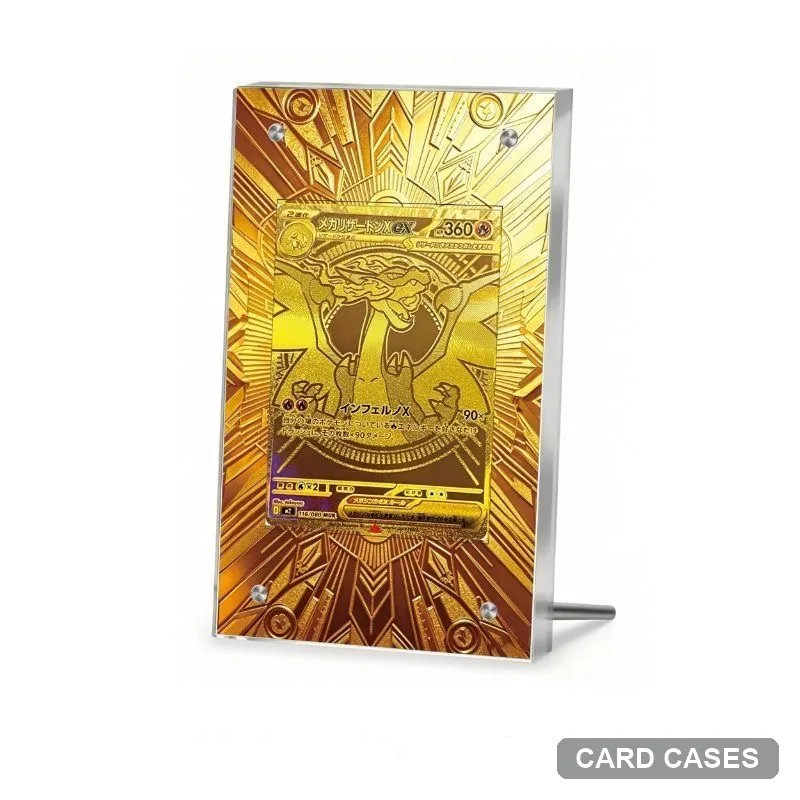 Separate the geometric theme from M2 rarity references
Mega Charizard X ex — Gold Geometry — Extended-art Display Frame · PCC-106
Rayquaza references & layouts
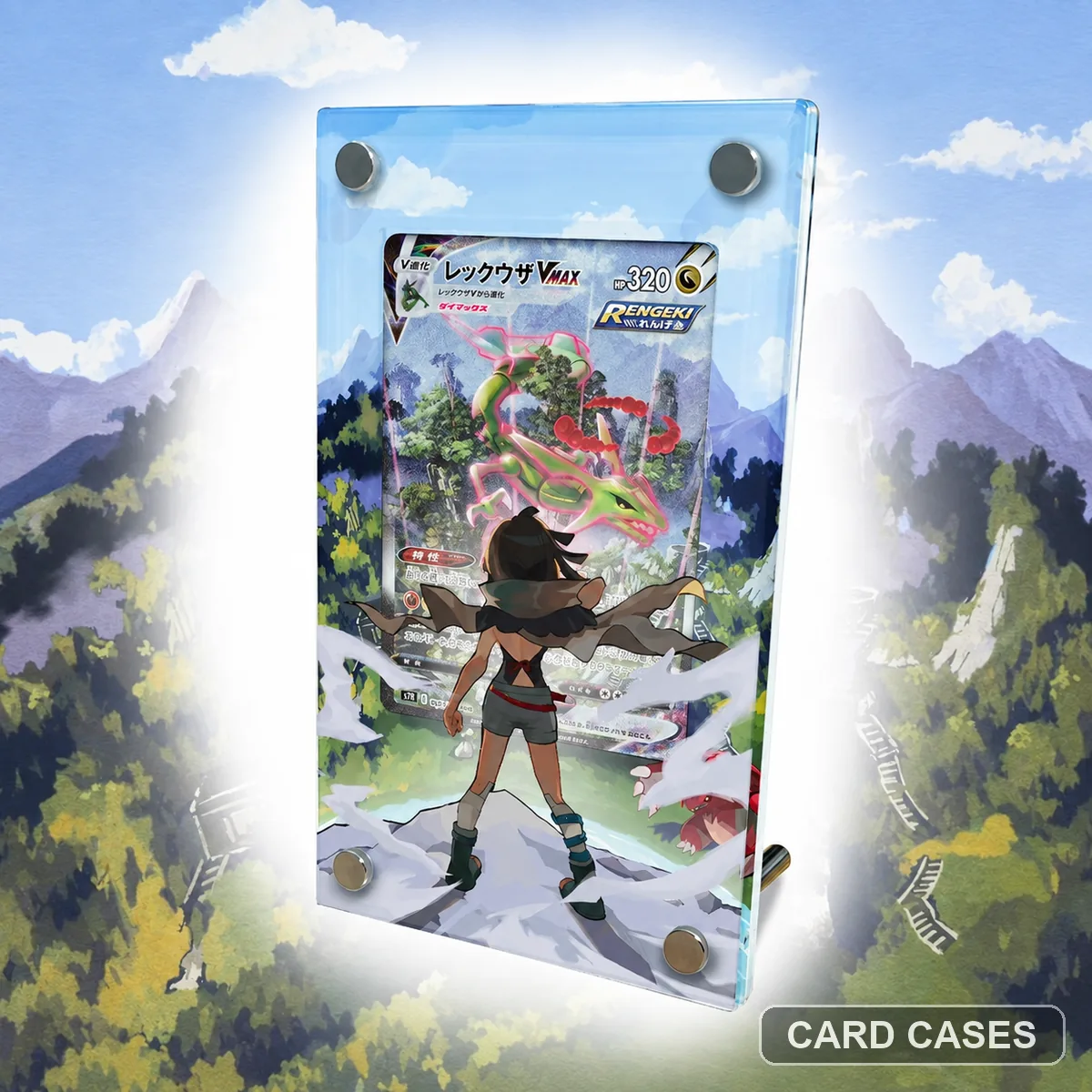 Check the S7R reference before choosing a VMAX frame
S7R Rayquaza VMAX HR Extended-art Display Frame · PCC-008
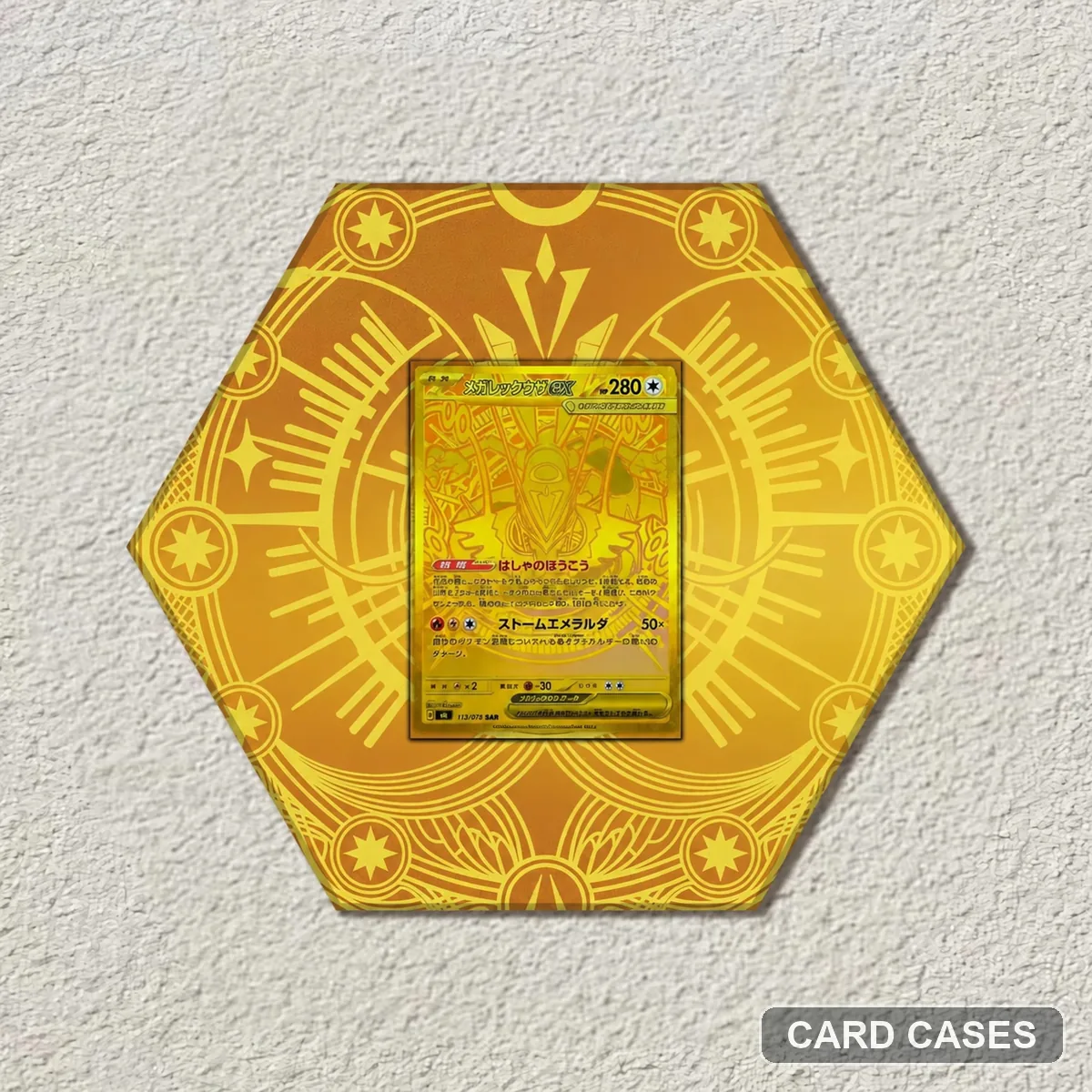 Keep the MUR reference separate from the SAR entry
M6 Mega Rayquaza ex MUR 113/076 Extended-art Display Frame · PCC-021
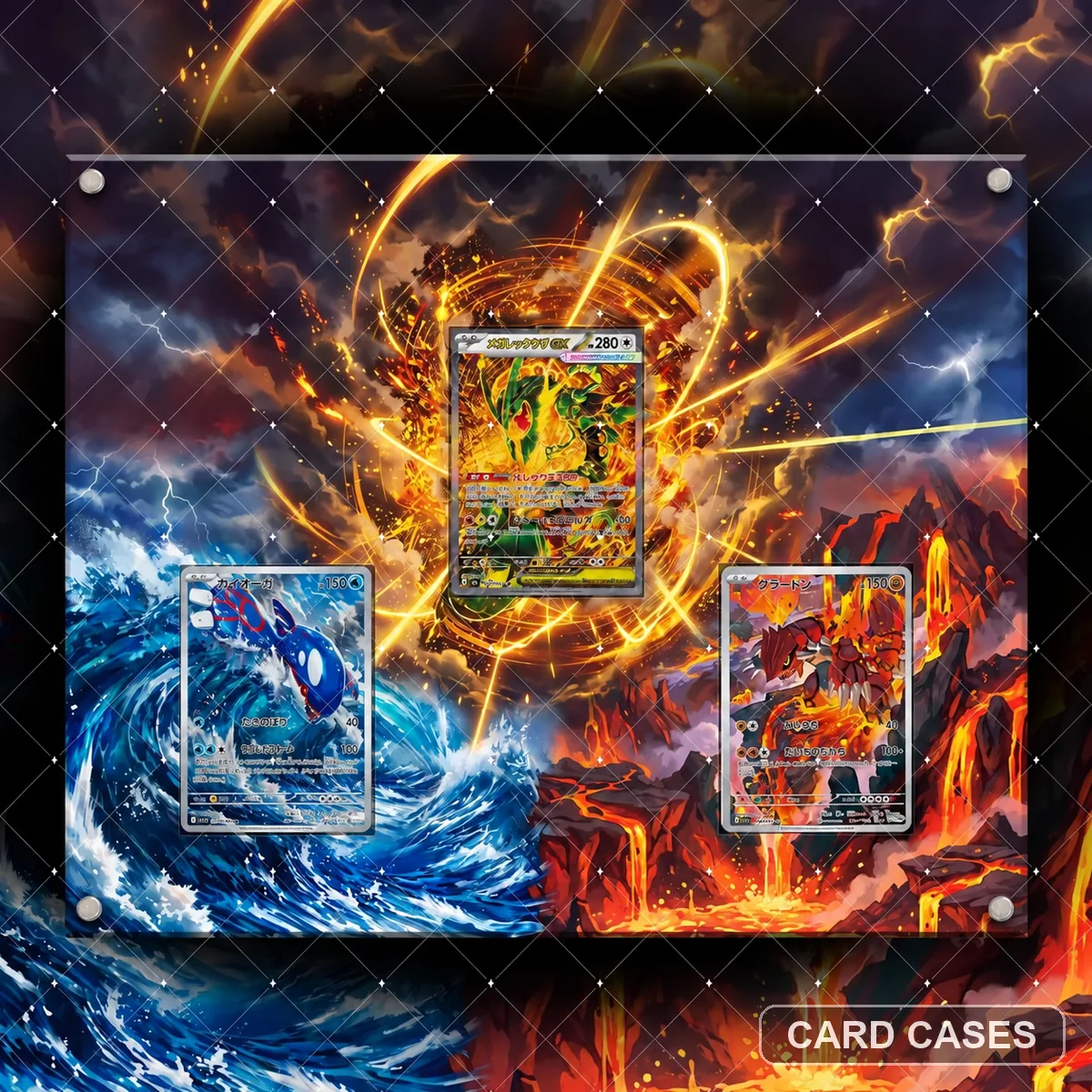 Make a position list for the Rayquaza-themed layout
M6 Mega Rayquaza ex Multi-card Extended-art Display Frame · PCC-033
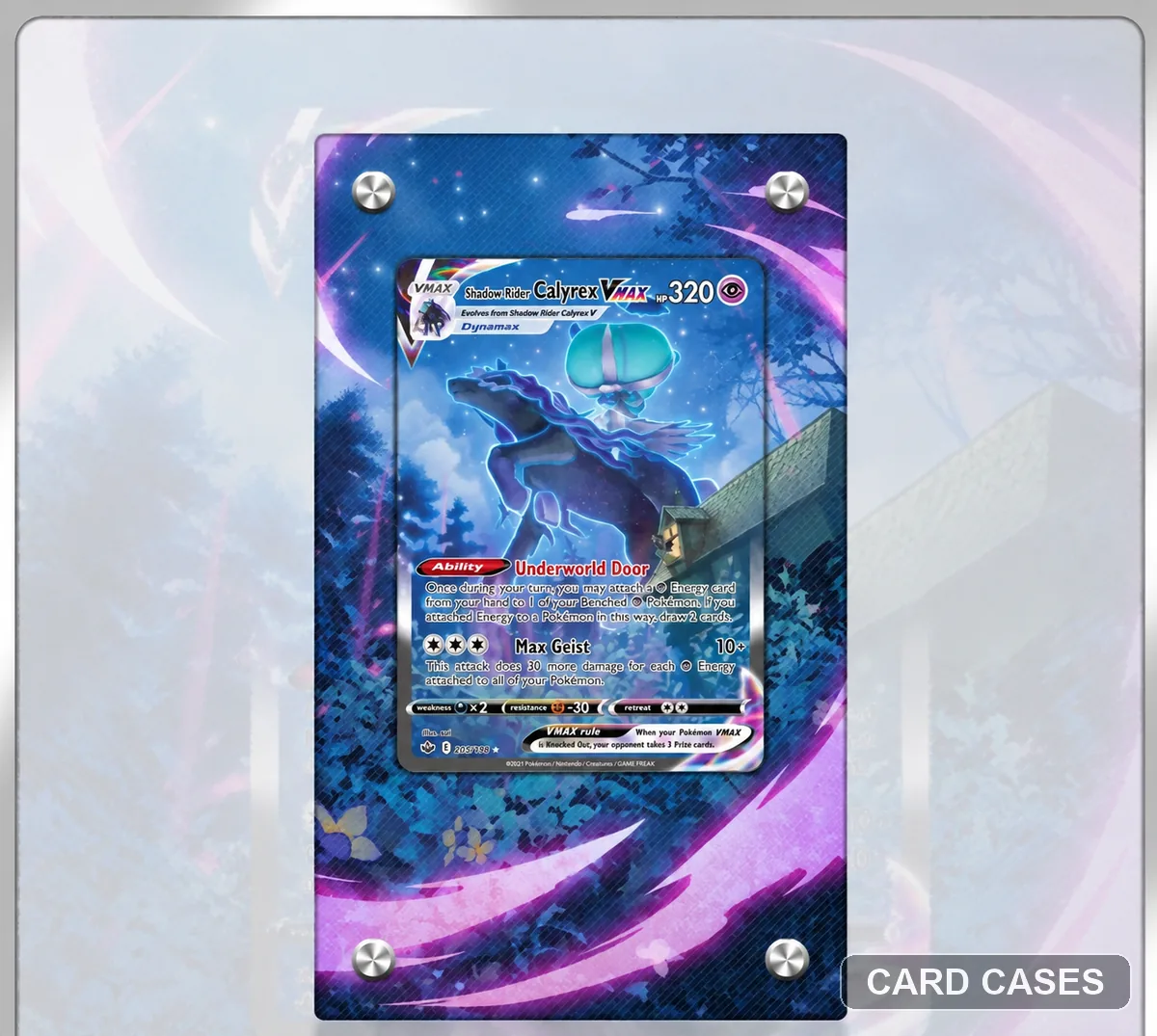 Keep the S6K VMAX gallery separate from S7R
S6K Rayquaza VMAX HR Extended-art Display Frame · PCC-069
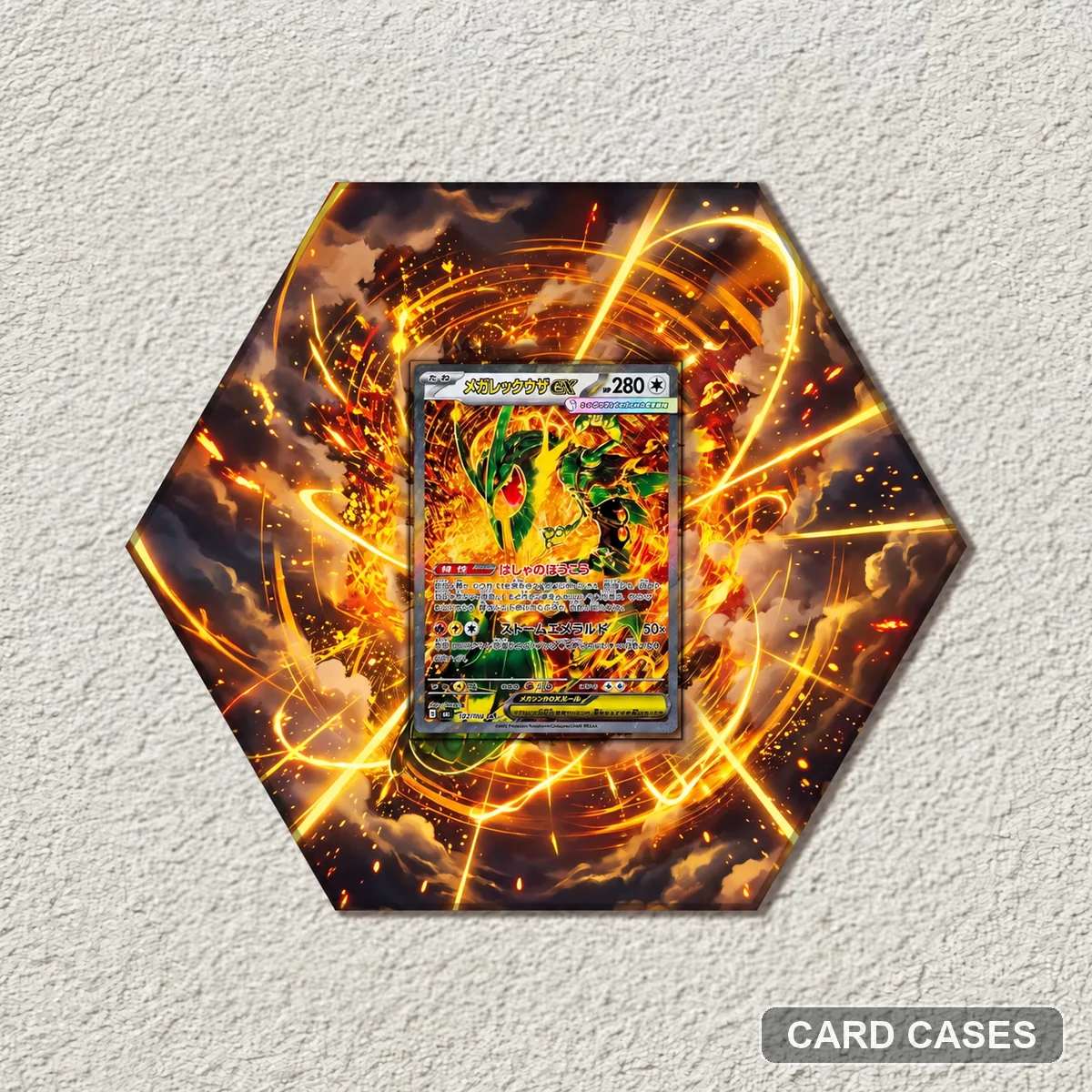 Choose 110/076 rather than the neighbouring MUR reference
M6 Mega Rayquaza ex SAR 110/076 Extended-art Display Frame · PCC-095
Eevee evolution displays
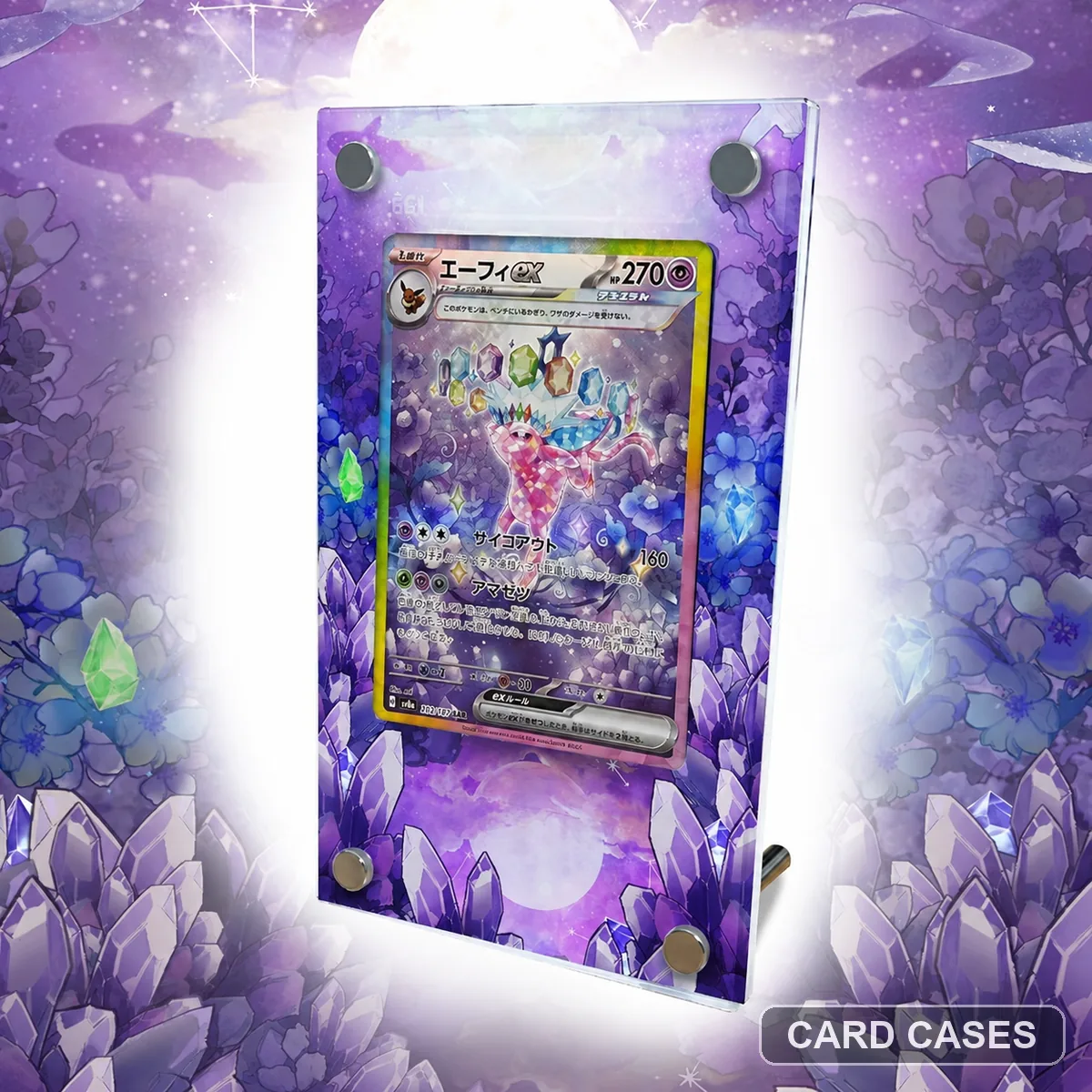 Compare numbered Espeon artwork with the promo options
SV8a Espeon ex SAR 211/187 Extended-art Display Frame · PCC-013
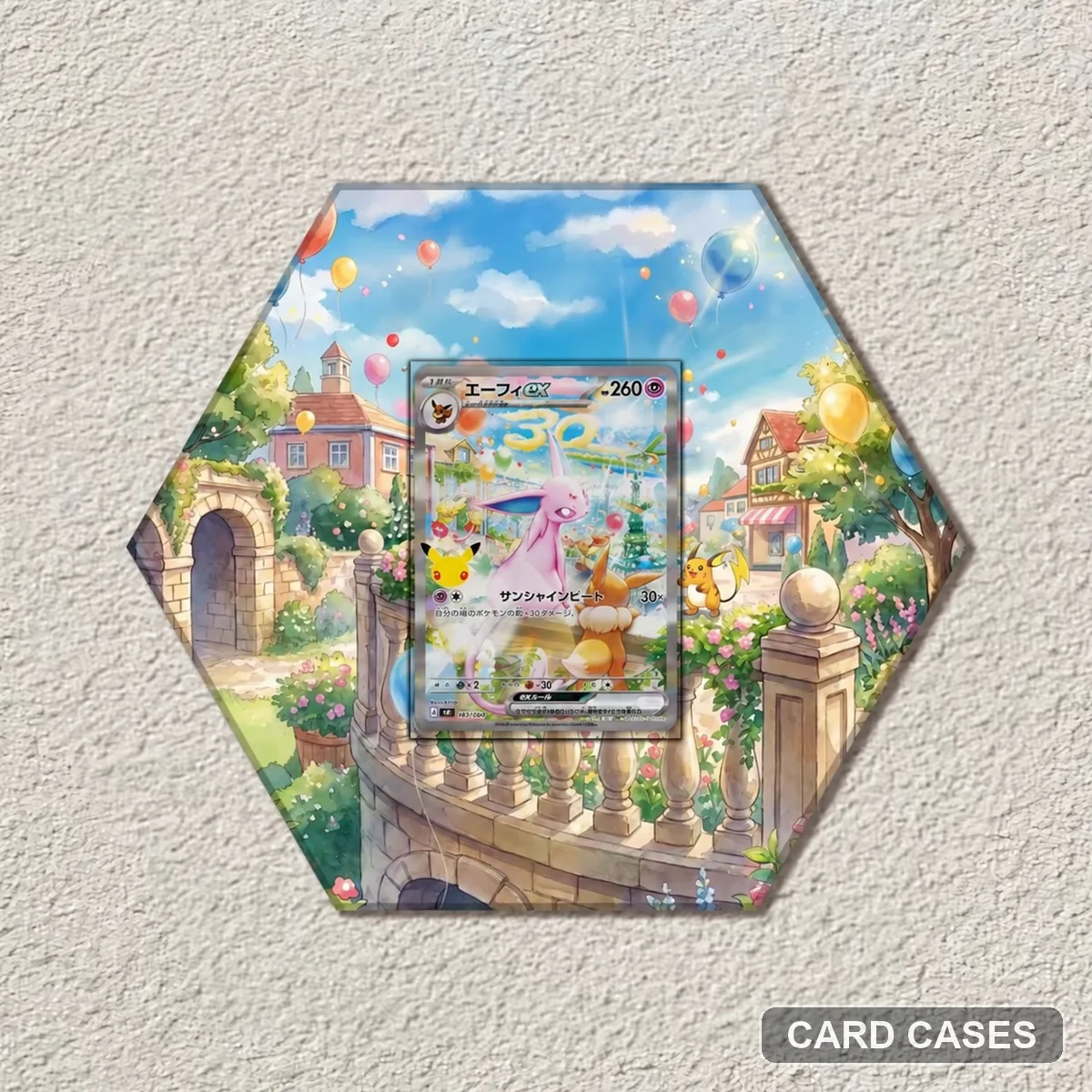 Identify the first promo gallery by product code
MF Espeon ex PROMO 043/040 Extended-art Display Frame · PCC-015
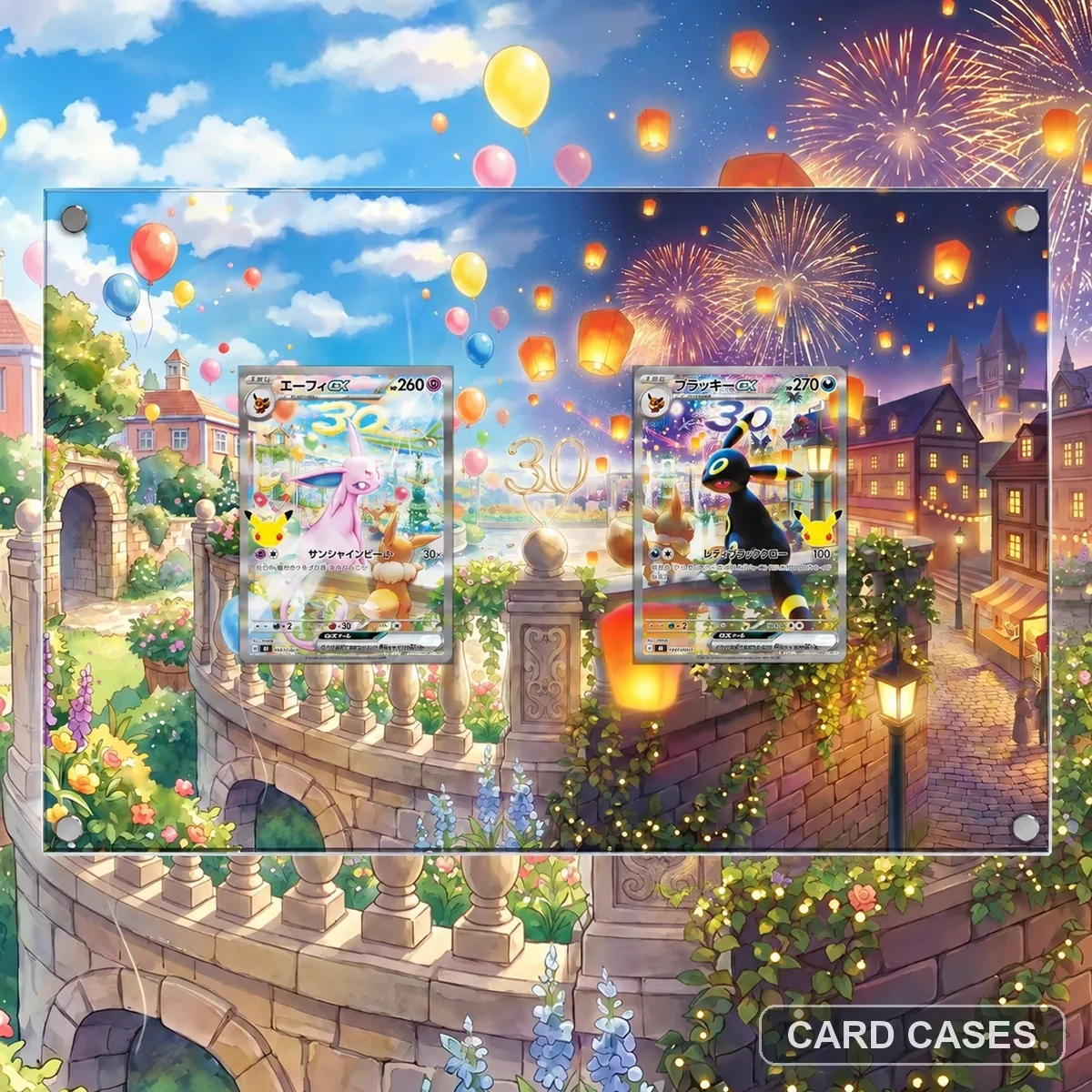 Compare the second promo gallery as a distinct presentation
MF Espeon ex PROMO 043/040 Extended-art Display Frame · PCC-025
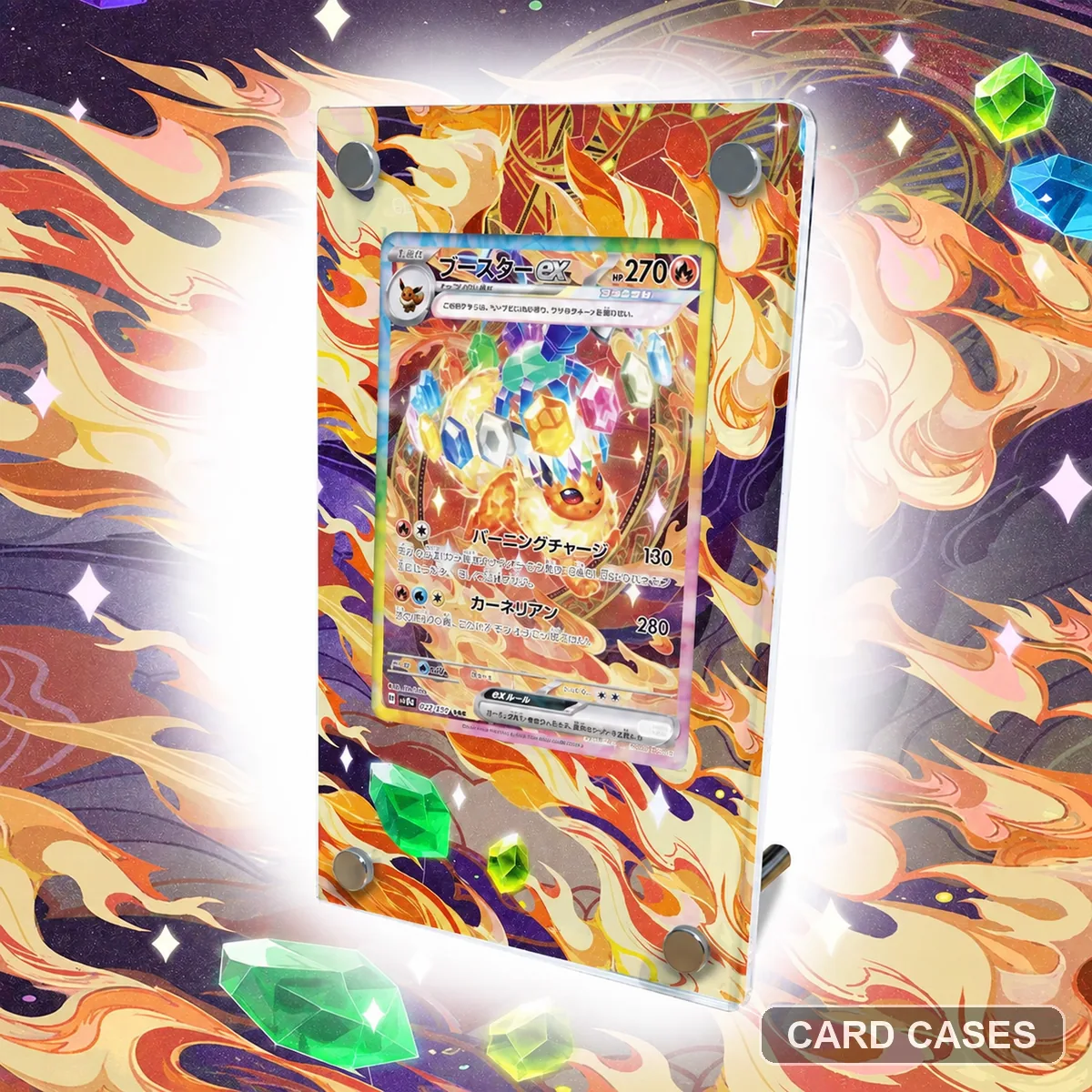 Use Flareon’s individual scene in a family shortlist
SV8a Flareon ex SAR 202/187 Extended-art Display Frame · PCC-031
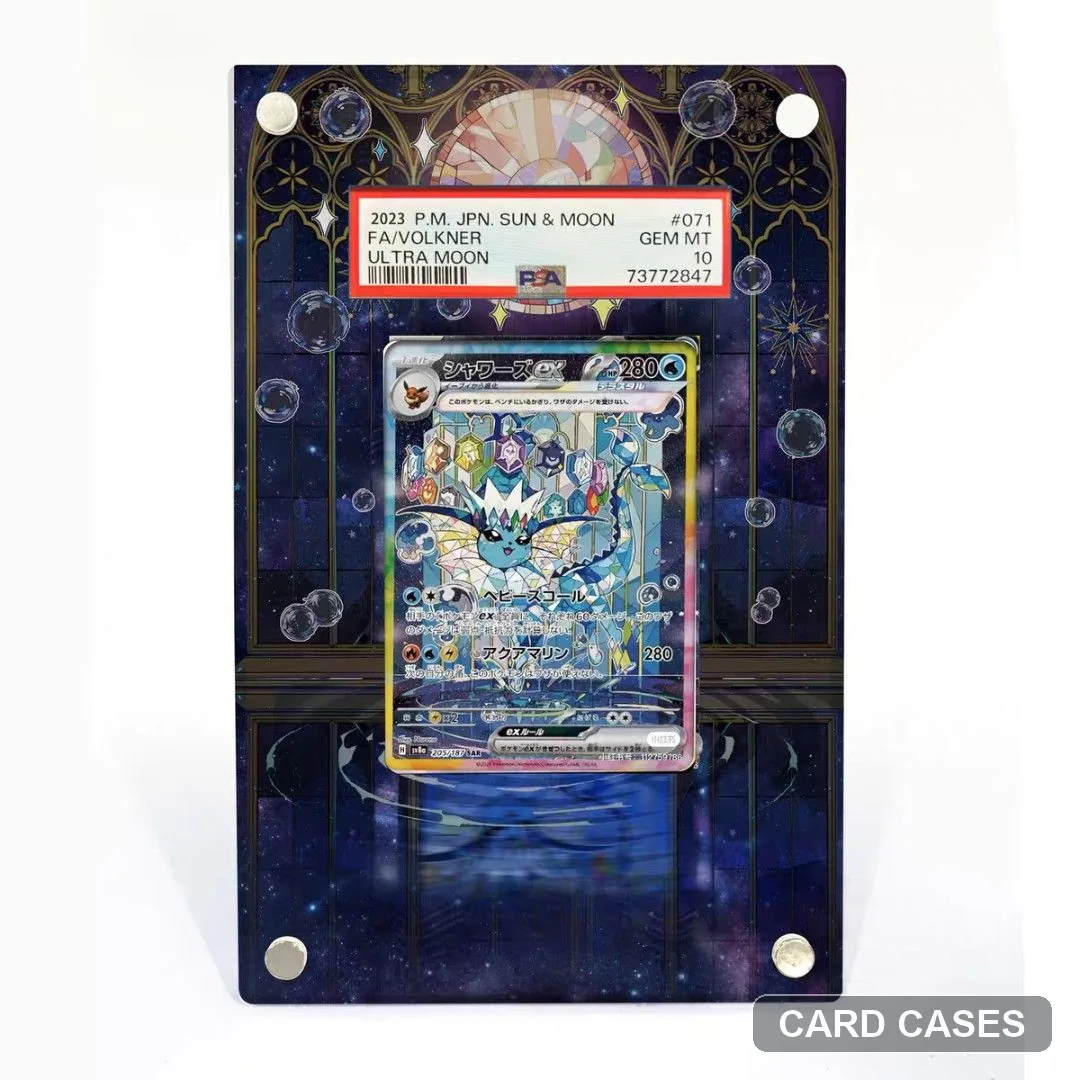 Build an Eeveelution comparison around the full number
SV8a Vaporeon ex SAR 205/187 Extended-art Display Frame · PCC-035
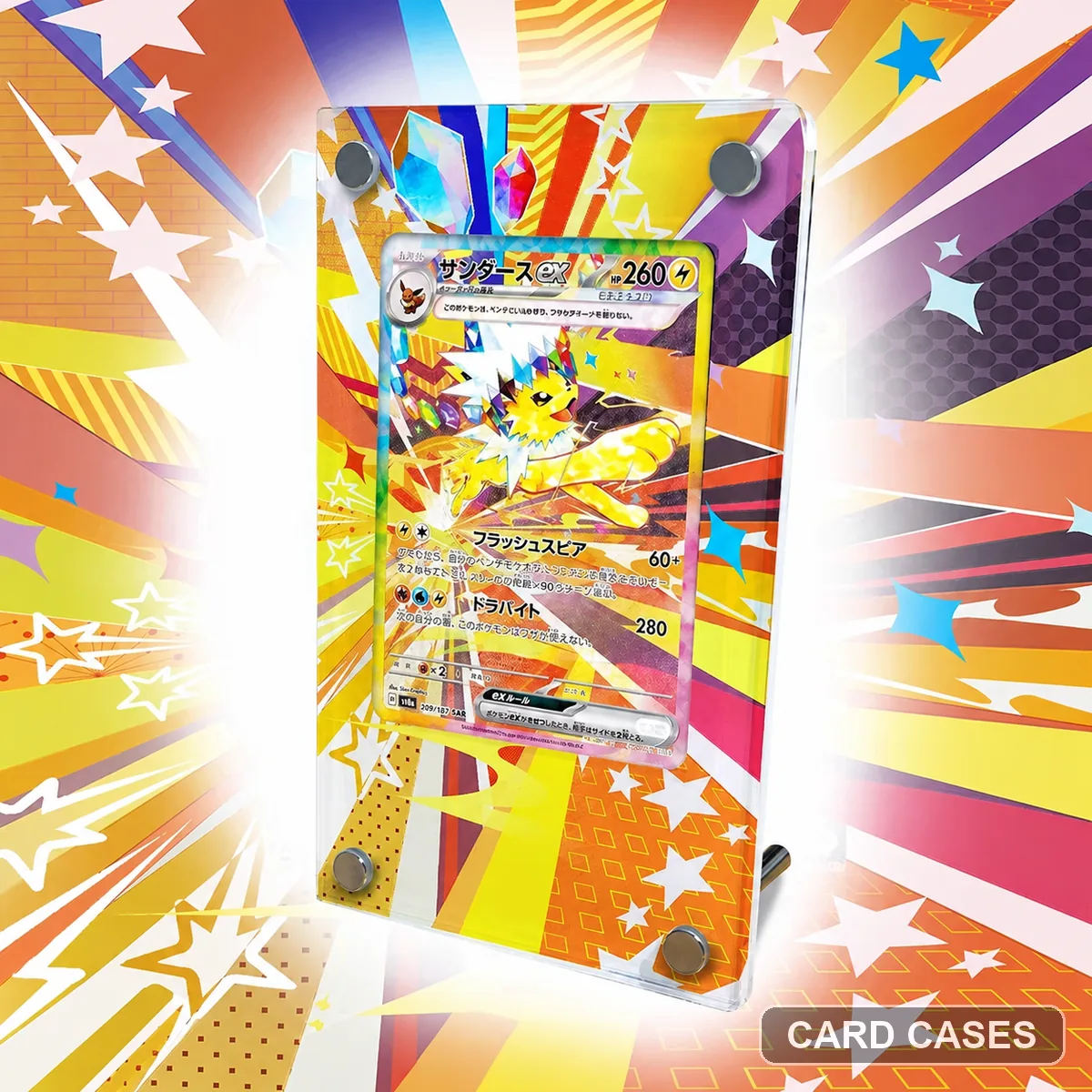 Plan spacing around the finished Jolteon display
SV8a Jolteon ex SAR 209/187 Extended-art Display Frame · PCC-048
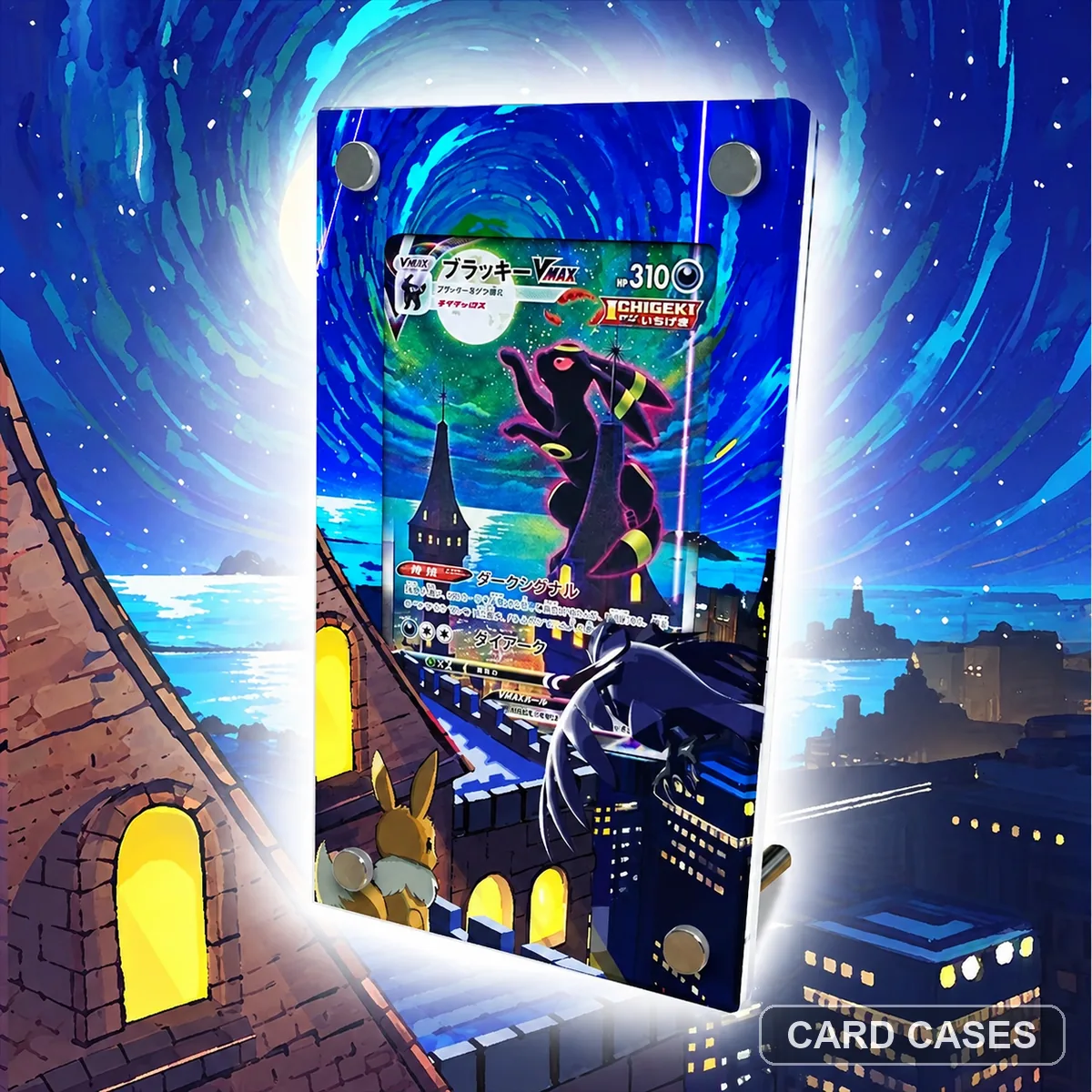 Keep the VMAX card distinct from Umbreon ex
S6a Umbreon VMAX HR 095/069 Extended-art Display Frame · PCC-049
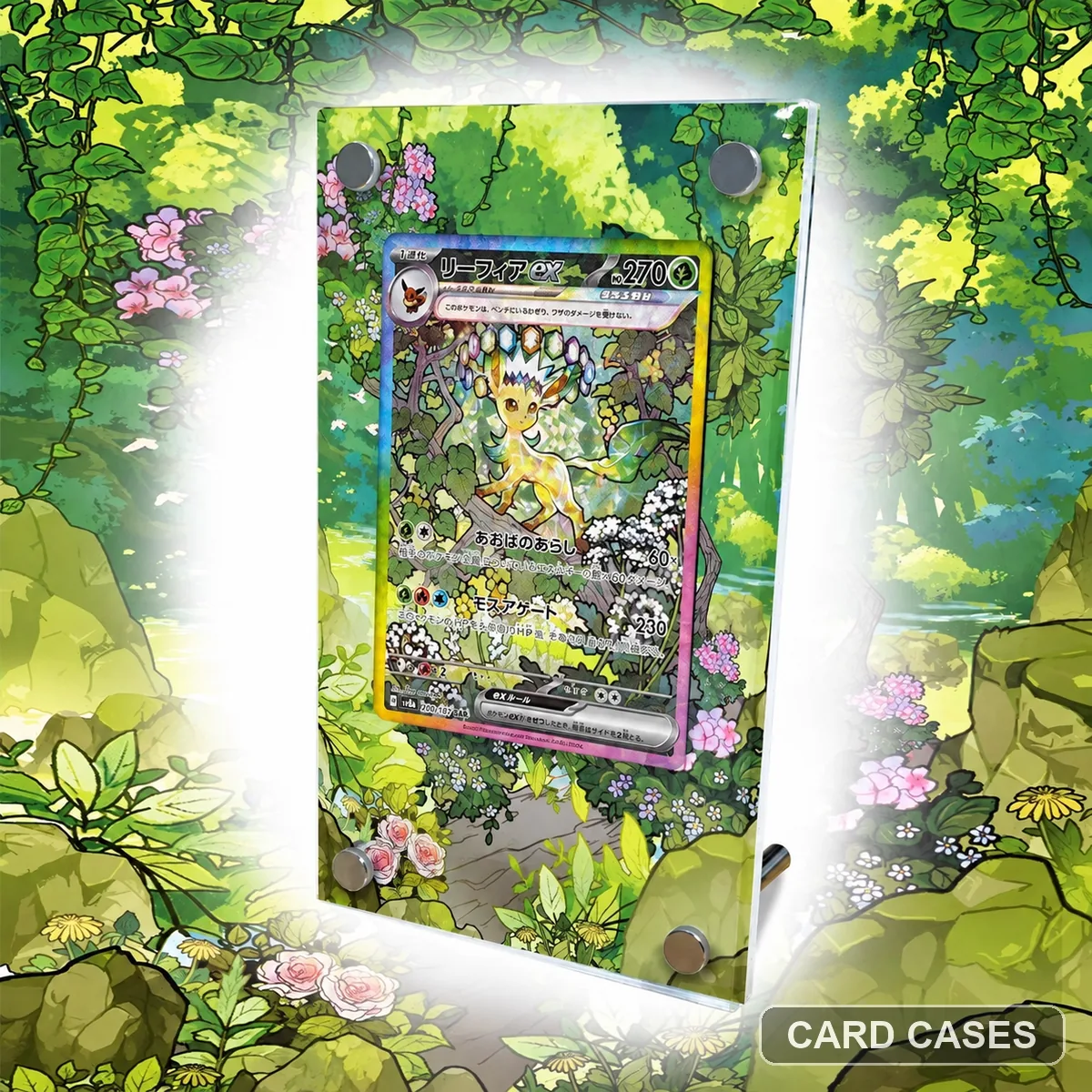 Use Leafeon as a separately checked part of an Eeveelution shelf
SV8a Leafeon ex SAR 200/187 Extended-art Display Frame · PCC-057
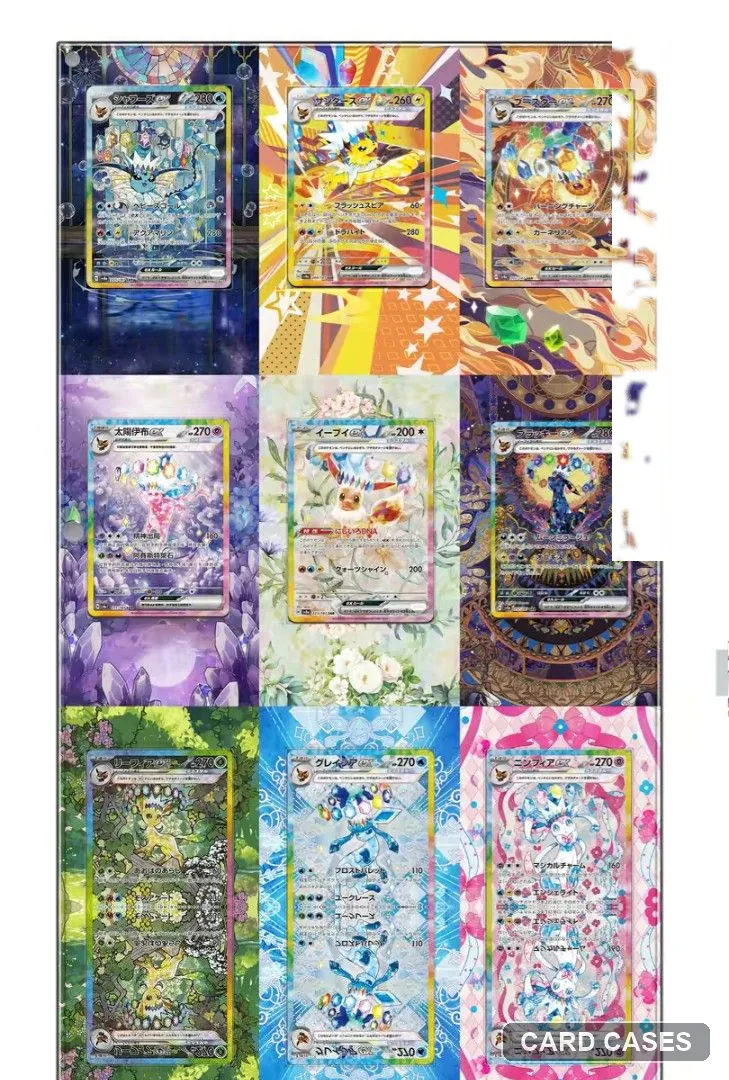 Treat nine Eeveelutions as a complete layout choice
SV8a Eeveelutions Nine-card Puzzle Extended-art Display Frame · PCC-064
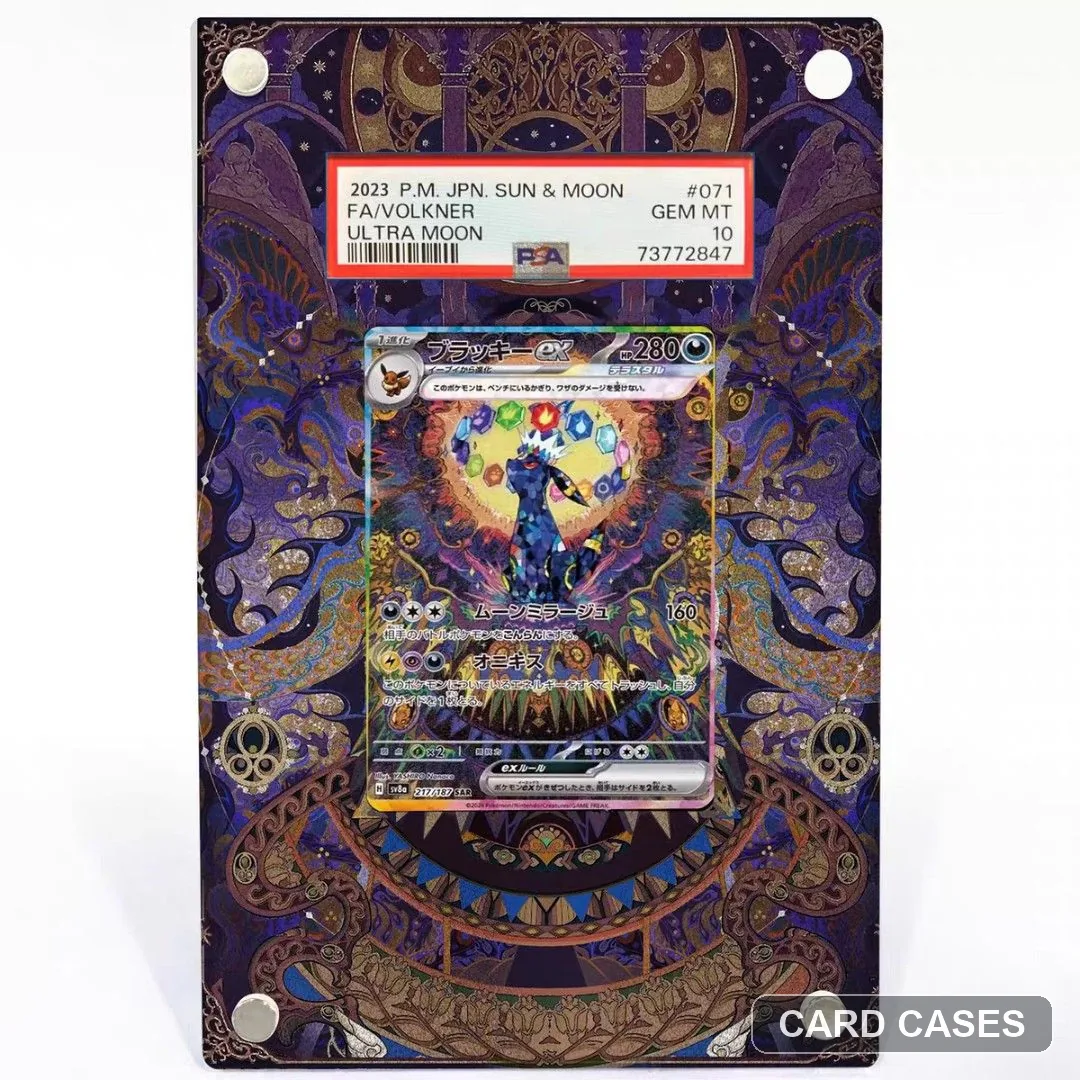 Keep the SV8a ex reference separate from VMAX and promo entries
SV8a Umbreon ex SAR 217/187 Extended-art Display Frame · PCC-065
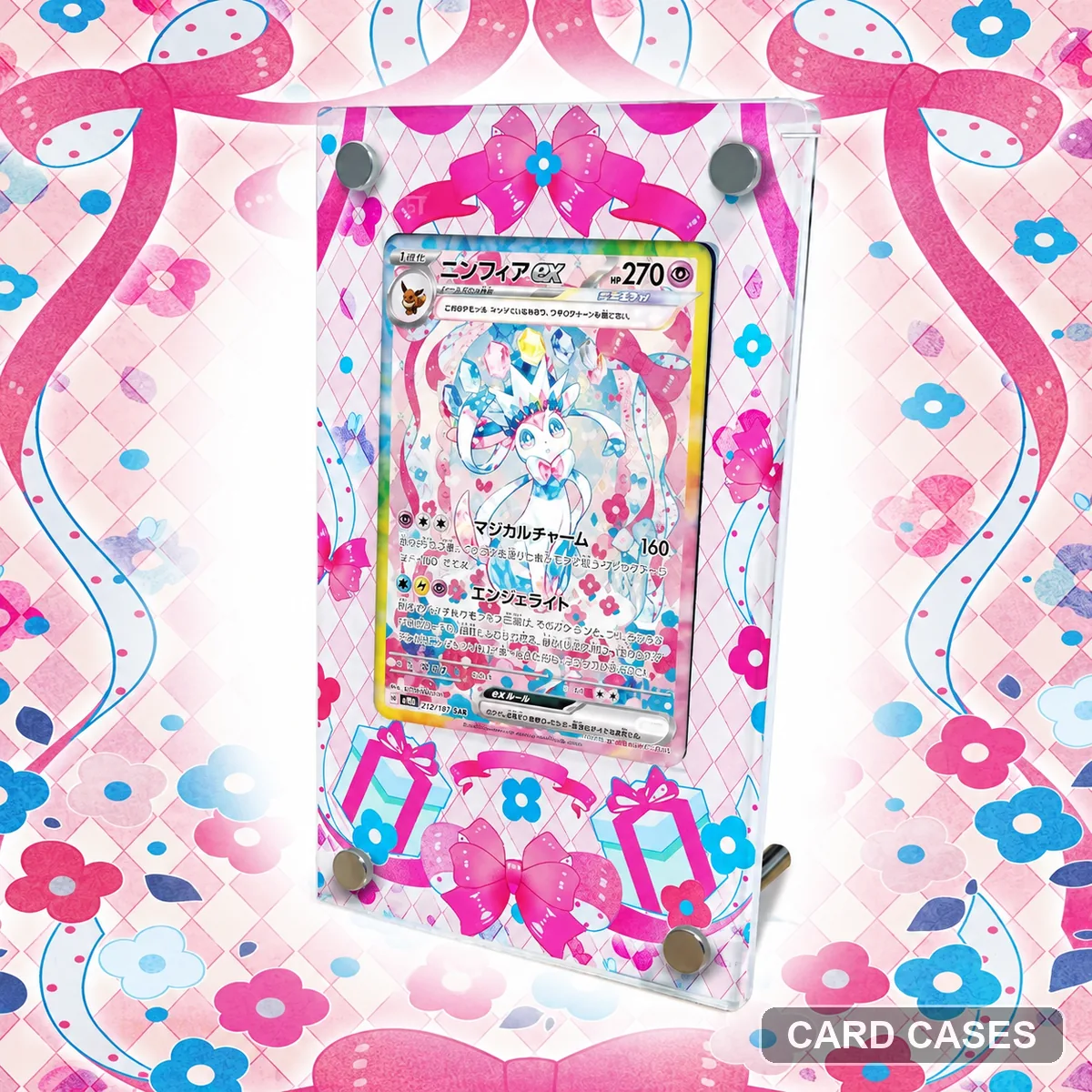 Choose the numbered Sylveon scene before a flower theme
SV8a Sylveon ex SAR 212/187 Extended-art Display Frame · PCC-071
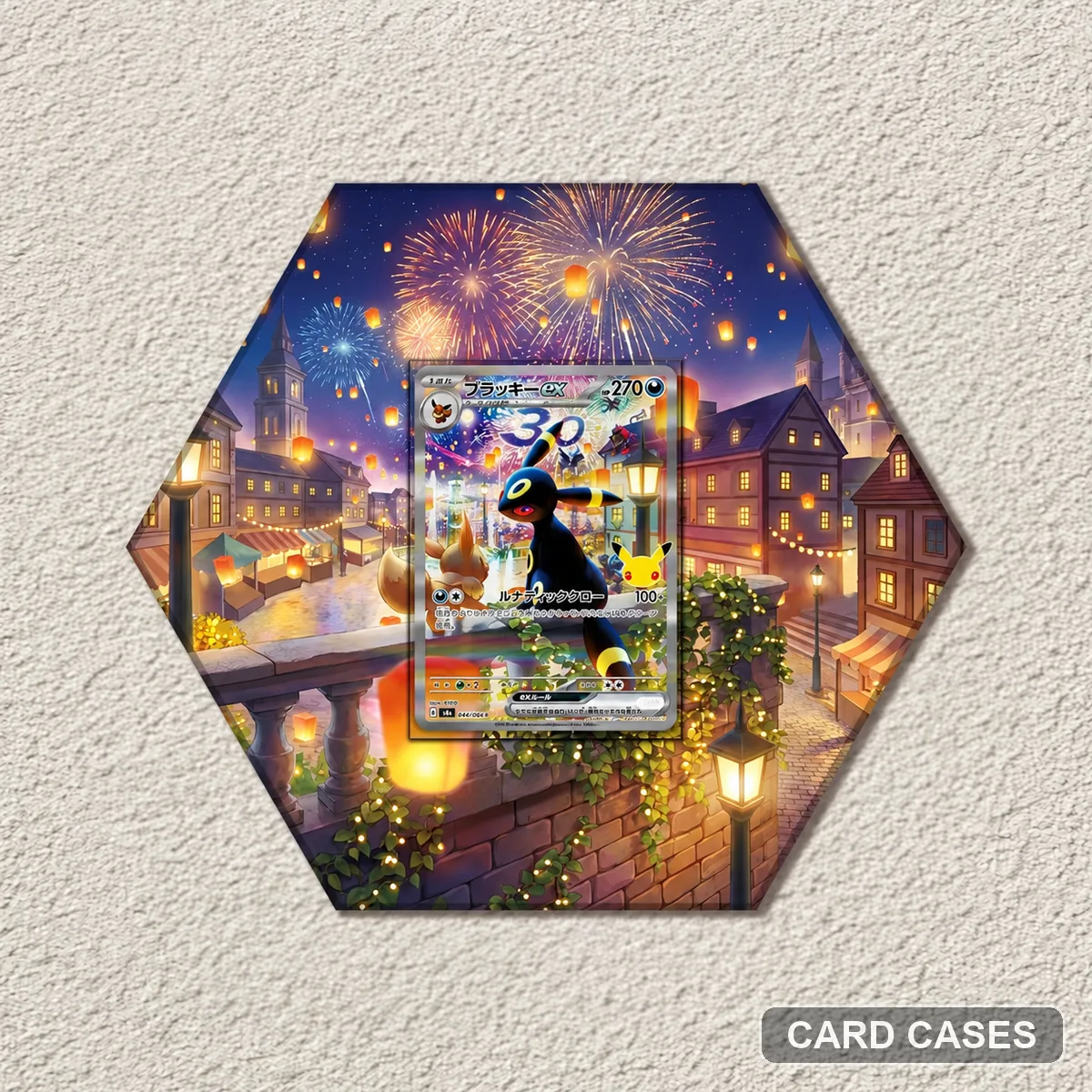 Keep the promo Umbreon reference separate from SV8a
MF Umbreon ex PROMO 044/040 Extended-art Display Frame · PCC-077
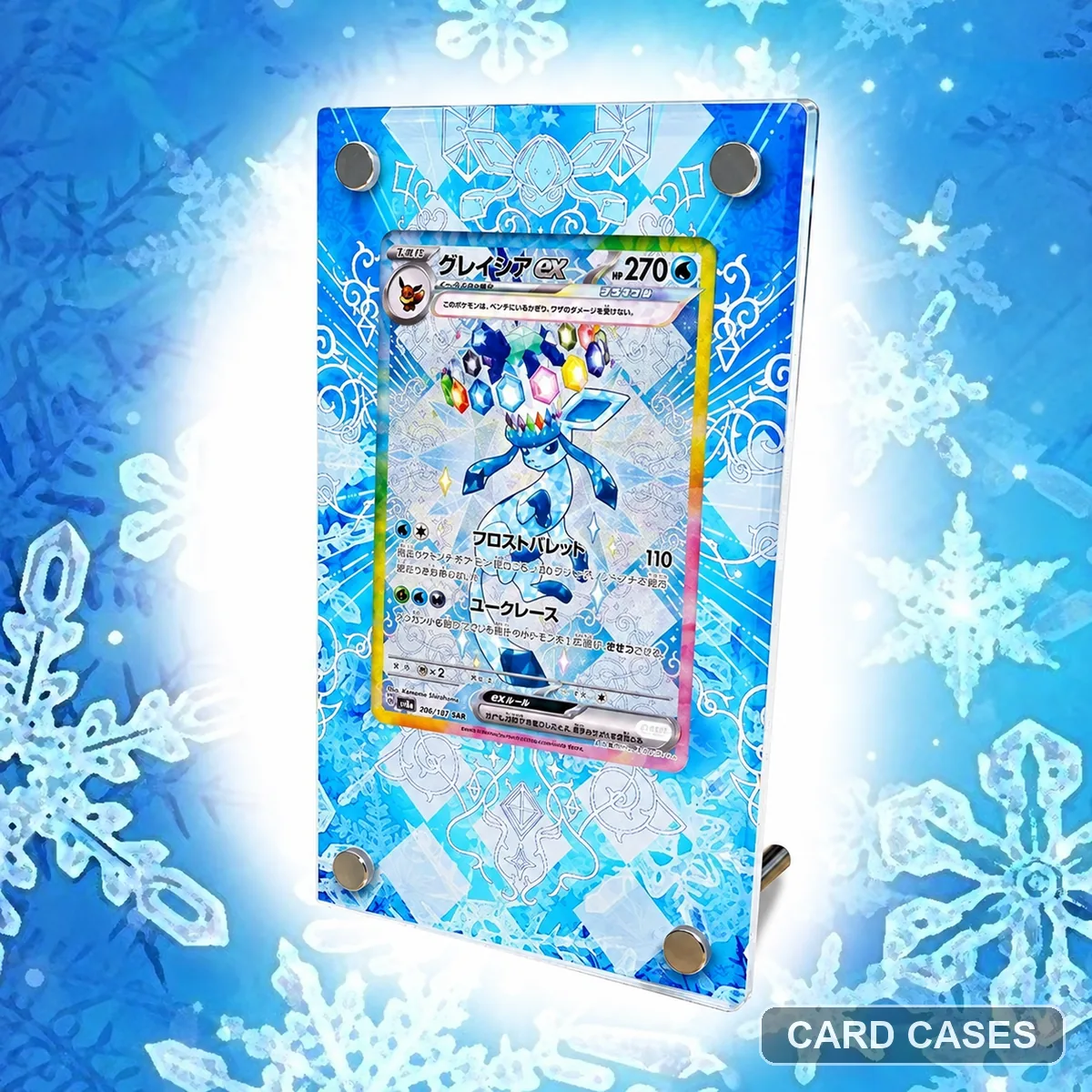 Choose Glaceon’s individual scene before a family layout
SV8a Glaceon ex SAR 206/187 Extended-art Display Frame · PCC-084
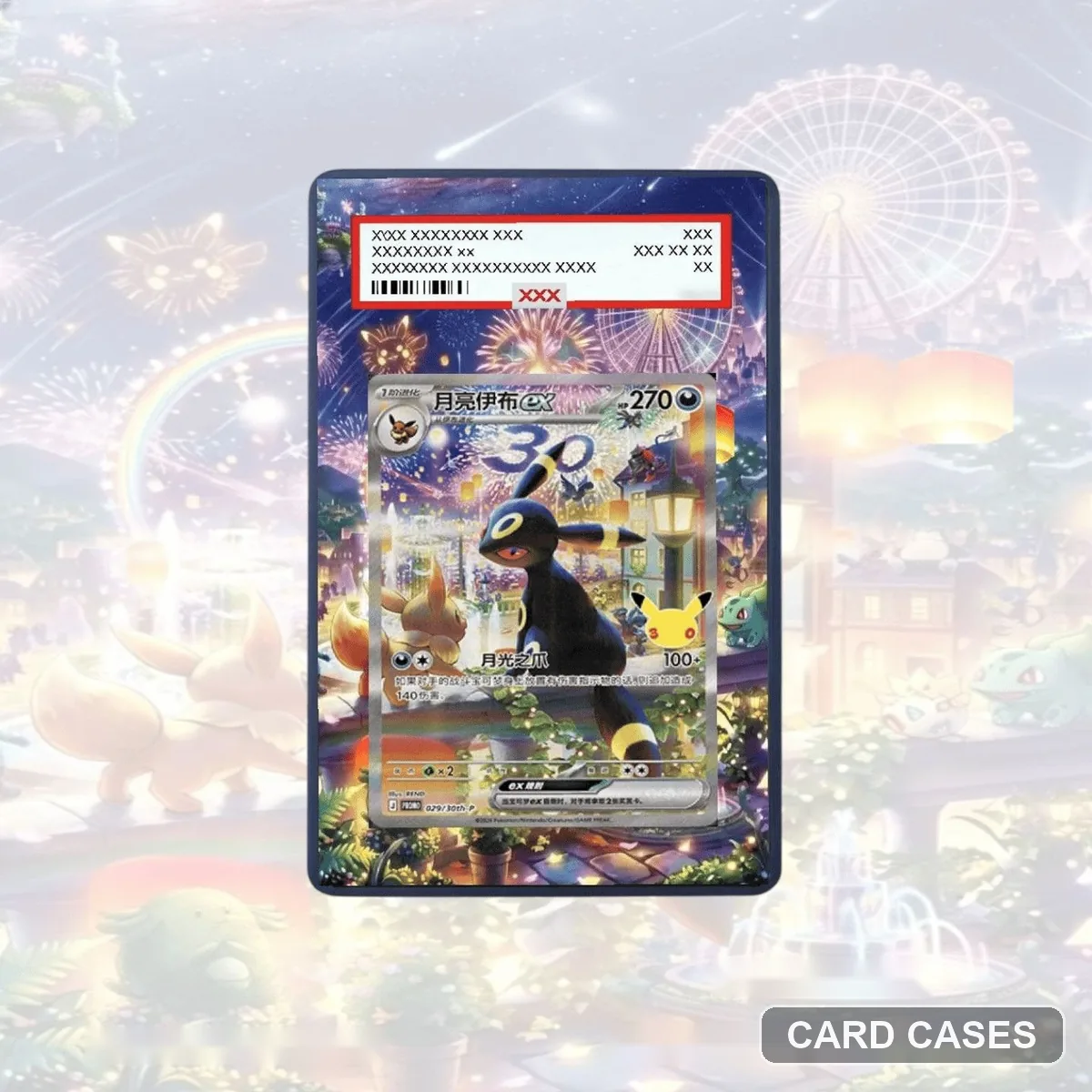 Confirm what the night-scene display-box package supplies
Umbreon — Illuminated Night Display Set — Extended-art Display Frame · PCC-099
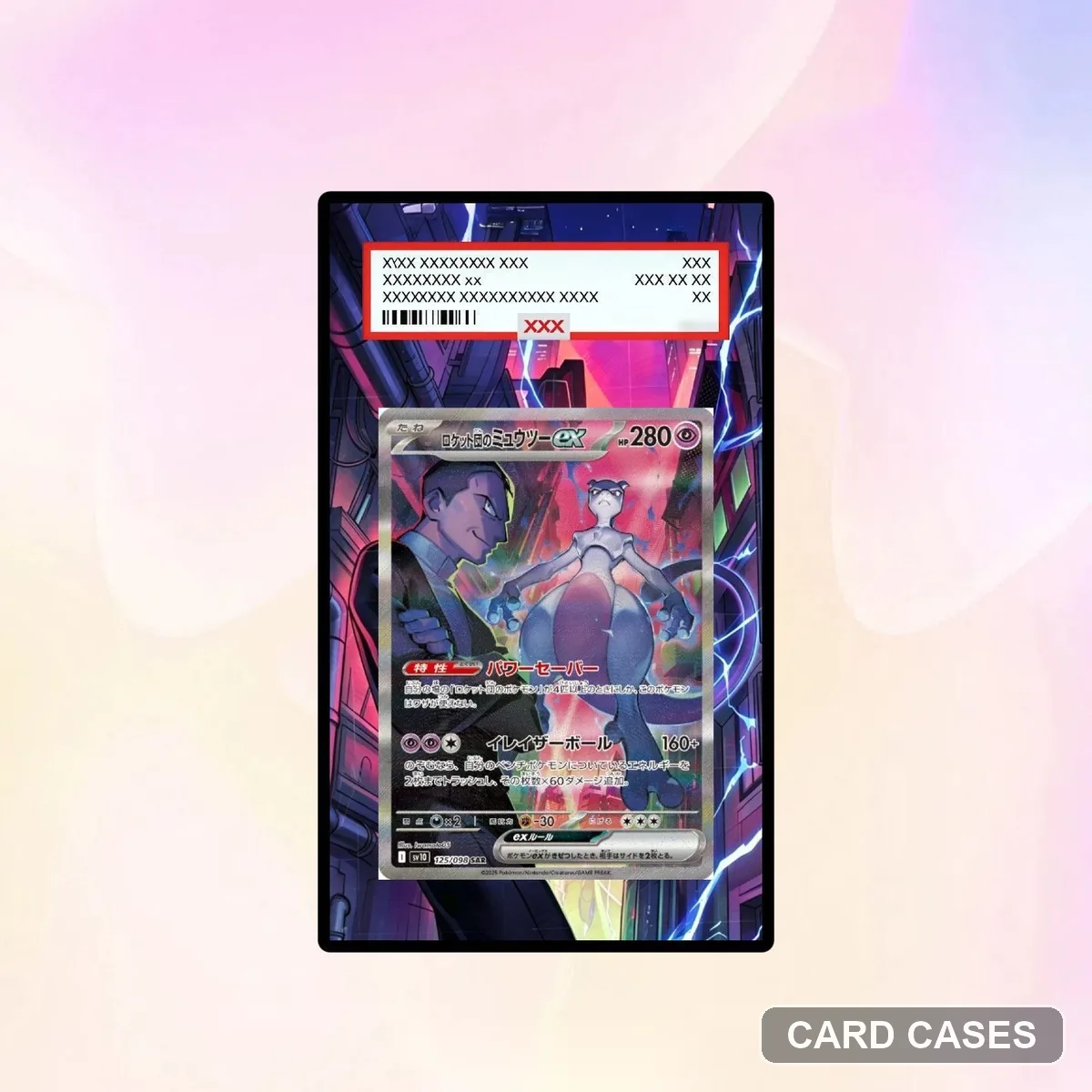 Compare starlight with the numbered Umbreon ex options
Umbreon ex — Starlight — Extended-art Display Frame · PCC-107
Mew & Mewtwo scenes
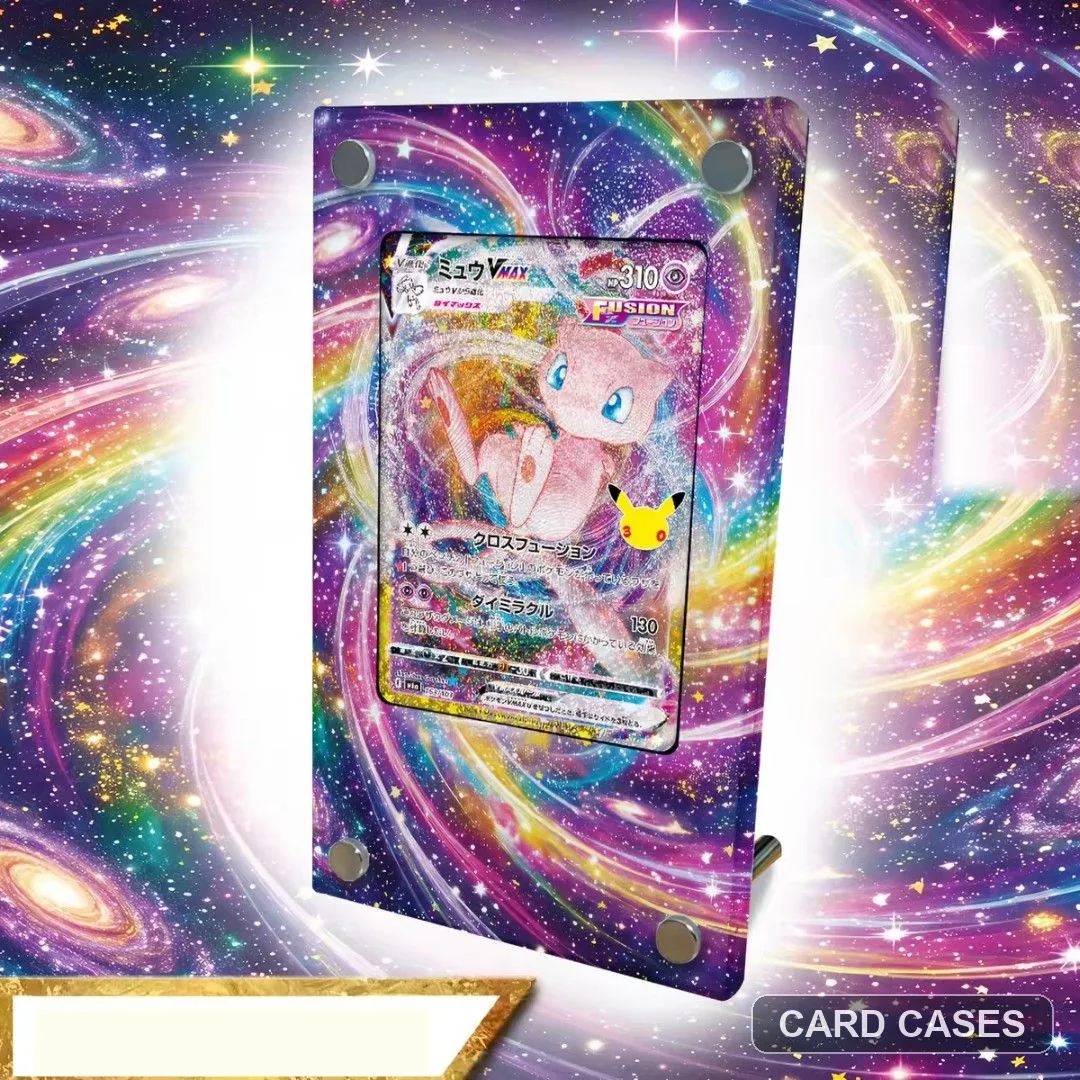 Keep the anniversary VMAX surround distinct from a vortex
M6a Mew VMAX 30th Anniversary Extended-art Display Frame · PCC-022
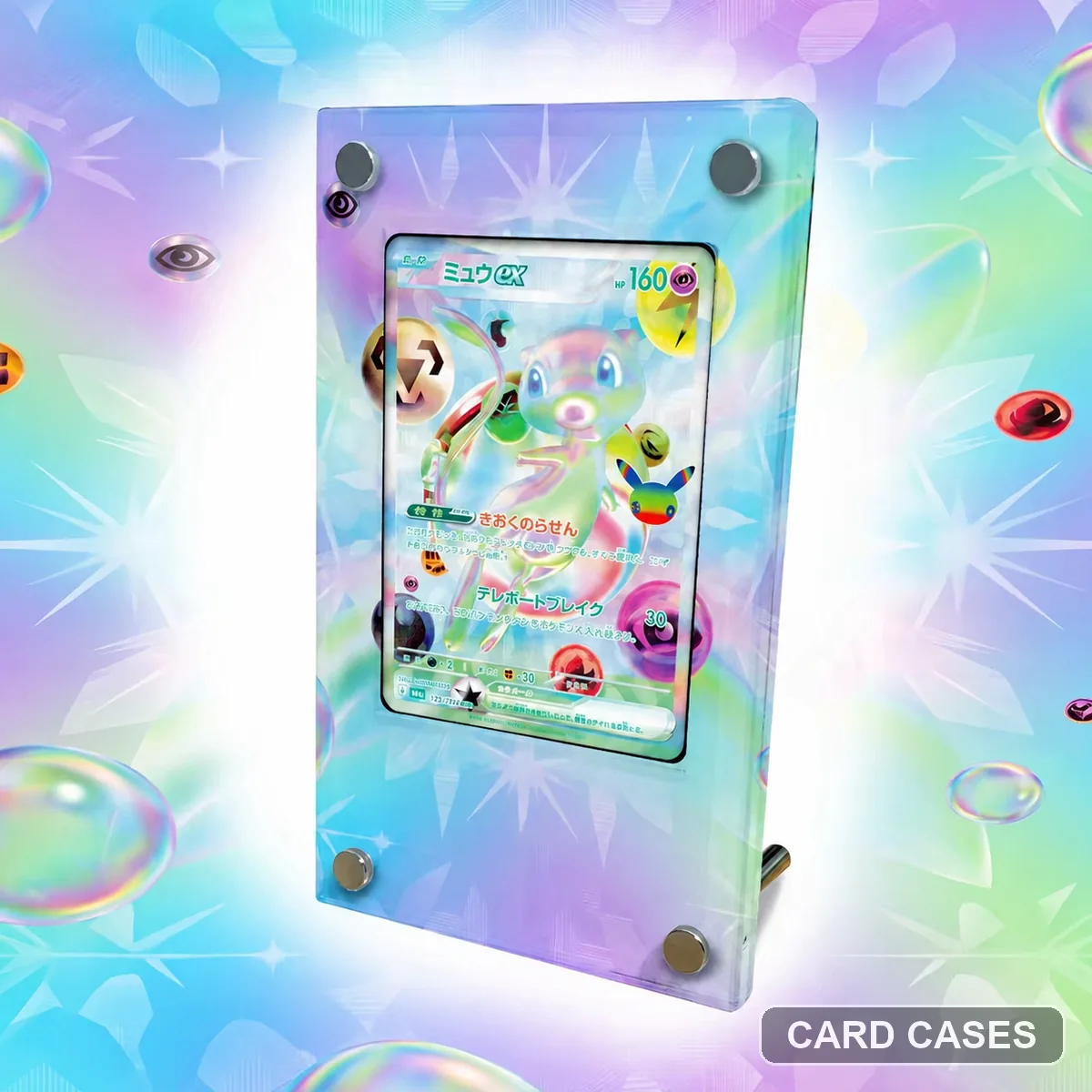 Keep the FUR Mew reference separate from SAR
M6a Mew ex FUR 135/103 Extended-art Display Frame · PCC-028
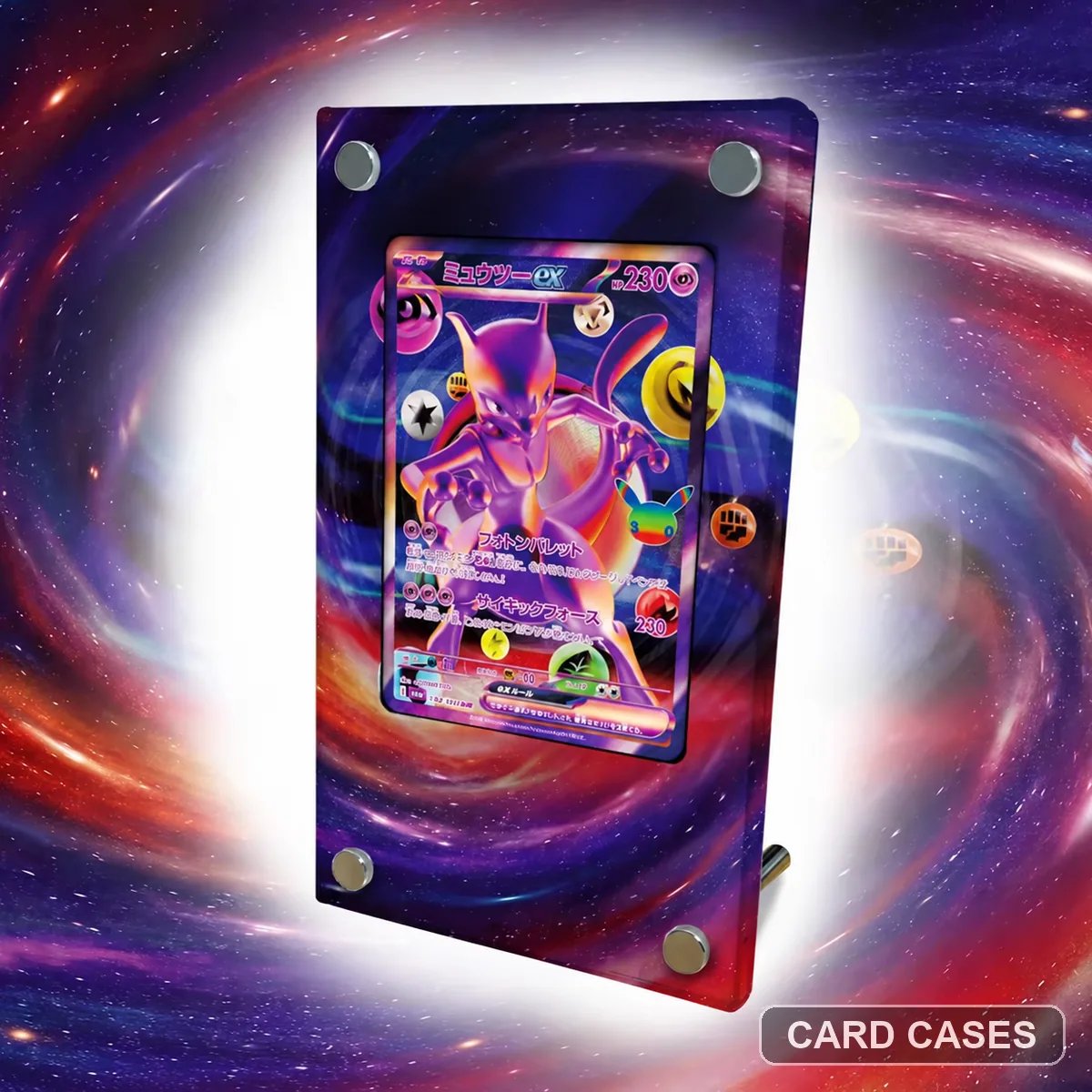 Choose the conventional surround before comparing a hexagon
M6a Mewtwo ex FUR 134/103 Extended-art Display Frame · PCC-030
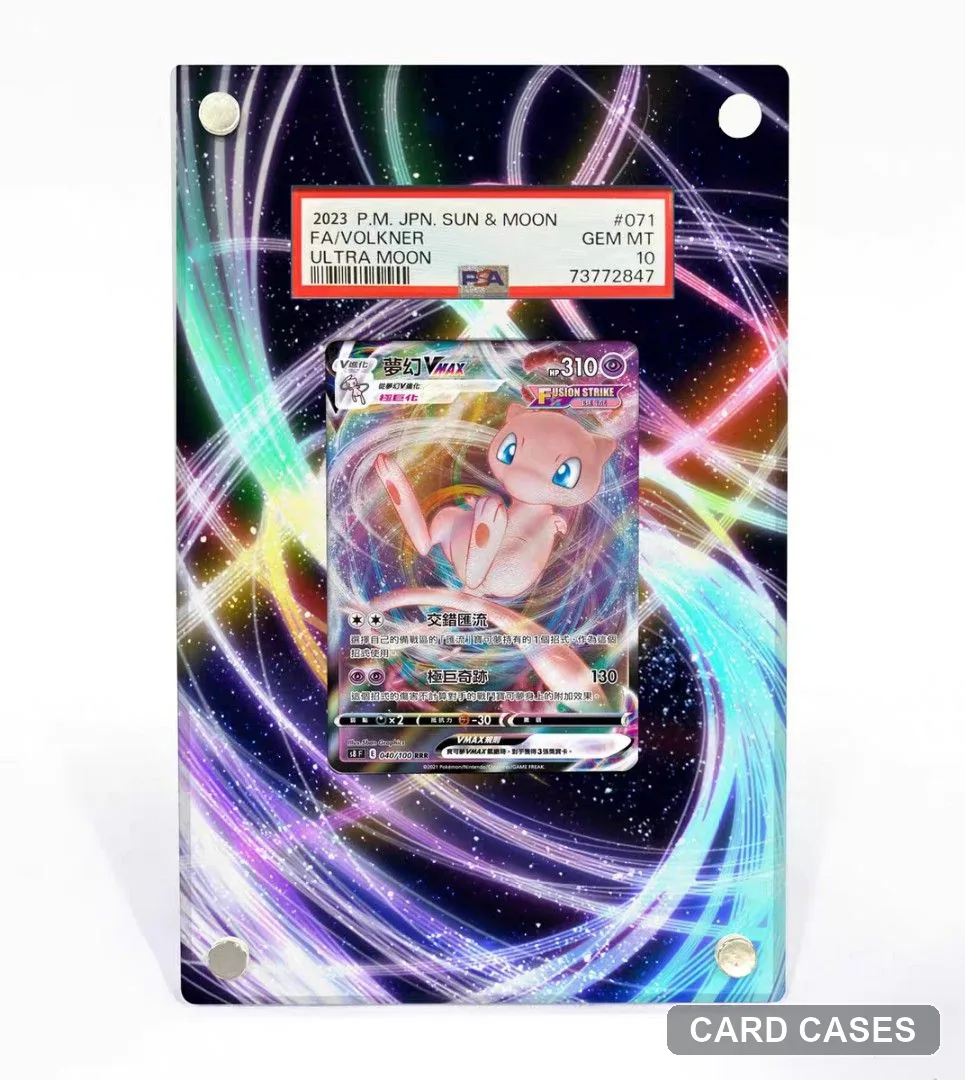 Compare the vortex around the card, not only the thumbnail
Mew VMAX Vortex Extended-art Display Frame · PCC-042
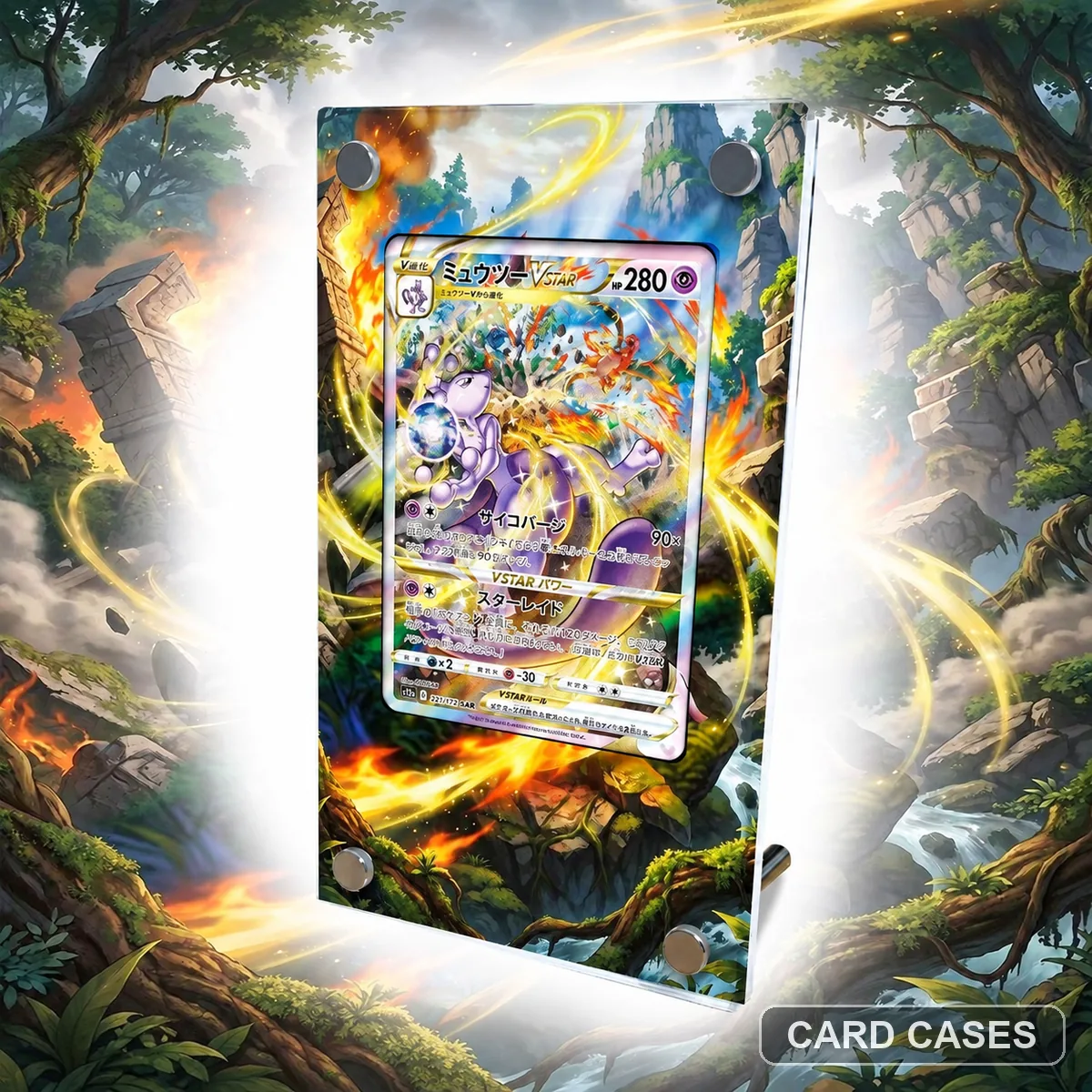 Keep VSTAR distinct from the Mewtwo ex entries
S12a Mewtwo VSTAR SAR 221/172 Extended-art Display Frame · PCC-043
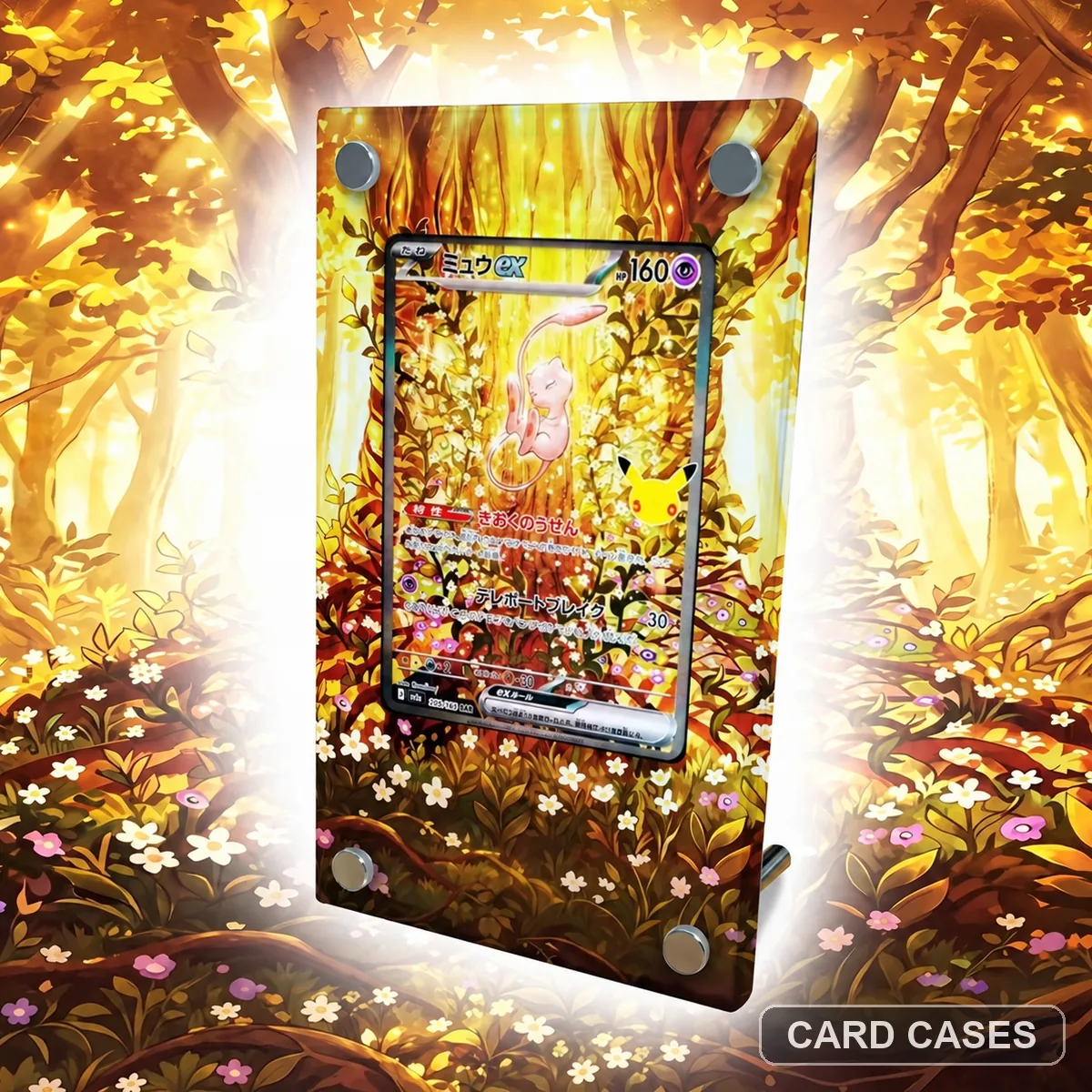 Separate M6a SAR Mew from the FUR and SV4a references
M6a Mew ex SAR 129/103 Extended-art Display Frame · PCC-047
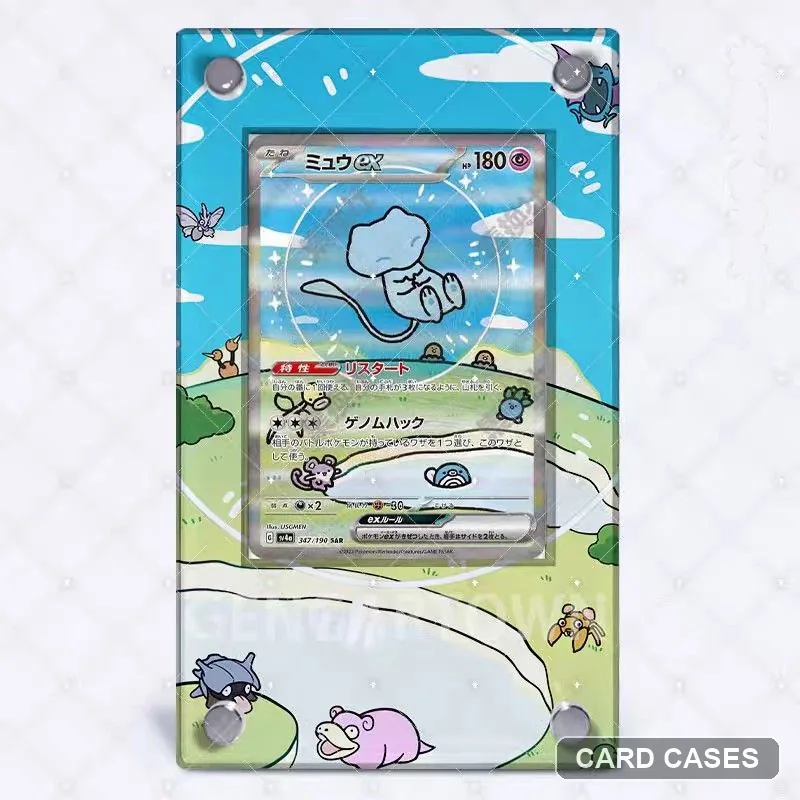 Use 347/190 to choose the matching Mew scene
SV4a Mew ex SAR 347/190 Extended-art Display Frame · PCC-051
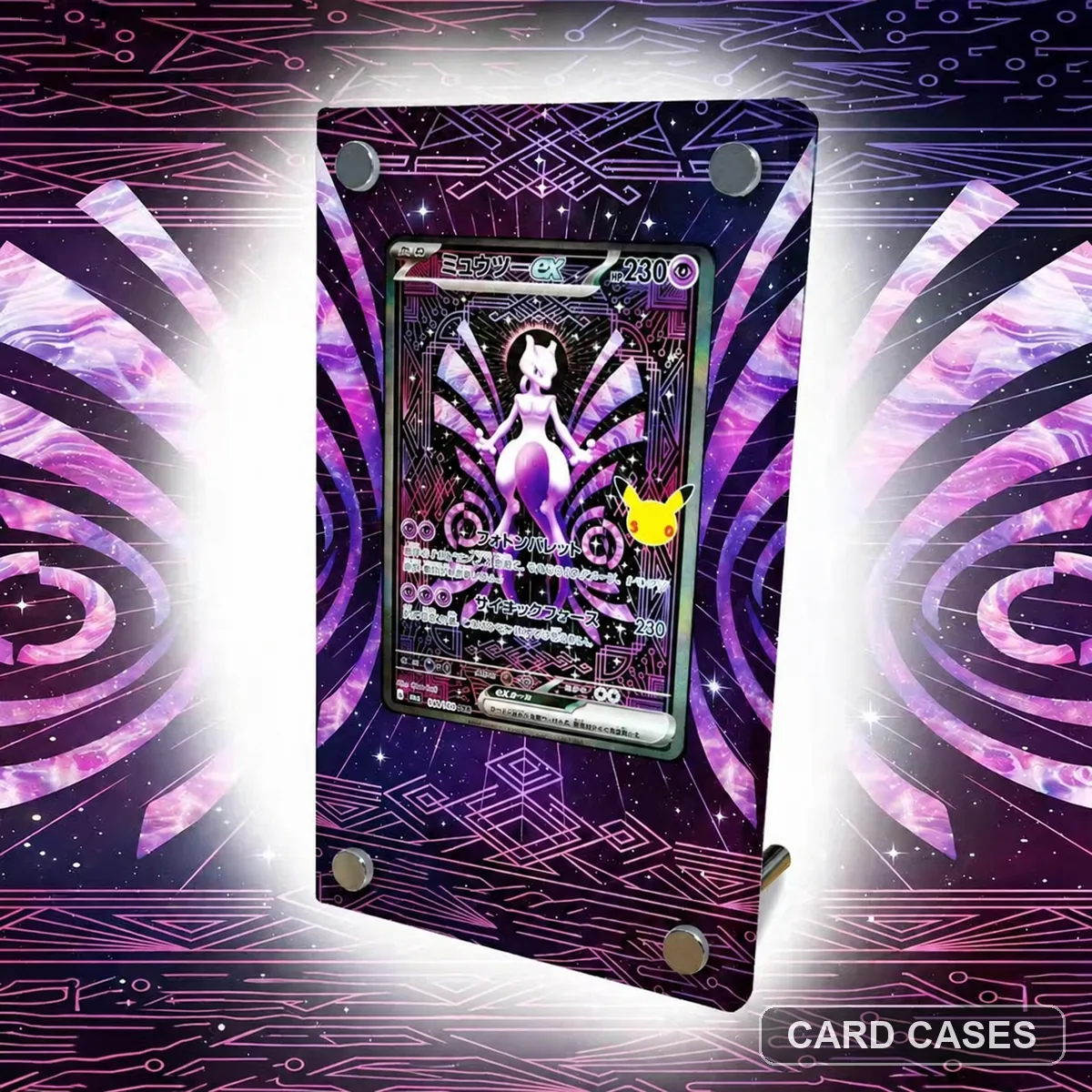 Match SAR Mewtwo before considering the FUR surround
M6a Mewtwo ex SAR 128/103 Extended-art Display Frame · PCC-055
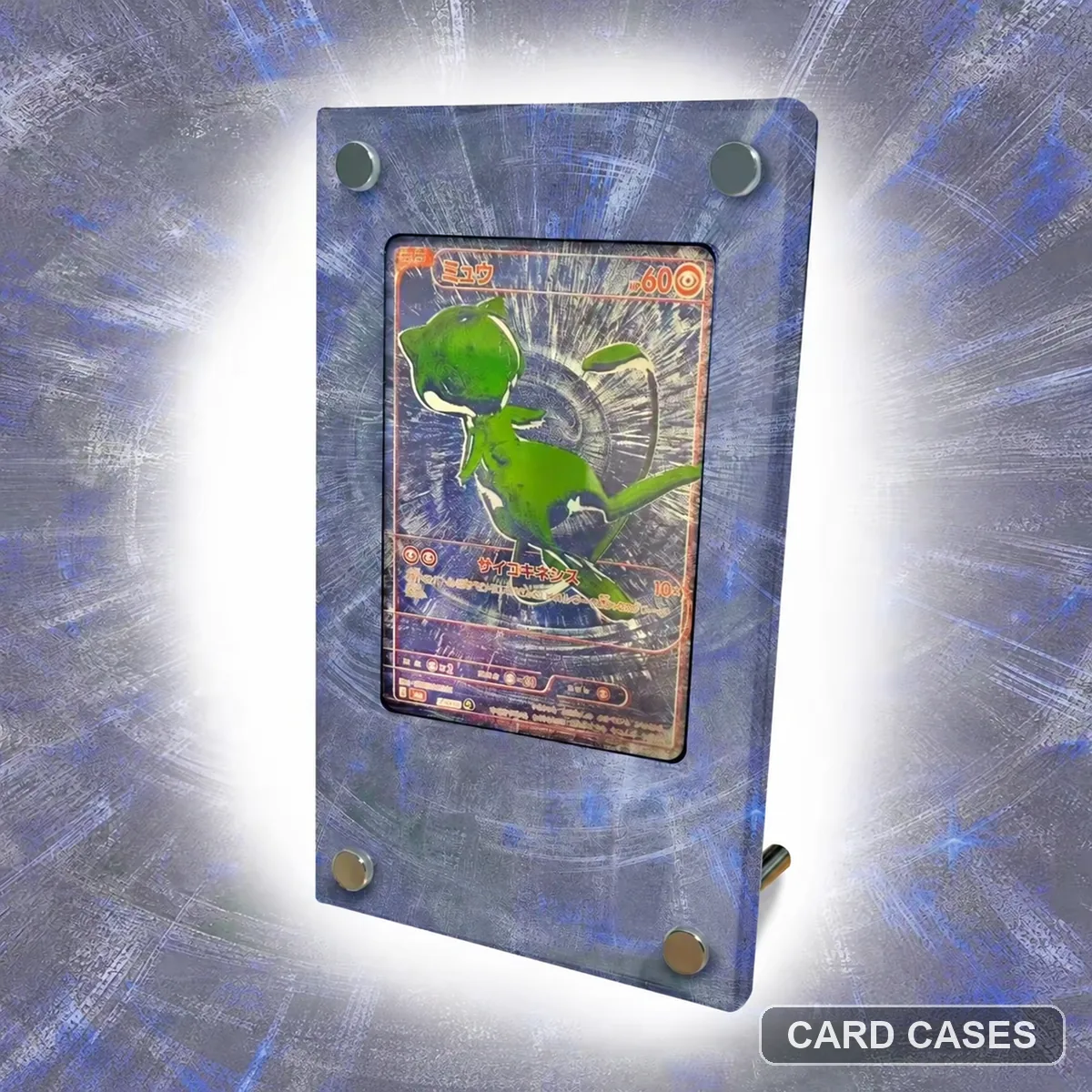 Keep the Mew anniversary theme separate from numbered ex cards
M6a Mew 30th Anniversary Extended-art Display Frame · PCC-056
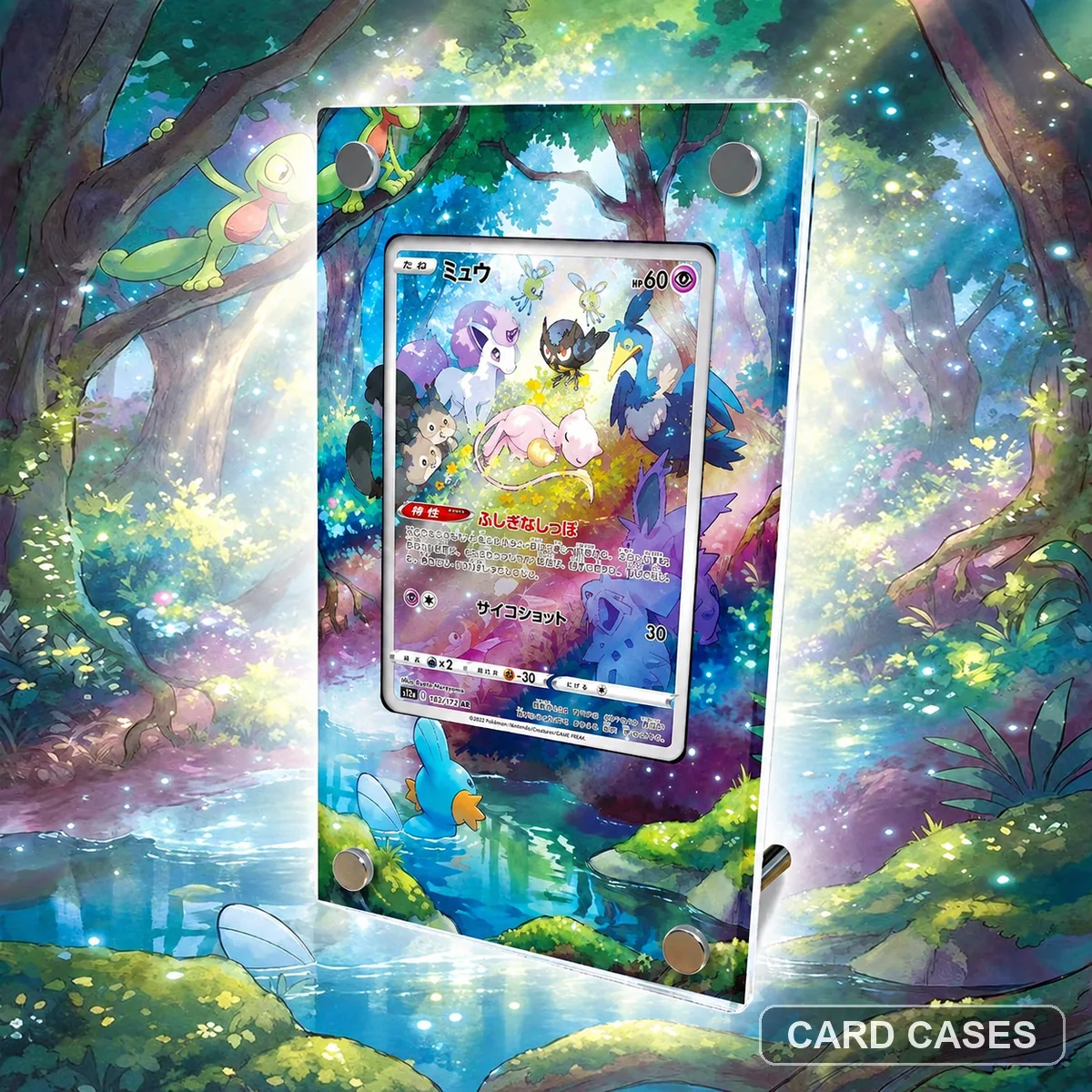 Read Mew rather than Mew ex in the numbered reference
S12a Mew AR 183/172 Extended-art Display Frame · PCC-070
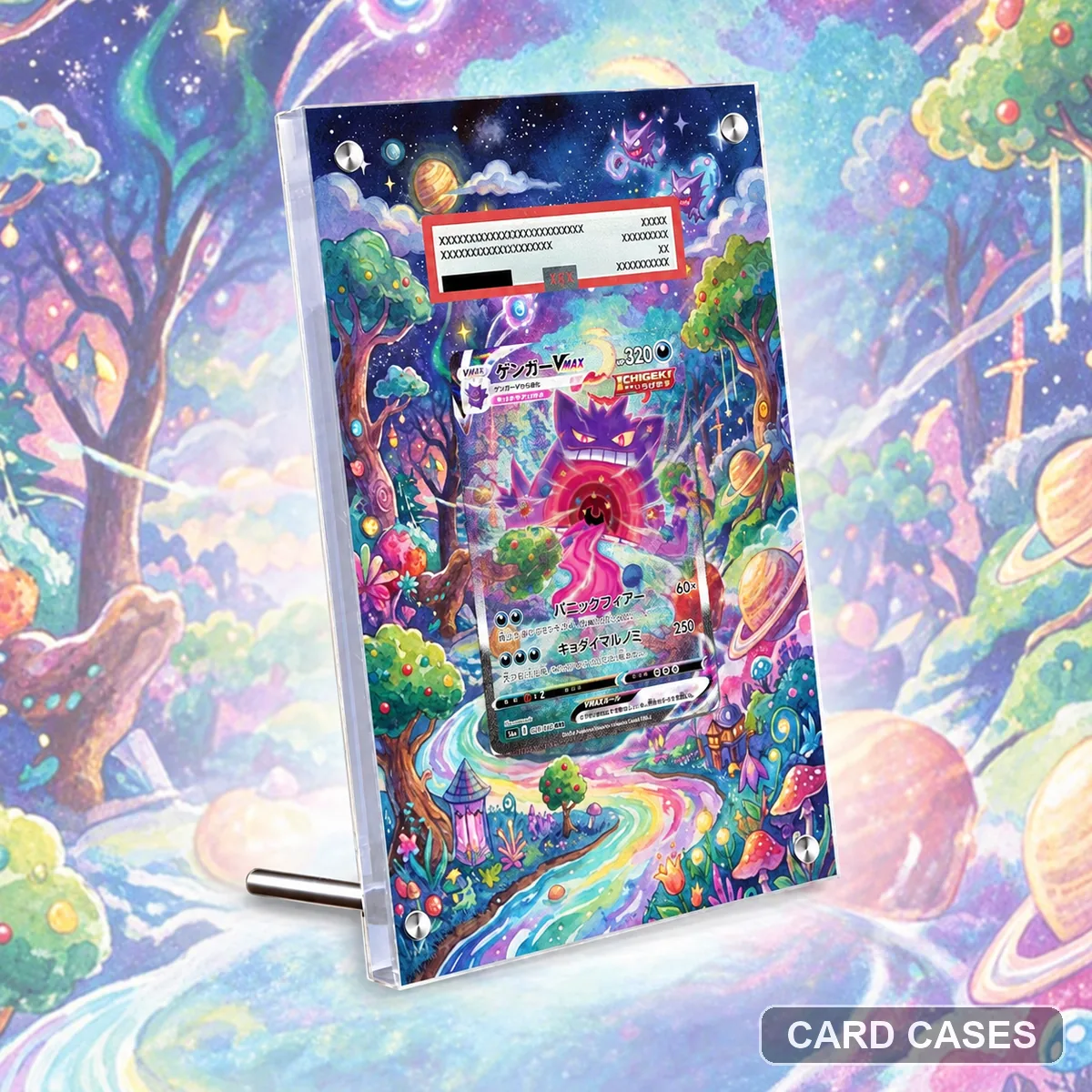 Use the SGG number to narrow a VMAX search
SGG Mew VMAX 020/019 Extended-art Display Frame · PCC-072
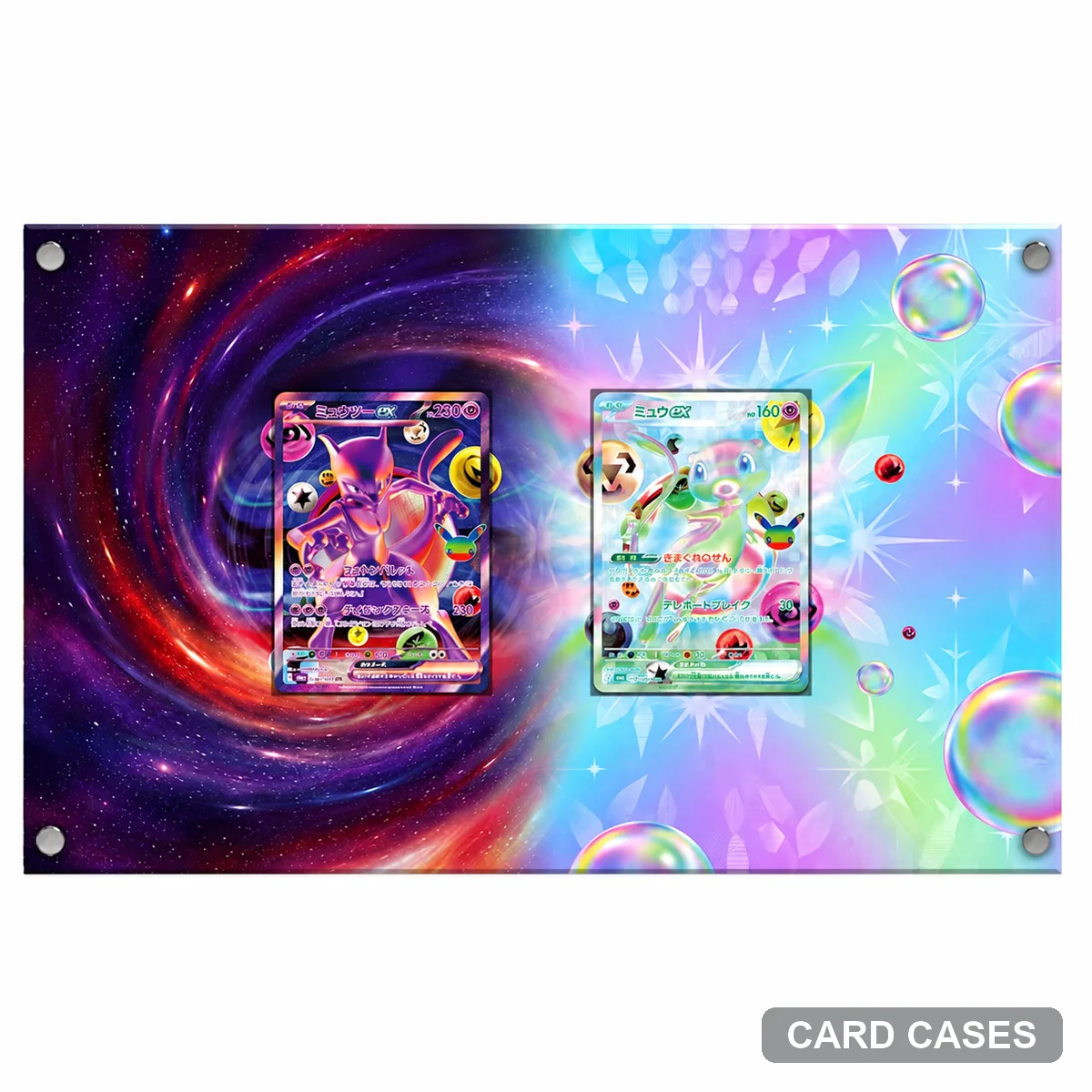 Compare the hexagonal outline with the other FUR presentation
M6a Mewtwo ex FUR 134/103 Hexagonal Display Frame · PCC-079
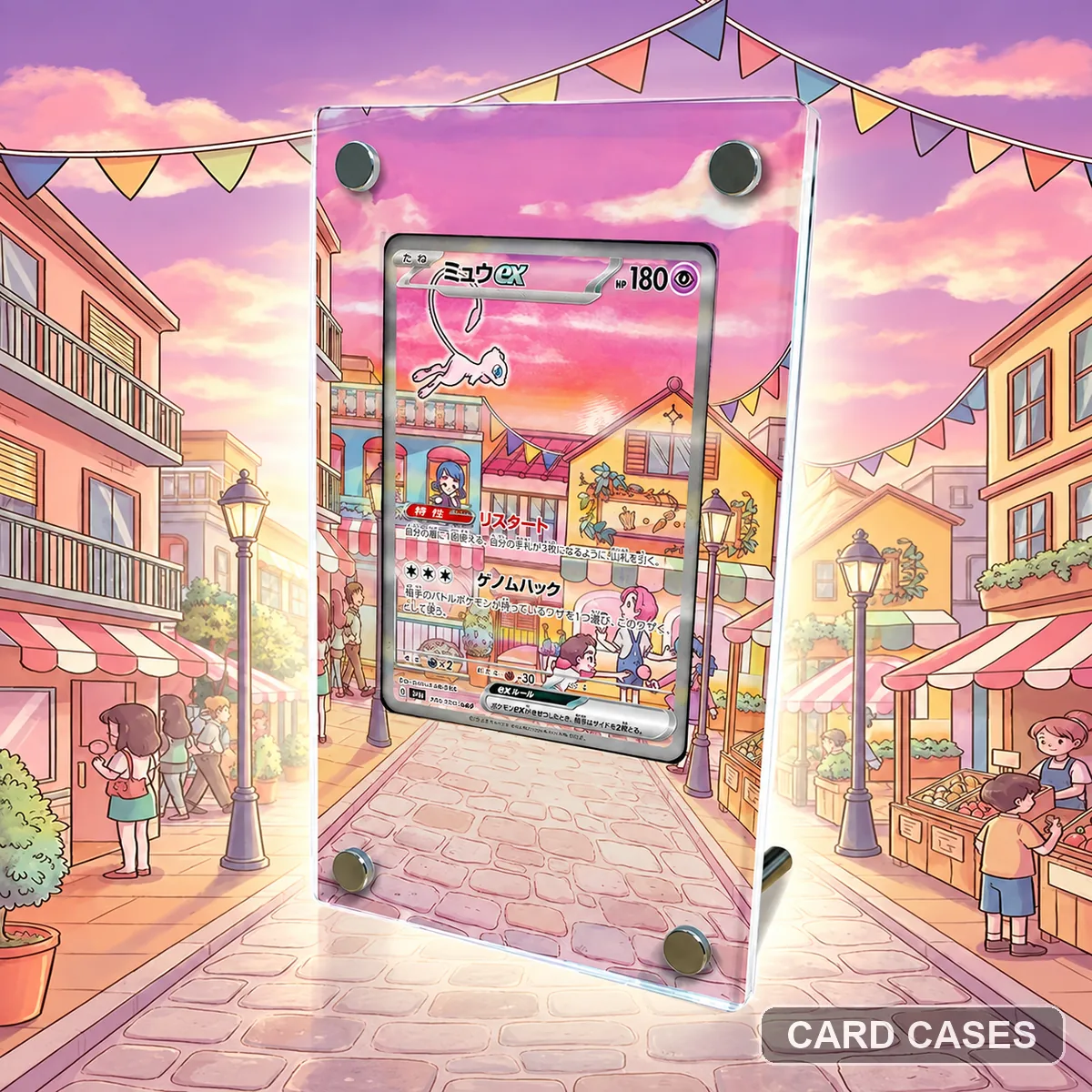 Keep the SV2a Mew reference distinct from SV4a
SV2a Mew ex SAR 205/165 Extended-art Display Frame · PCC-083
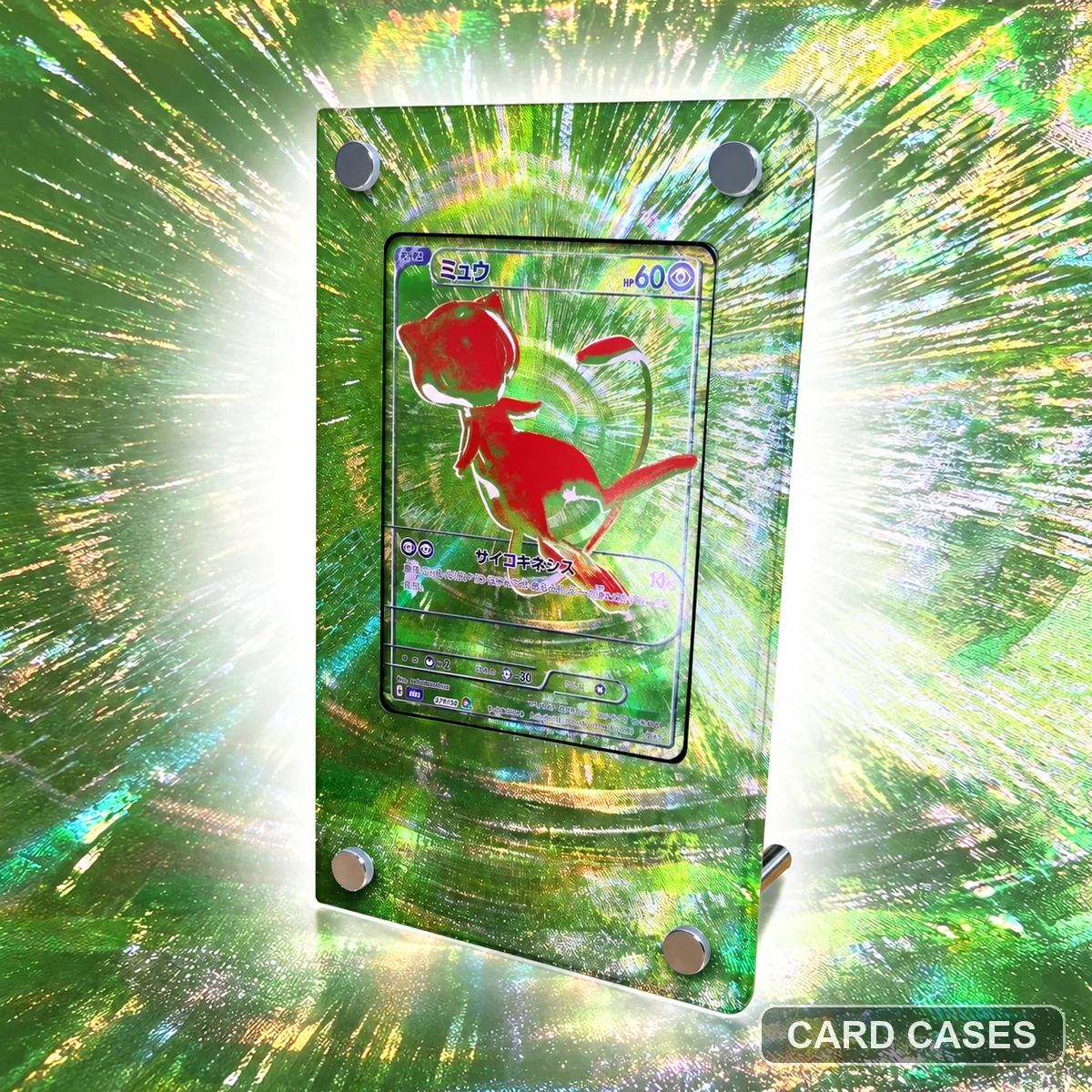 Compare the green hexagonal presentation with the red option
M6a Mew Green Anniversary Hexagonal Display Frame · PCC-088
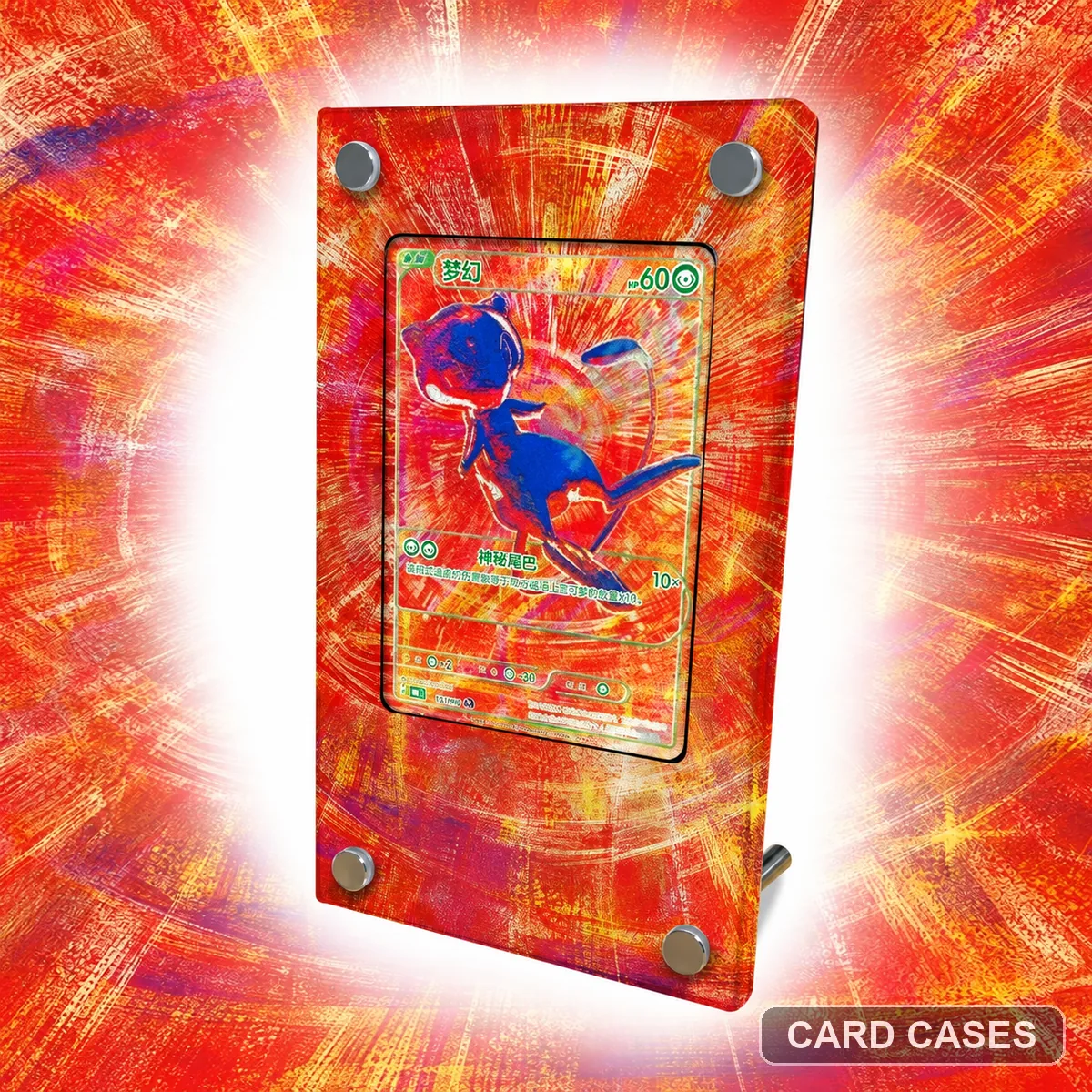 Check the red presentation as its own catalogue choice
M6a Mew Red Anniversary Hexagonal Display Frame · PCC-091
Multi-card & evolution layouts
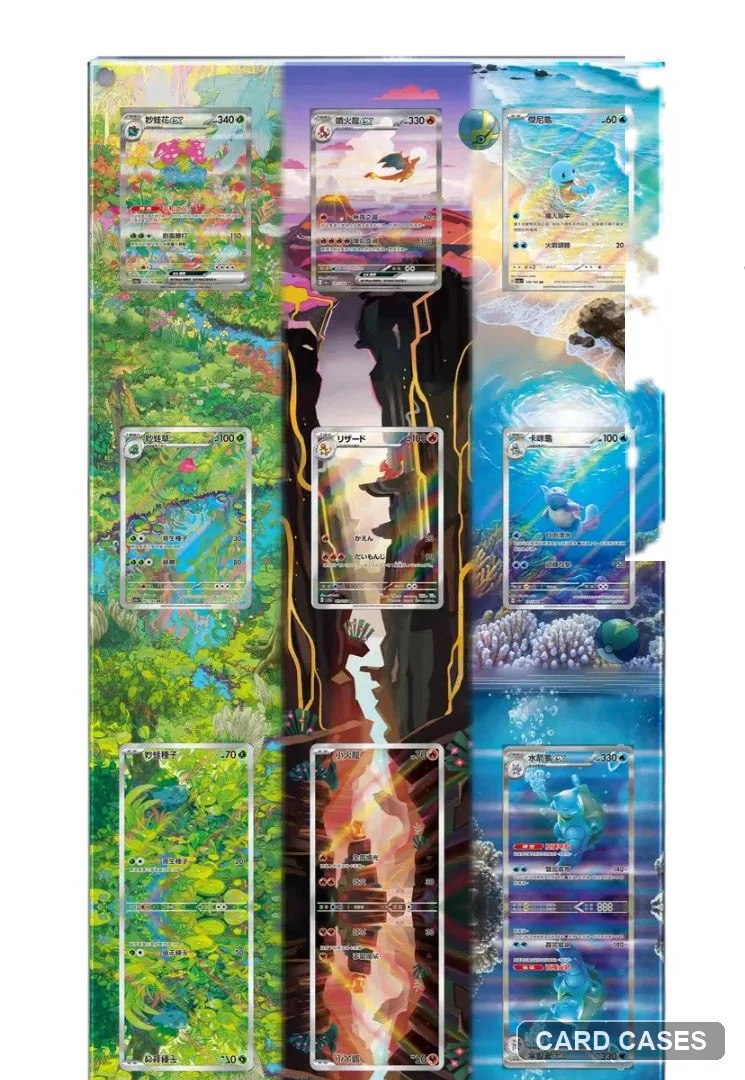 Build a nine-position checklist for the starter layout
Pokémon 151 Starter Evolutions — Nine-card Display Frame · PCC-027
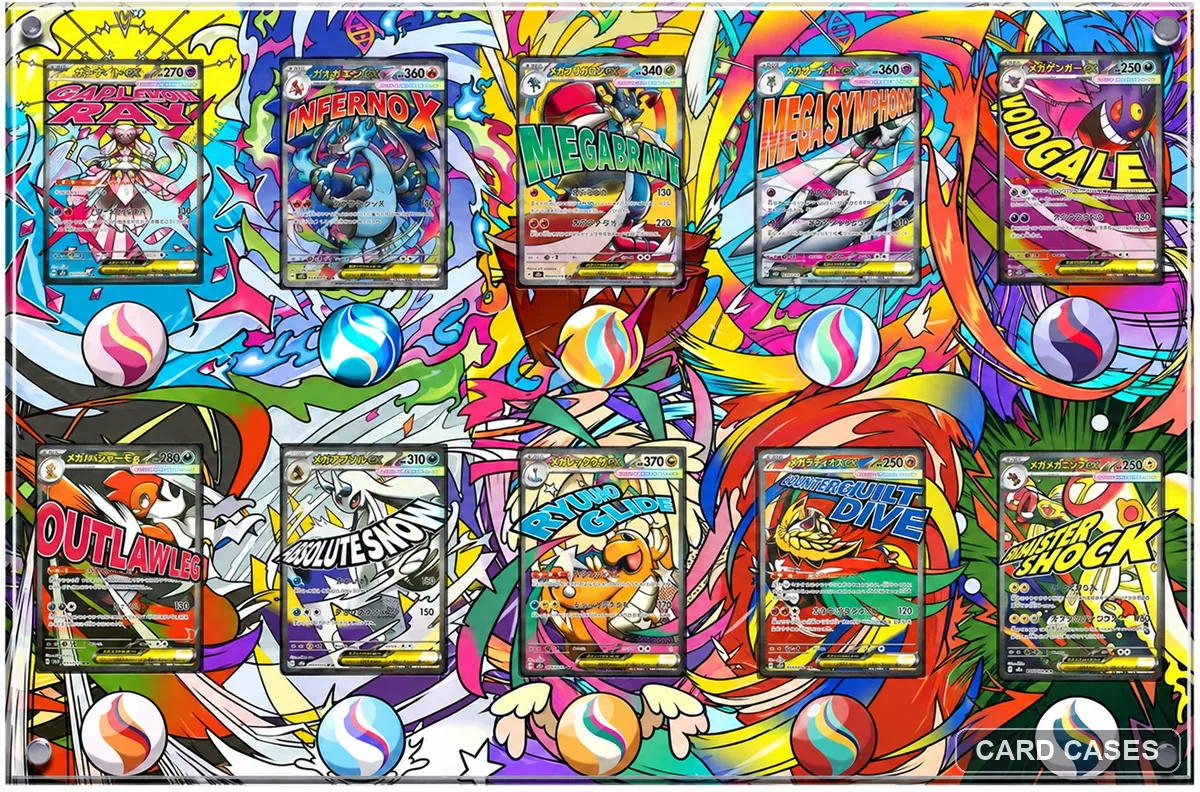 Check the puzzle as one complete composition
M2a Mega Evolution — Ten-card Puzzle Display Frame · PCC-041
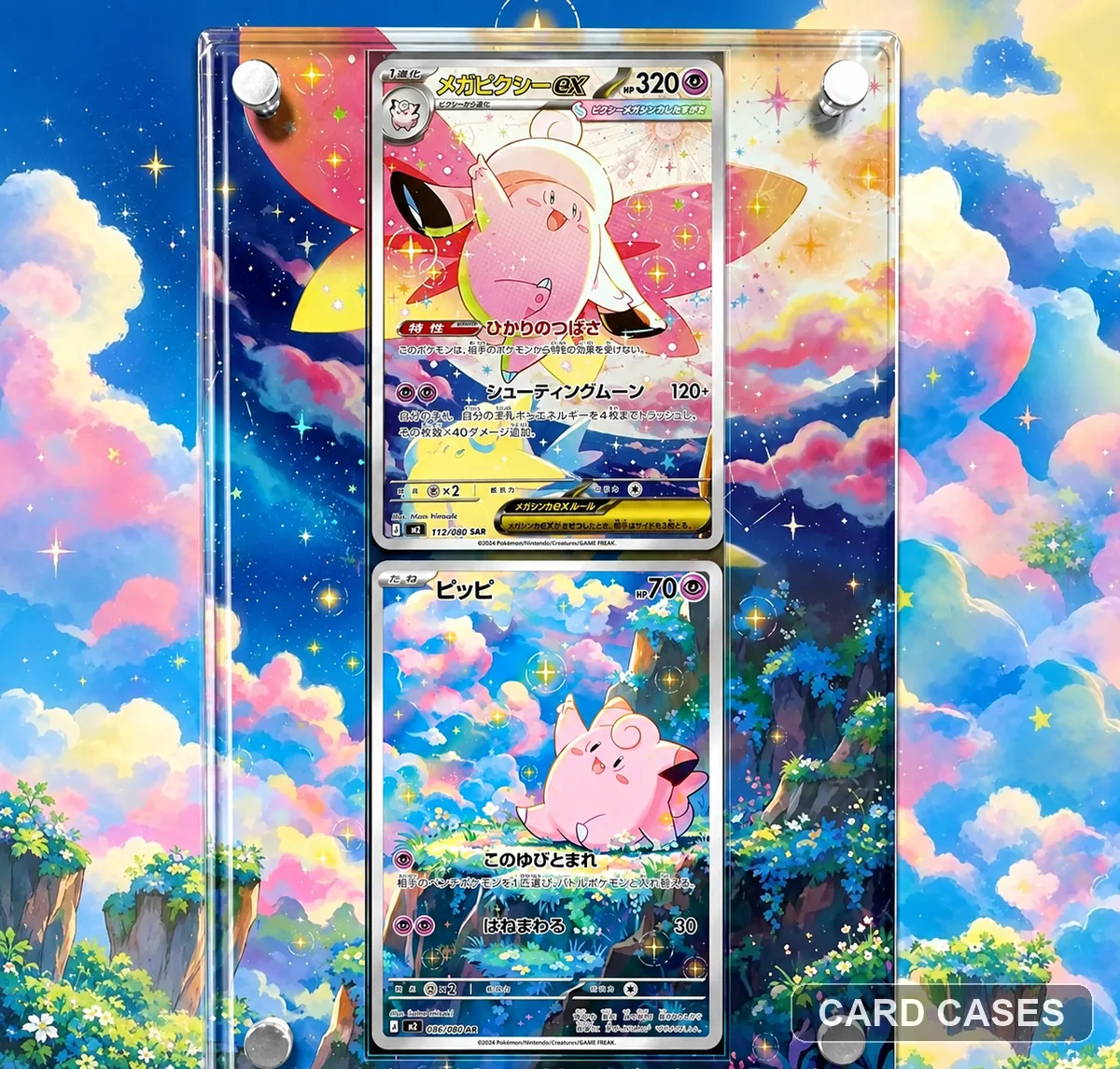 Identify both cards in the paired Clefable scene
M3 Mega Clefable ex & Clefairy SAR Extended-art Display Frame · PCC-052
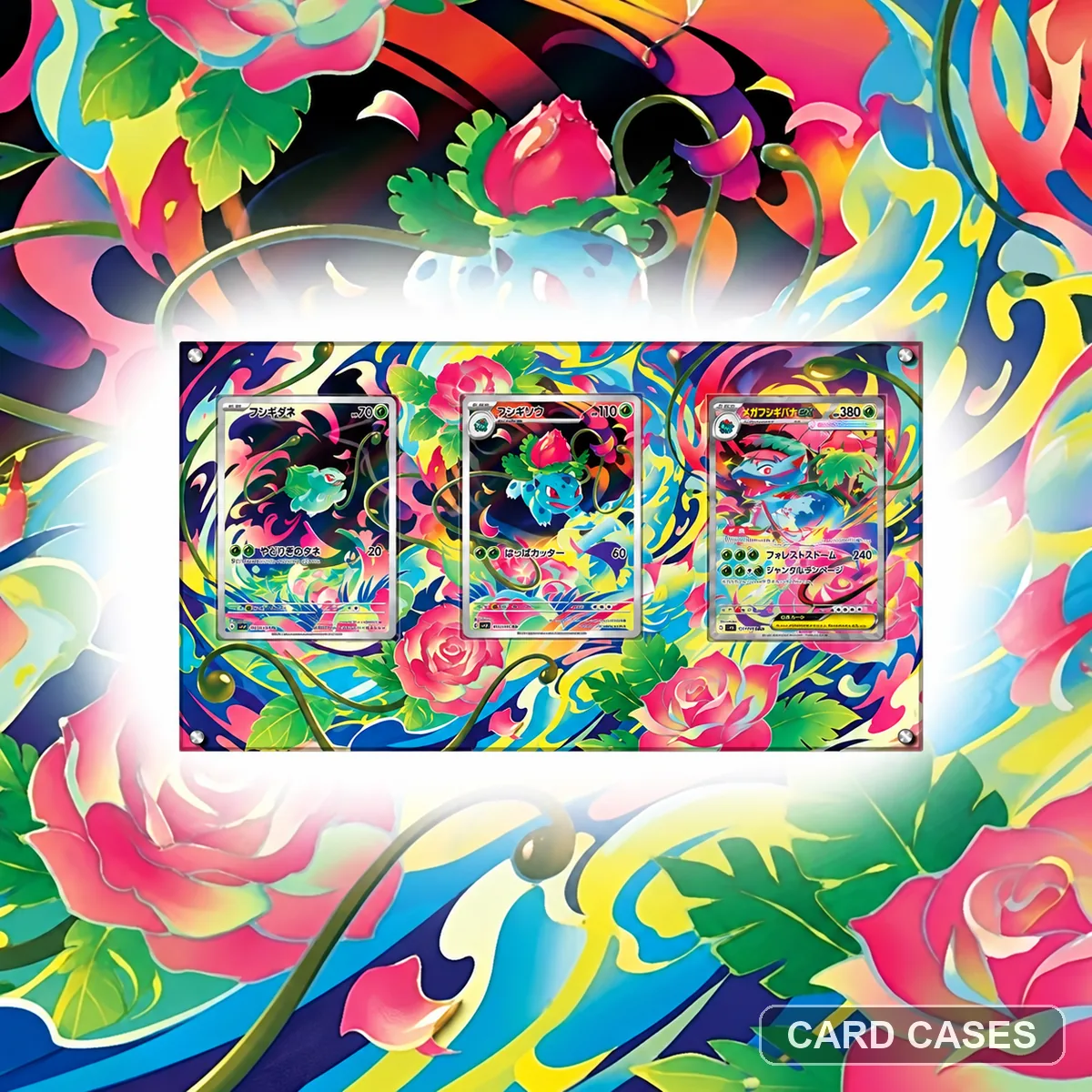 Plan the evolution sequence before the display surface
Mega Venusaur ex Three-card Extended-art Display Frame · PCC-058
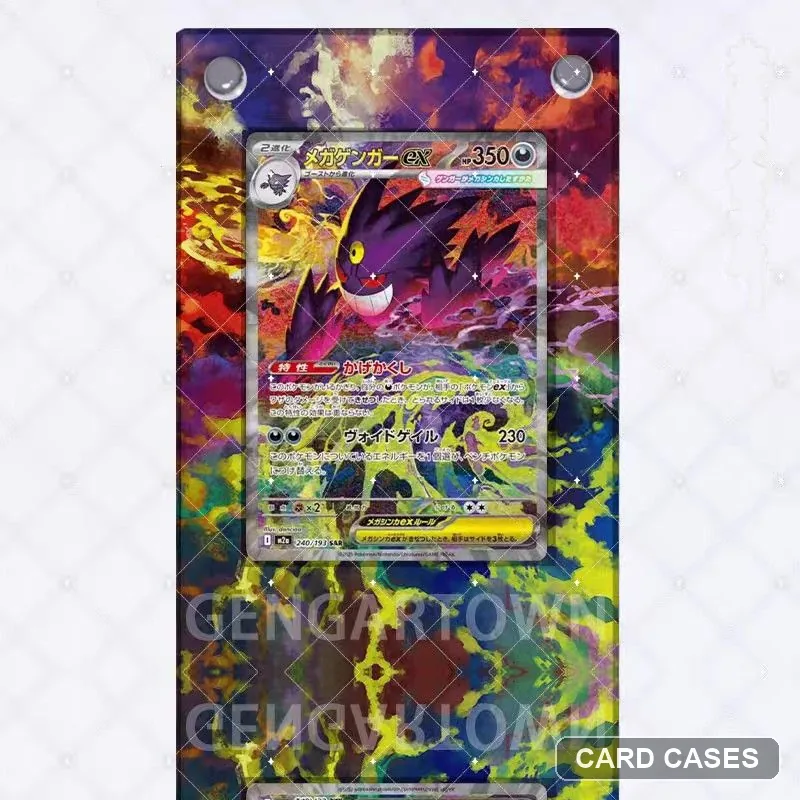 Compare the colourful composition by product code
M2a Mega Evolution — Colourful Extended-art Display Frame · PCC-059
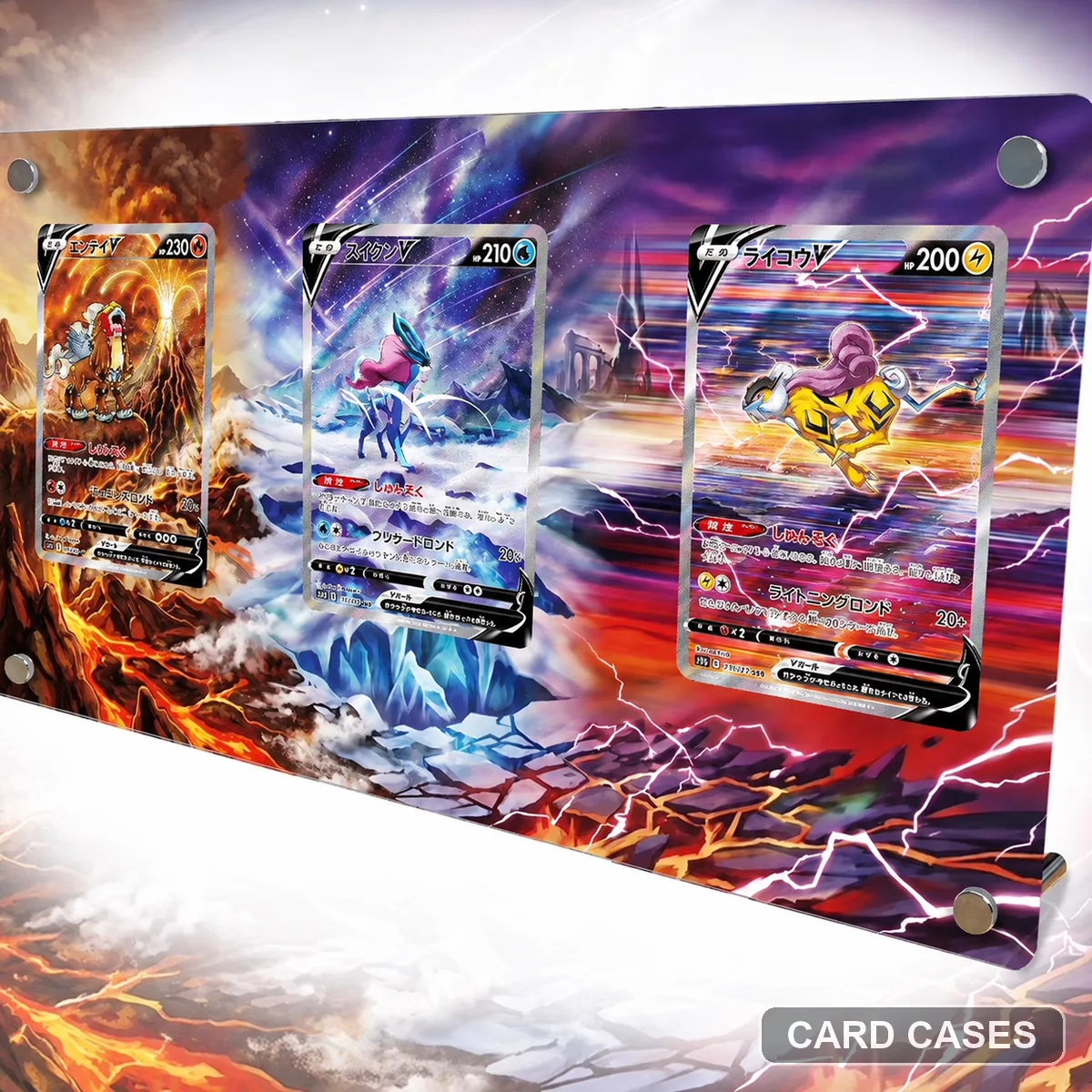 Identify each beast and each opening in the triptych
S12a Entei V / Suicune V / Raikou V — Three-card Display Frame · PCC-074
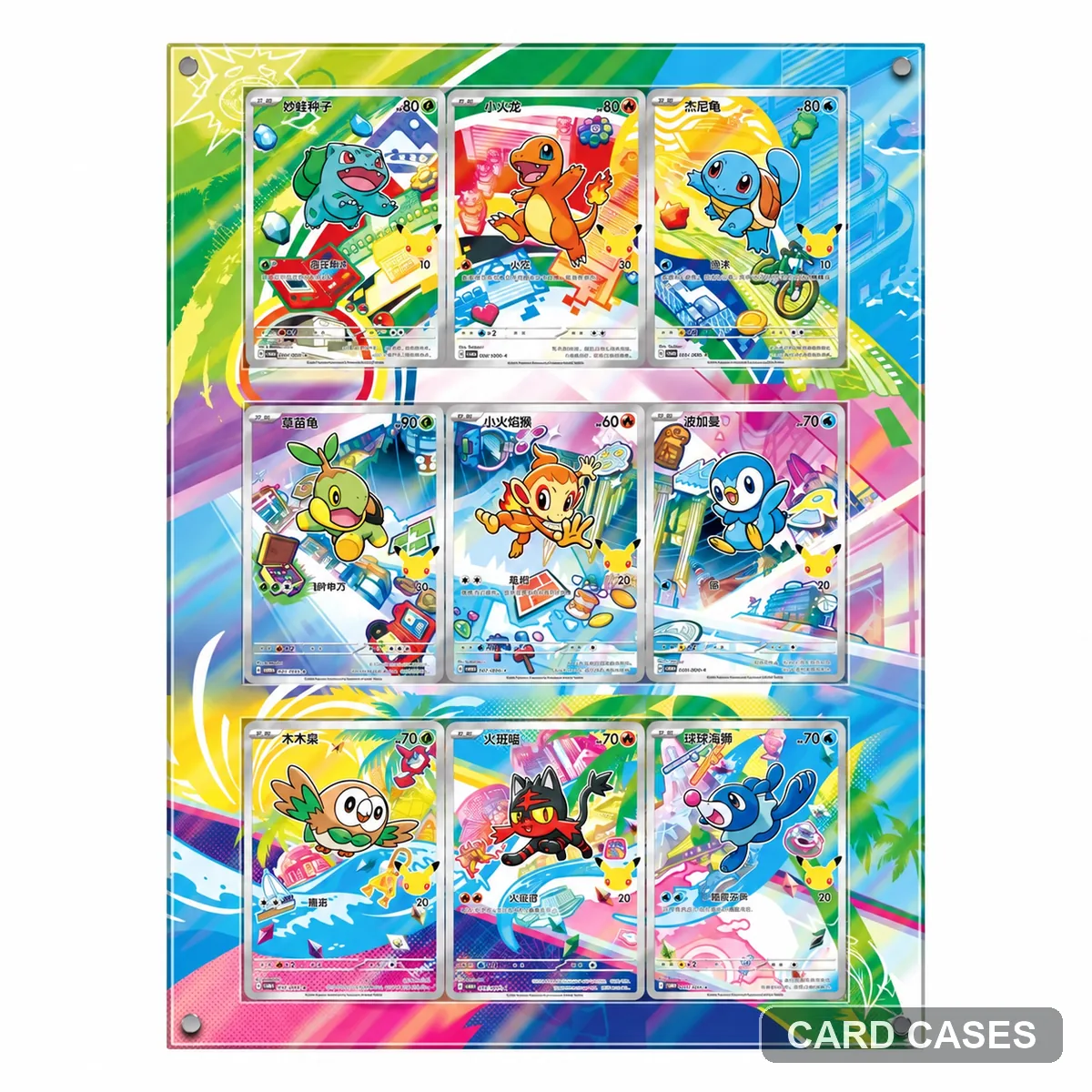 Compare this starter layout with the nine-card entry
Pokémon 151 Starter Evolutions — Multi-card Display Frame · PCC-085
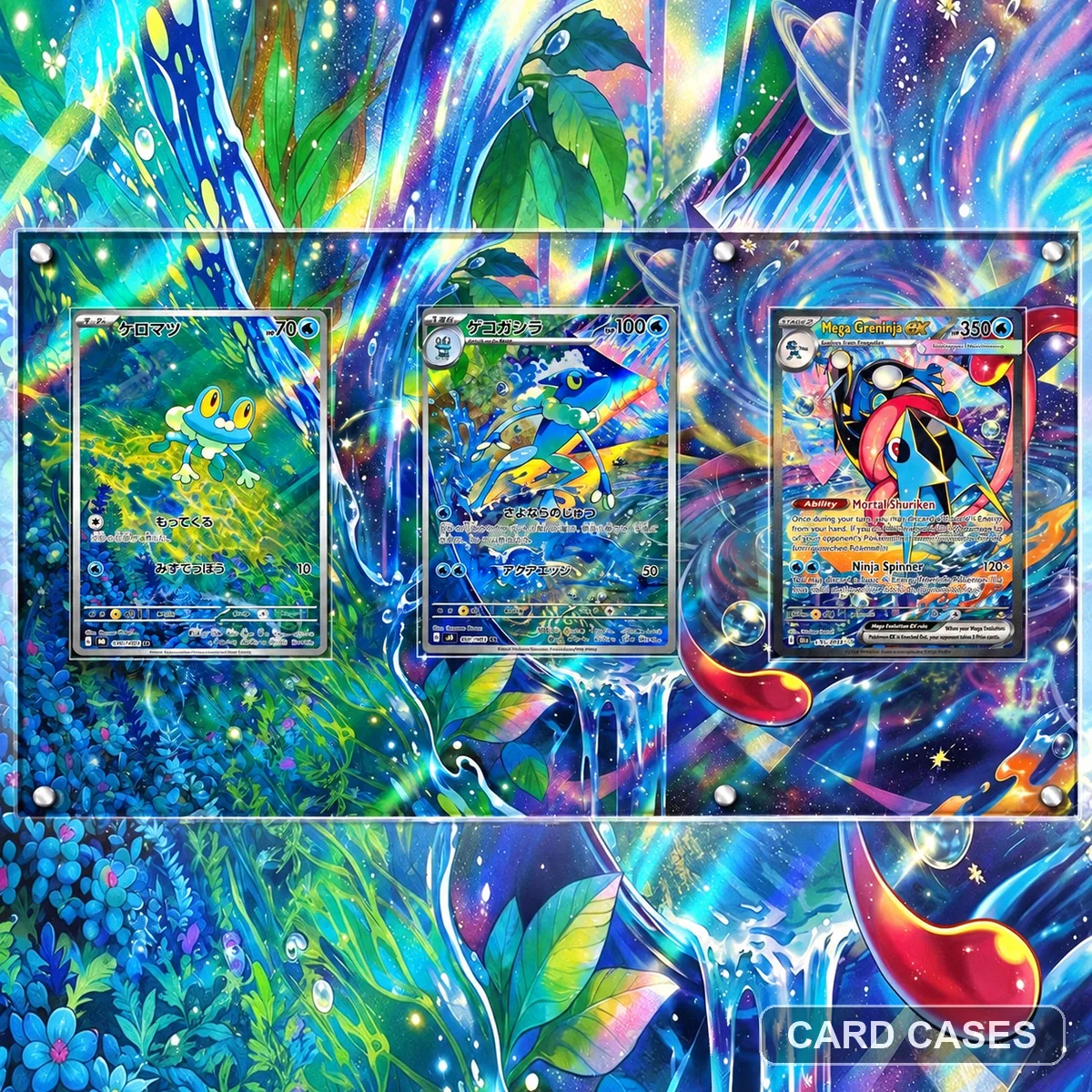 Follow the intended evolution sequence across three positions
M4 Froakie / Frogadier / Mega Greninja ex — Three-card Display Frame · PCC-089
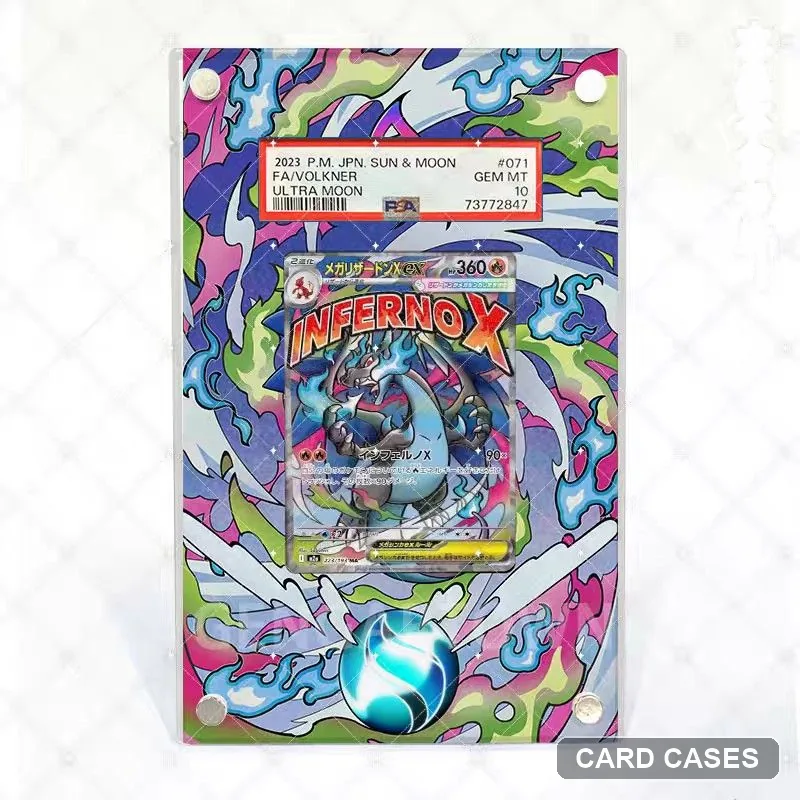 Compare the second colourful layout by gallery and code
M2a Mega Evolution — Colourful Extended-art Display Frame · PCC-093
Legendary and named card scenes
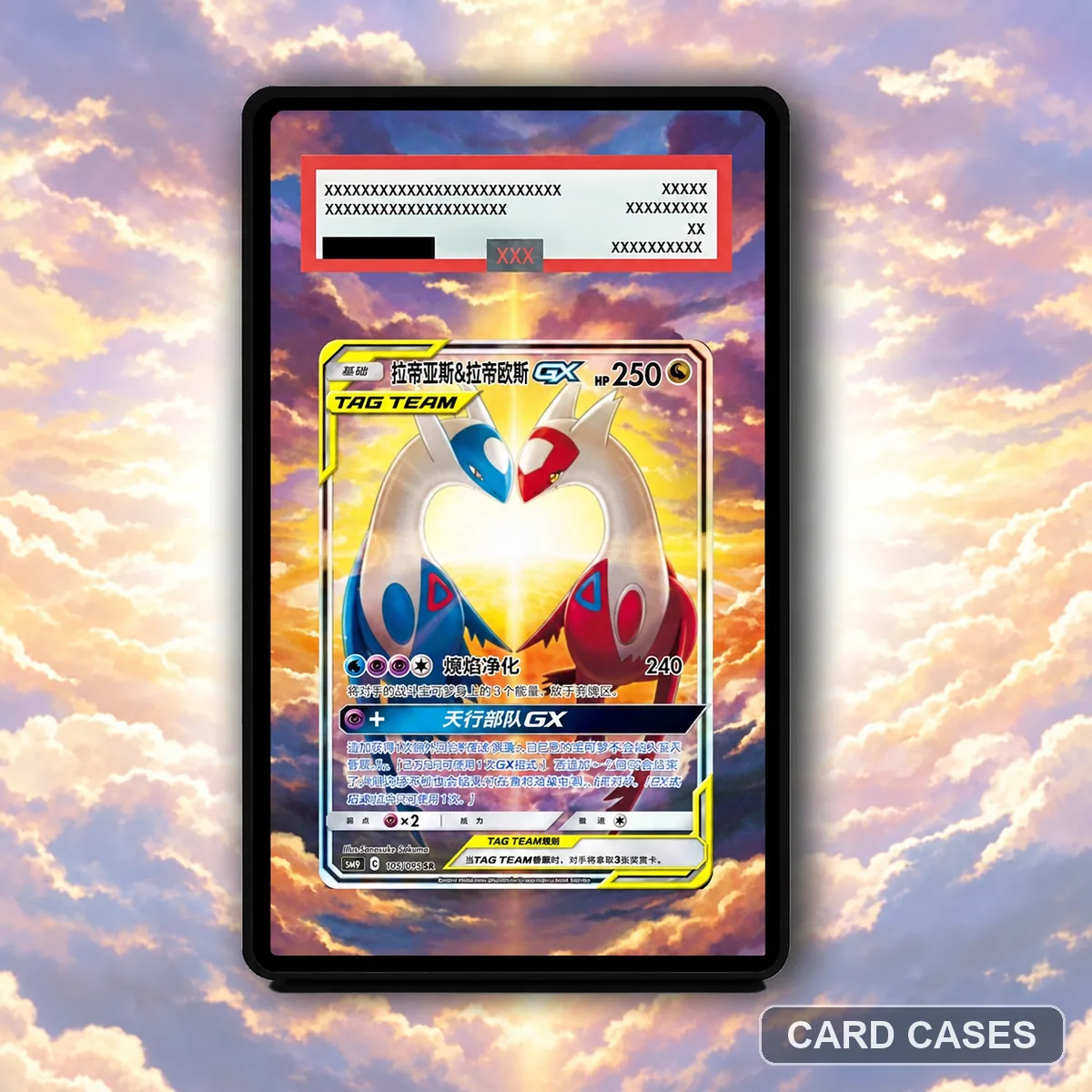 Keep a paired-character card distinct from a paired layout
SM9 Latias & Latios GX SR 105/095 Extended-art Display Frame · PCC-004
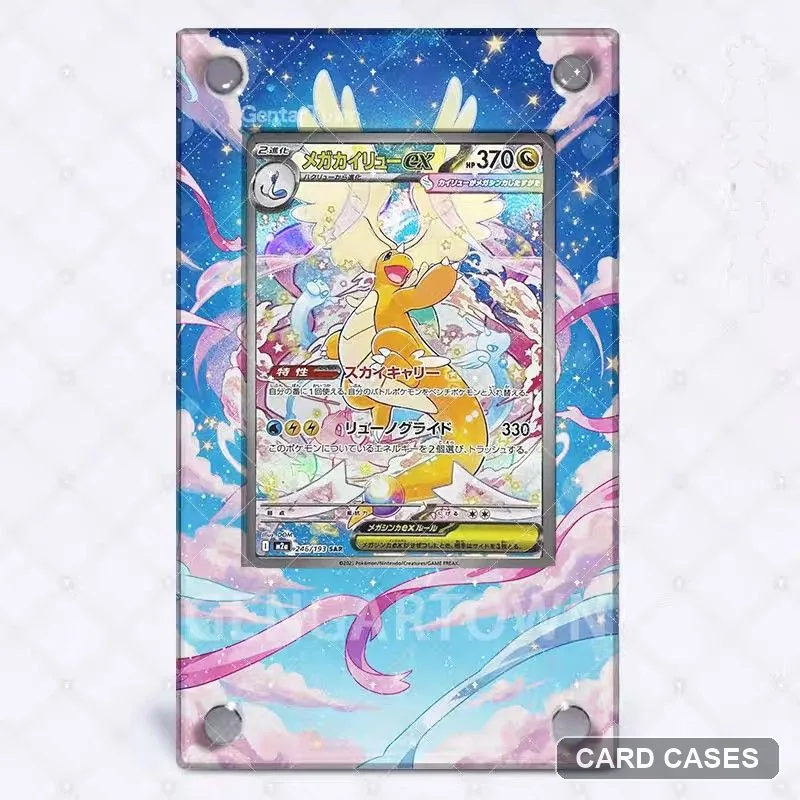 Let the Dragonite scene lead the display choice
M2a Mega Dragonite ex SAR Extended-art Display Frame · PCC-009
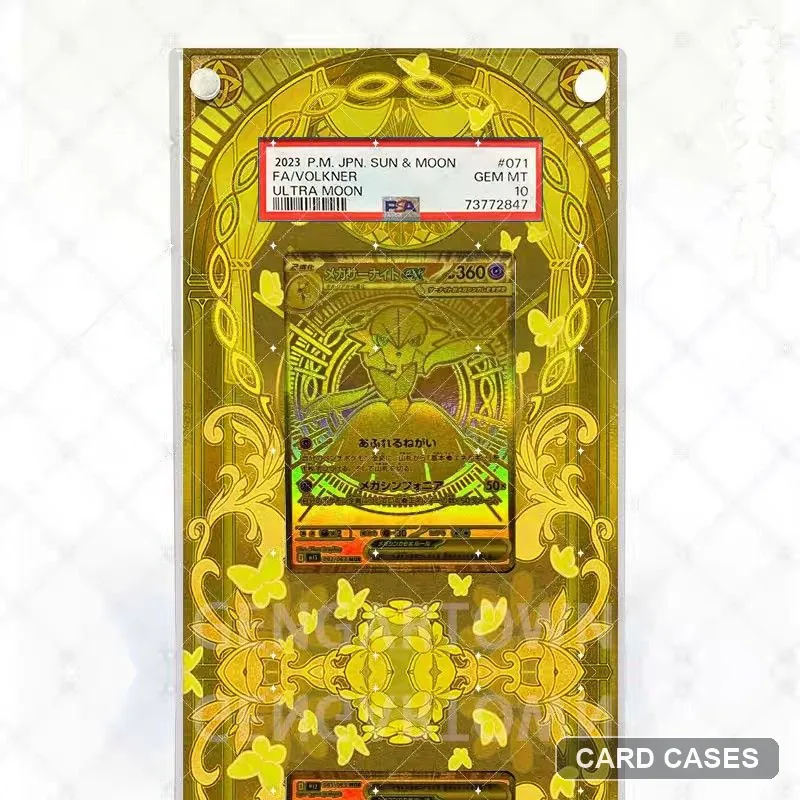 Separate a gold-themed surround from a numbered edition
Mega Gardevoir ex Gold-themed Extended-art Display Frame · PCC-010
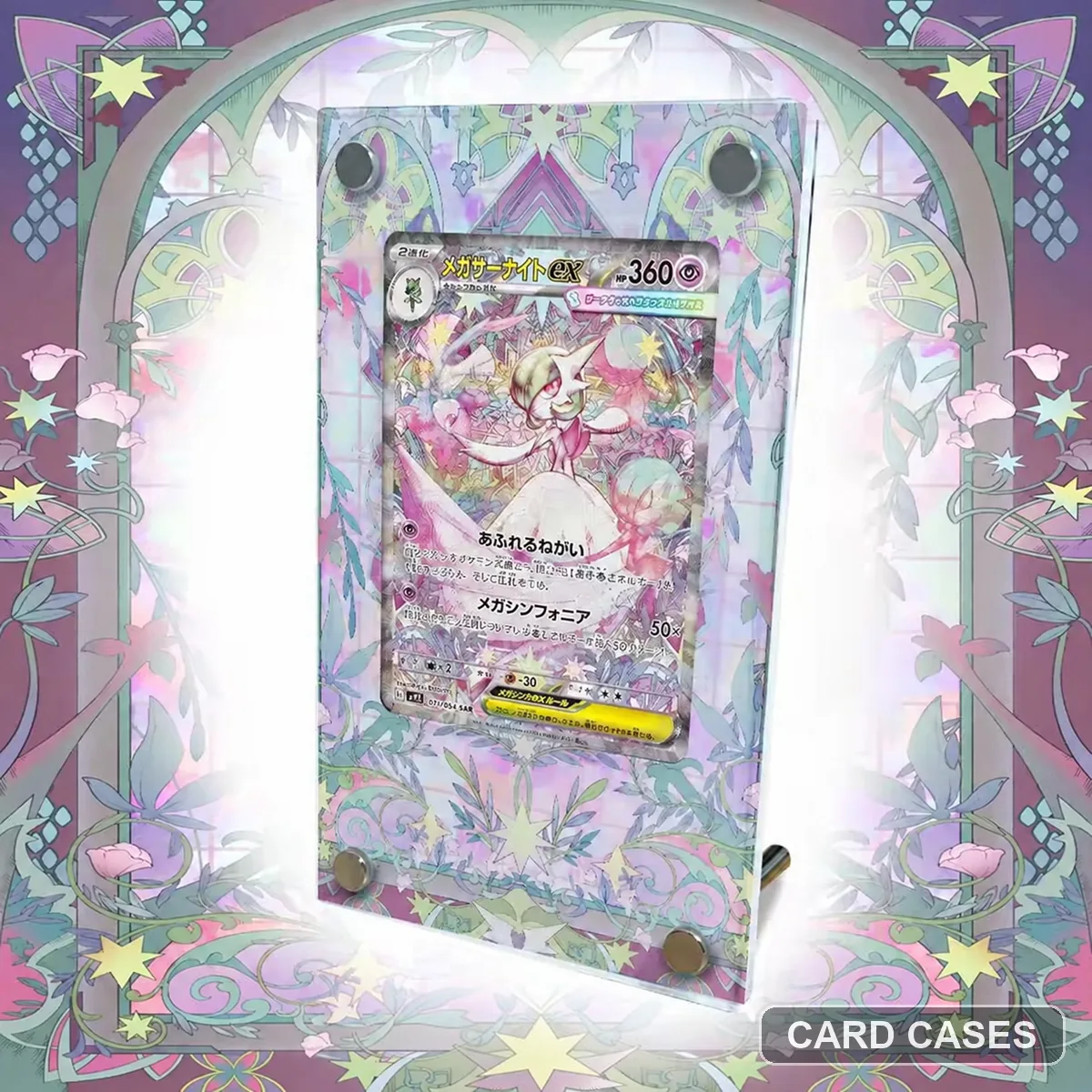 Use the numbered Gardevoir reference as your anchor
M1S Mega Gardevoir ex SAR 087/063 Extended-art Display Frame · PCC-017
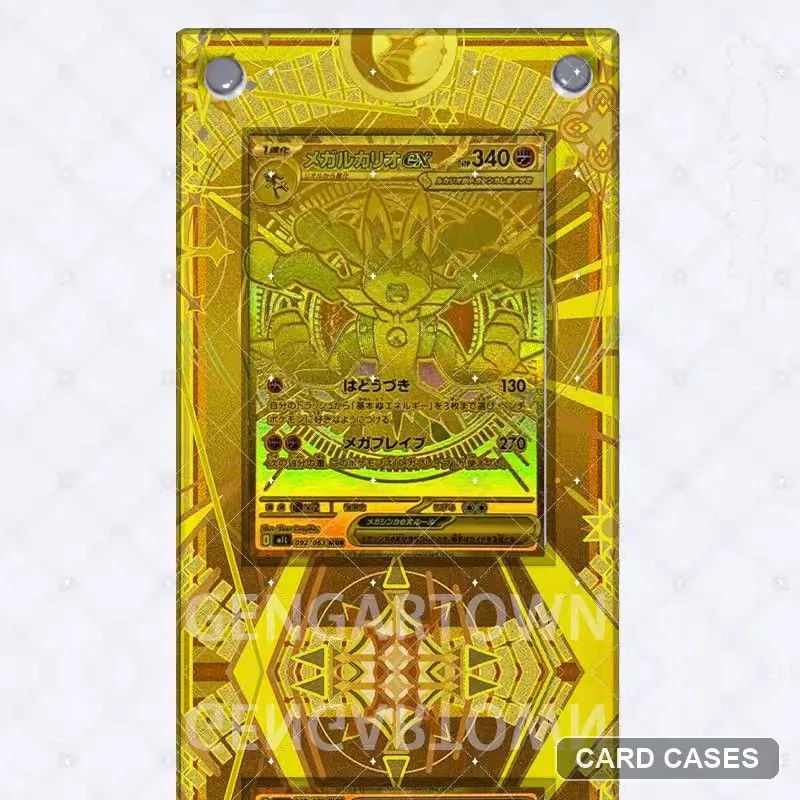 Keep Lucario’s reference separate from Lillie’s set entries
M1L Mega Lucario ex MUR 092/063 Extended-art Display Frame · PCC-032
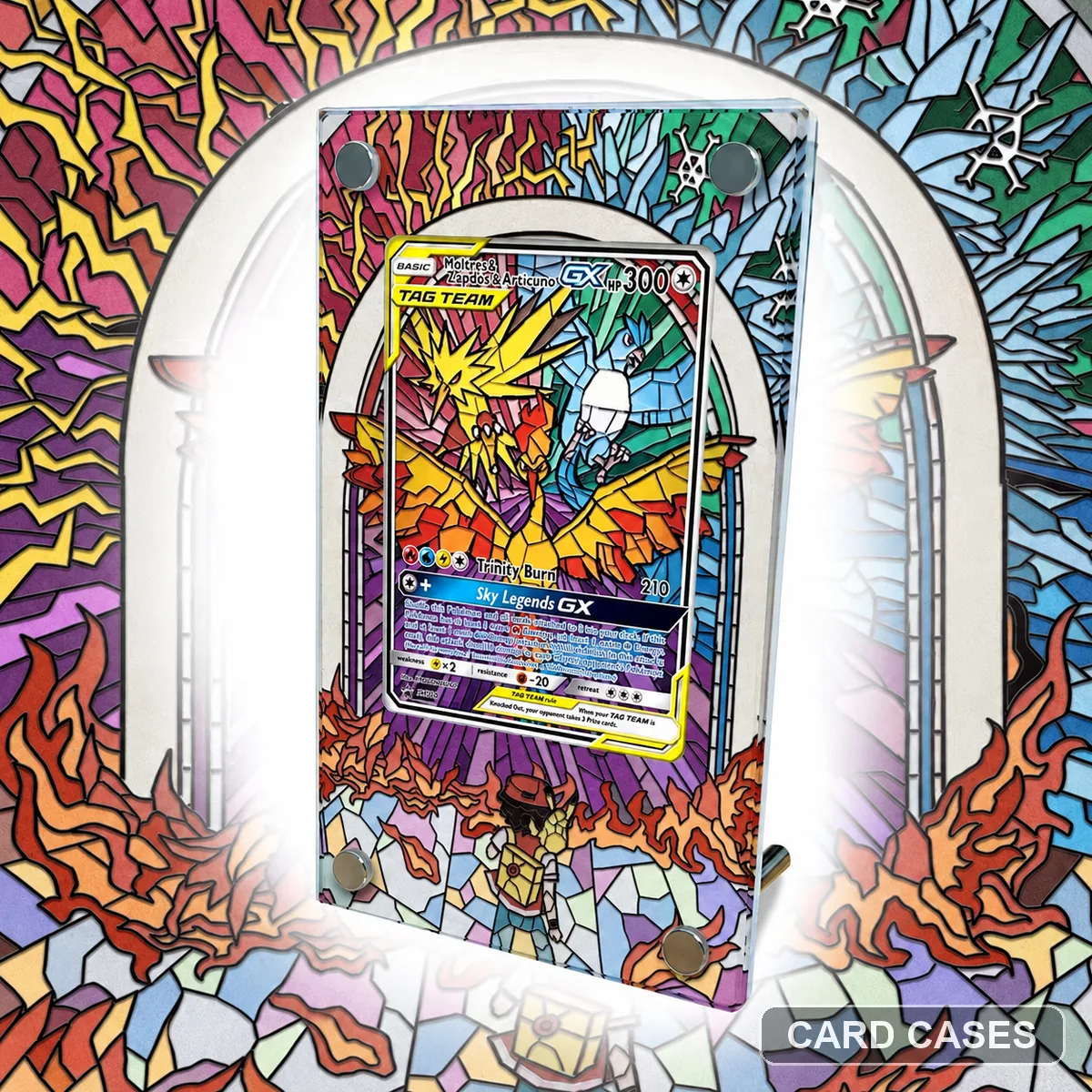 Distinguish three named birds from three separate cards
SM10b Moltres & Zapdos & Articuno GX SR 060/054 Extended-art Display Frame · PCC-034
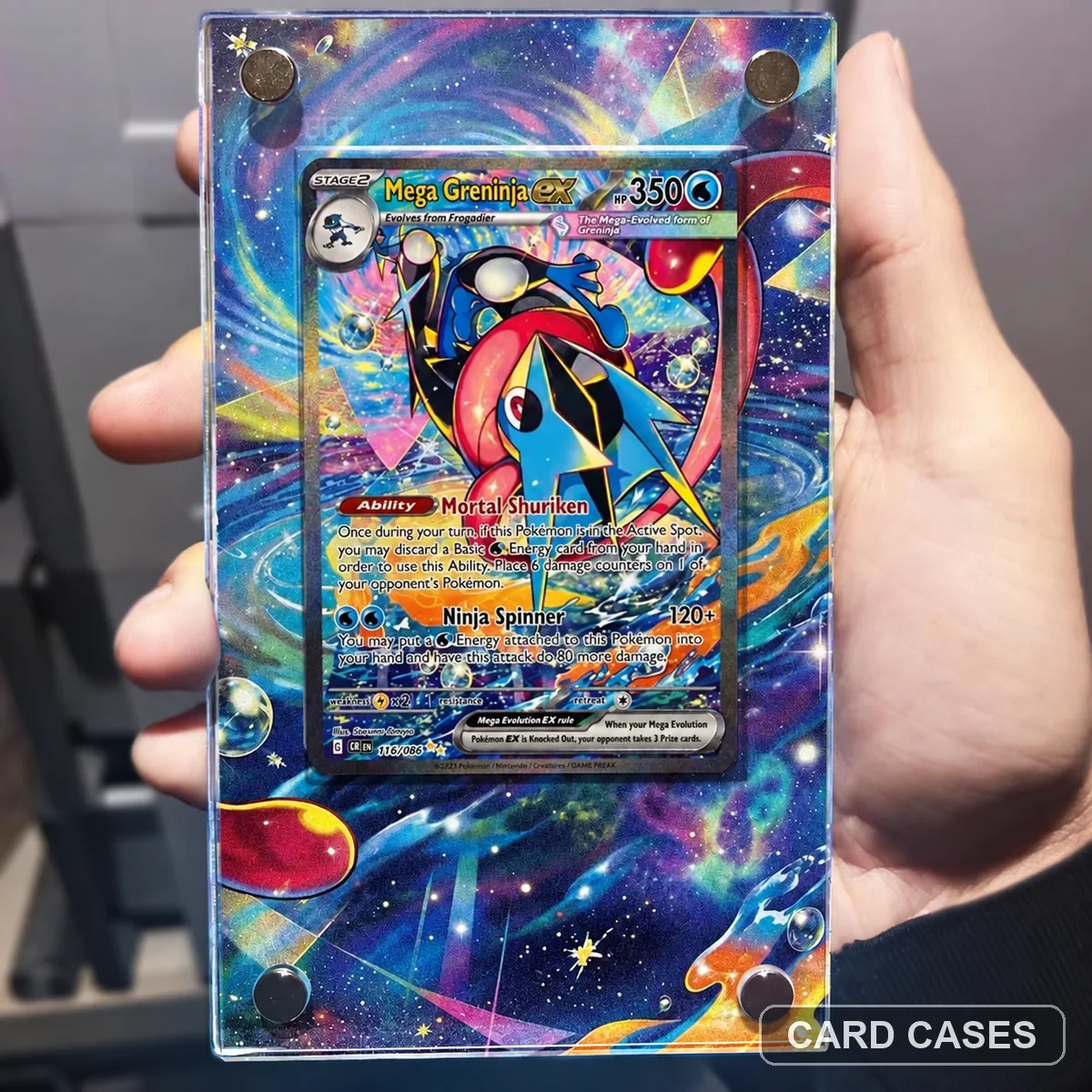 Choose the SAR scene before considering the MUR alternative
M4 Mega Greninja ex SAR Extended-art Display Frame · PCC-039
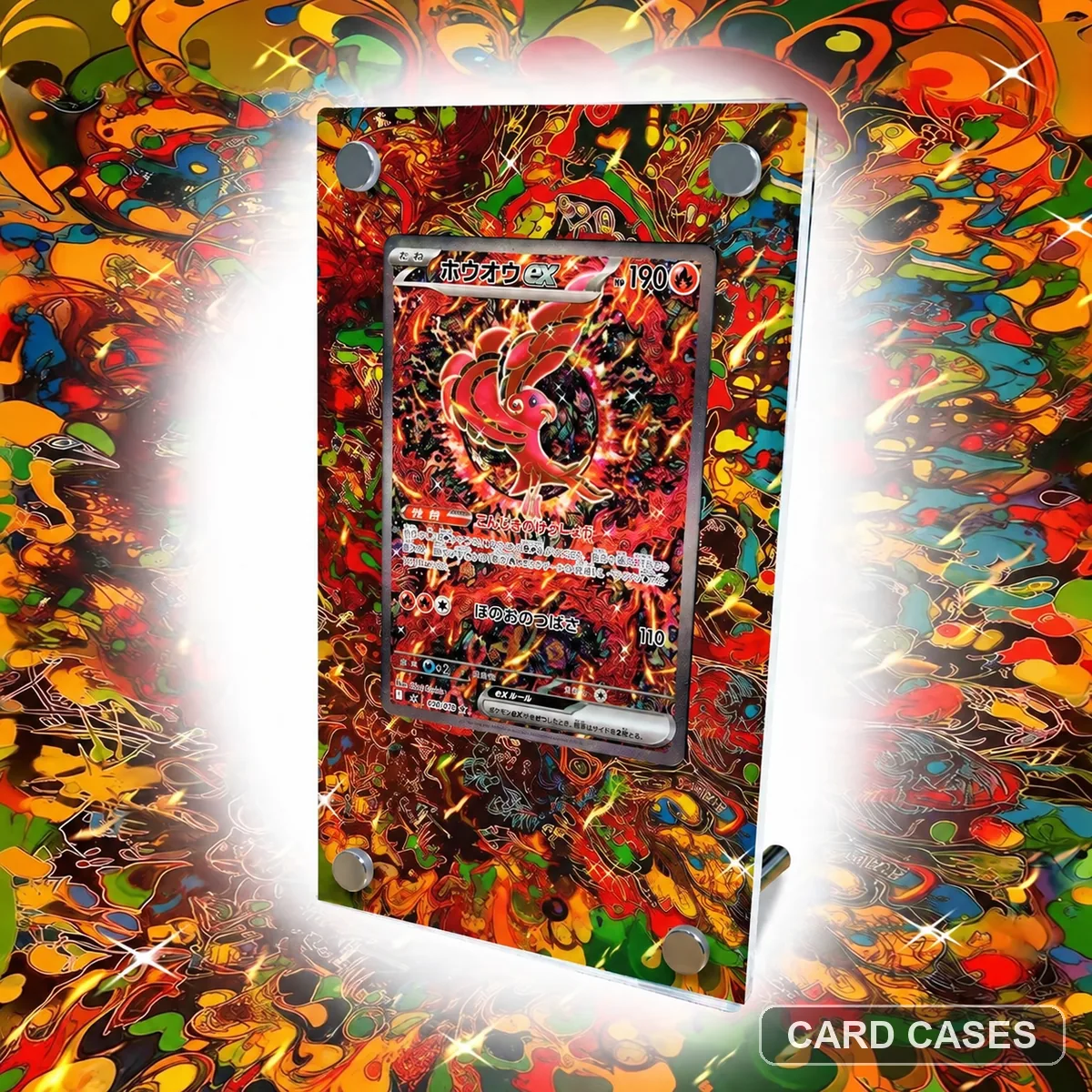 Follow Oricorio’s numbered illustration through the surround
M2 Oricorio ex SAR 111/080 Extended-art Display Frame · PCC-053
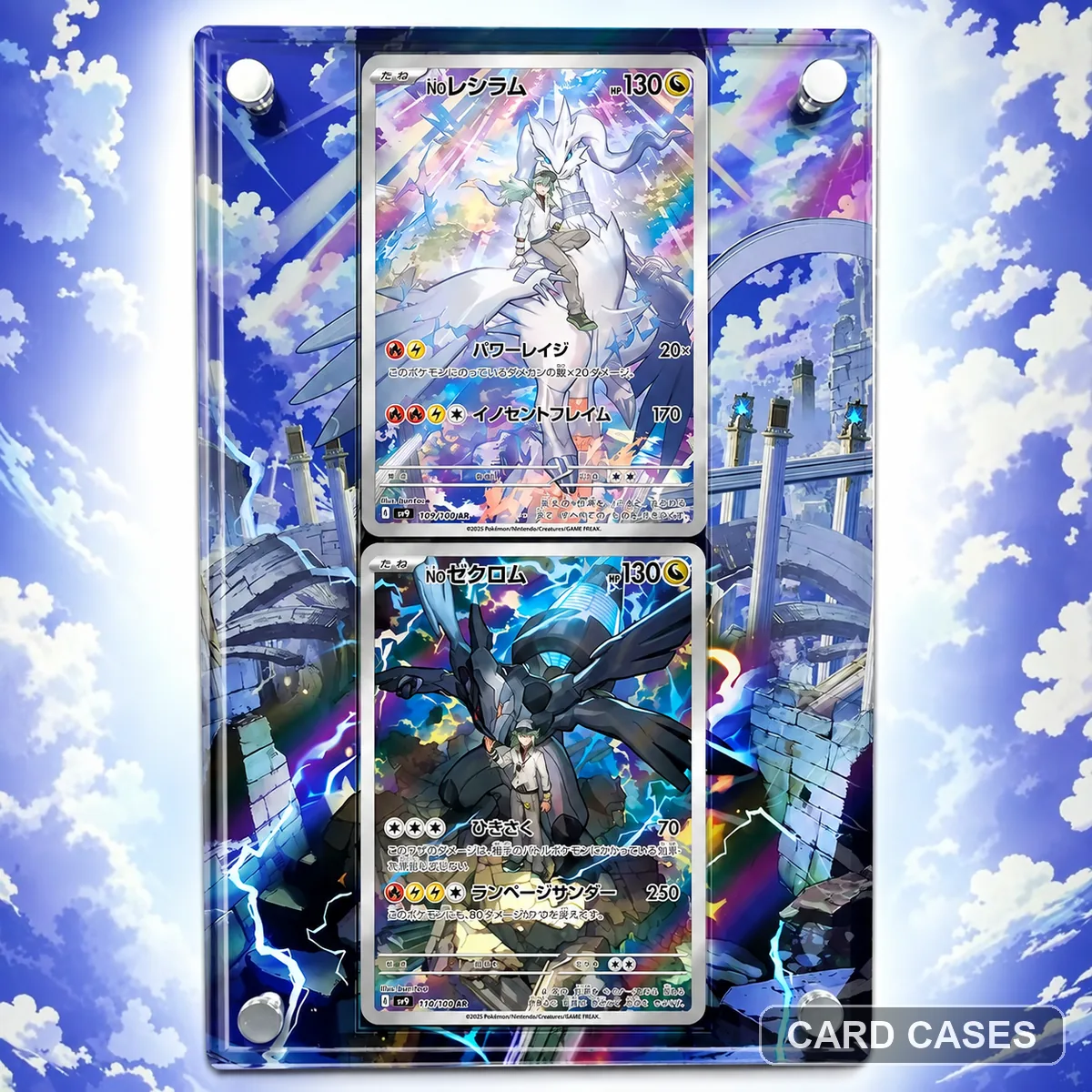 Separate a character pairing from individual N’s card entries
N’s Reshiram & Zekrom AR Extended-art Display Frame · PCC-054
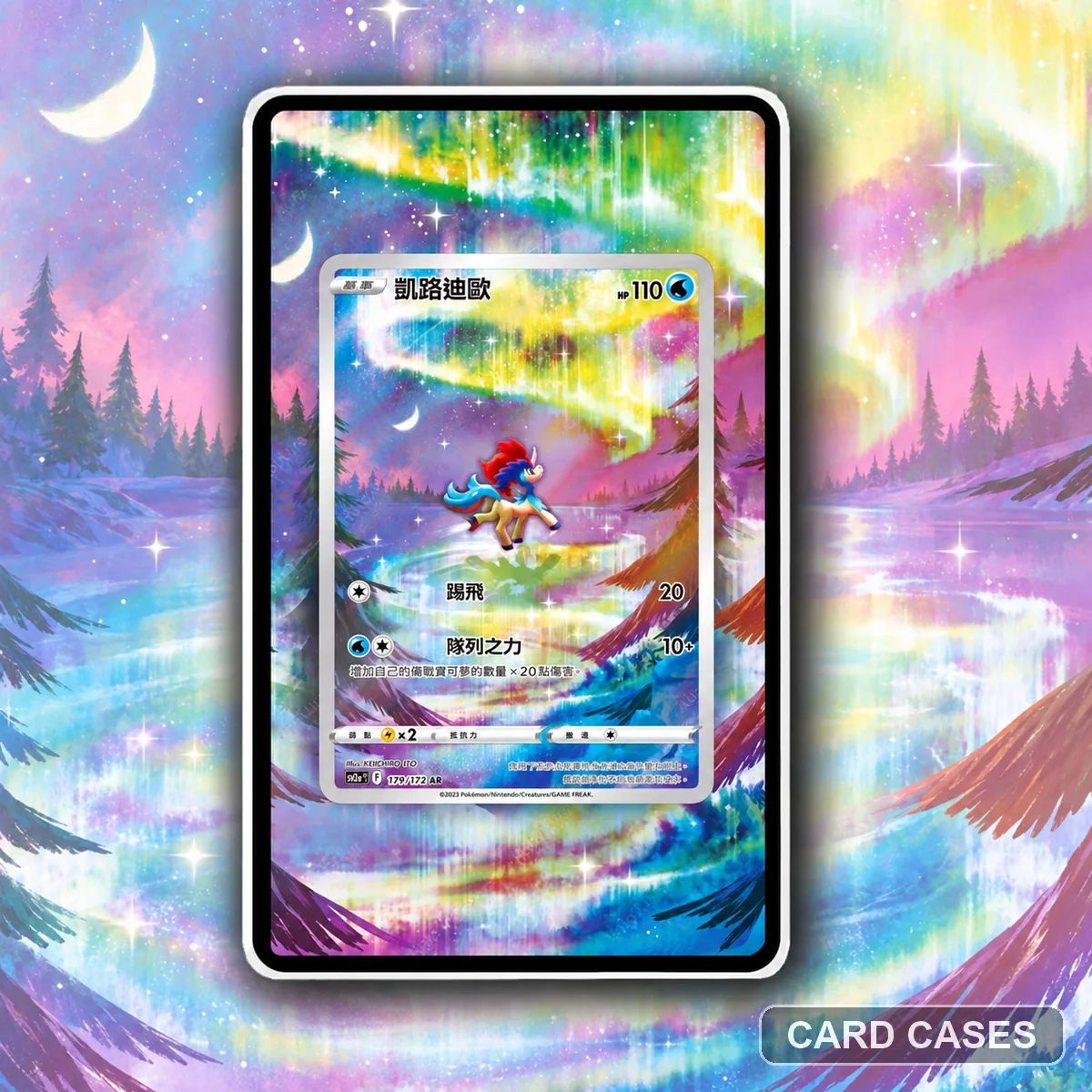 Resolve the Keldeo edition before planning its neighbour
S12a Keldeo AR Extended-art Display Frame · PCC-063
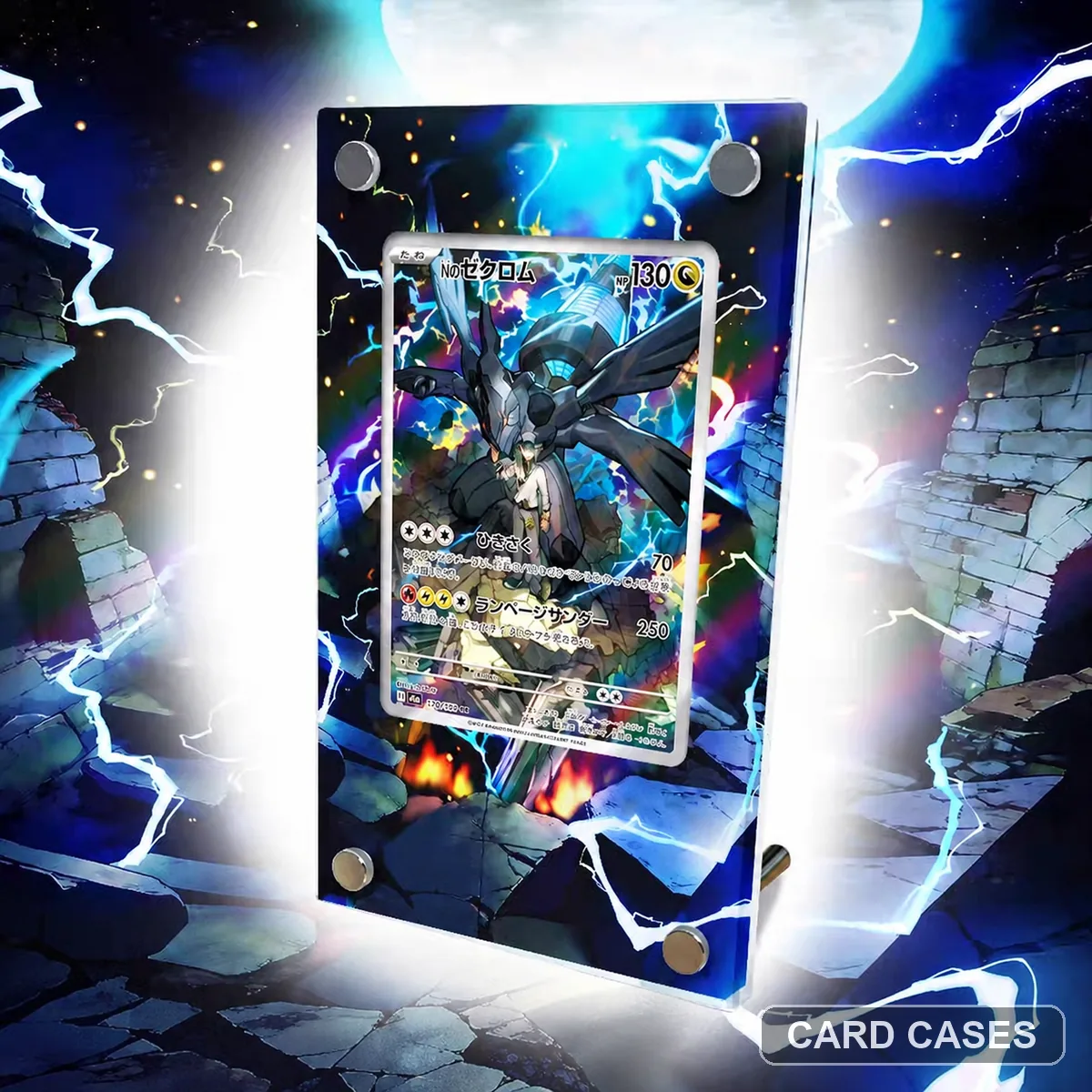 Compare the individual Zekrom with the paired N’s layout
M2a N’s Zekrom AR 210/193 Extended-art Display Frame · PCC-066
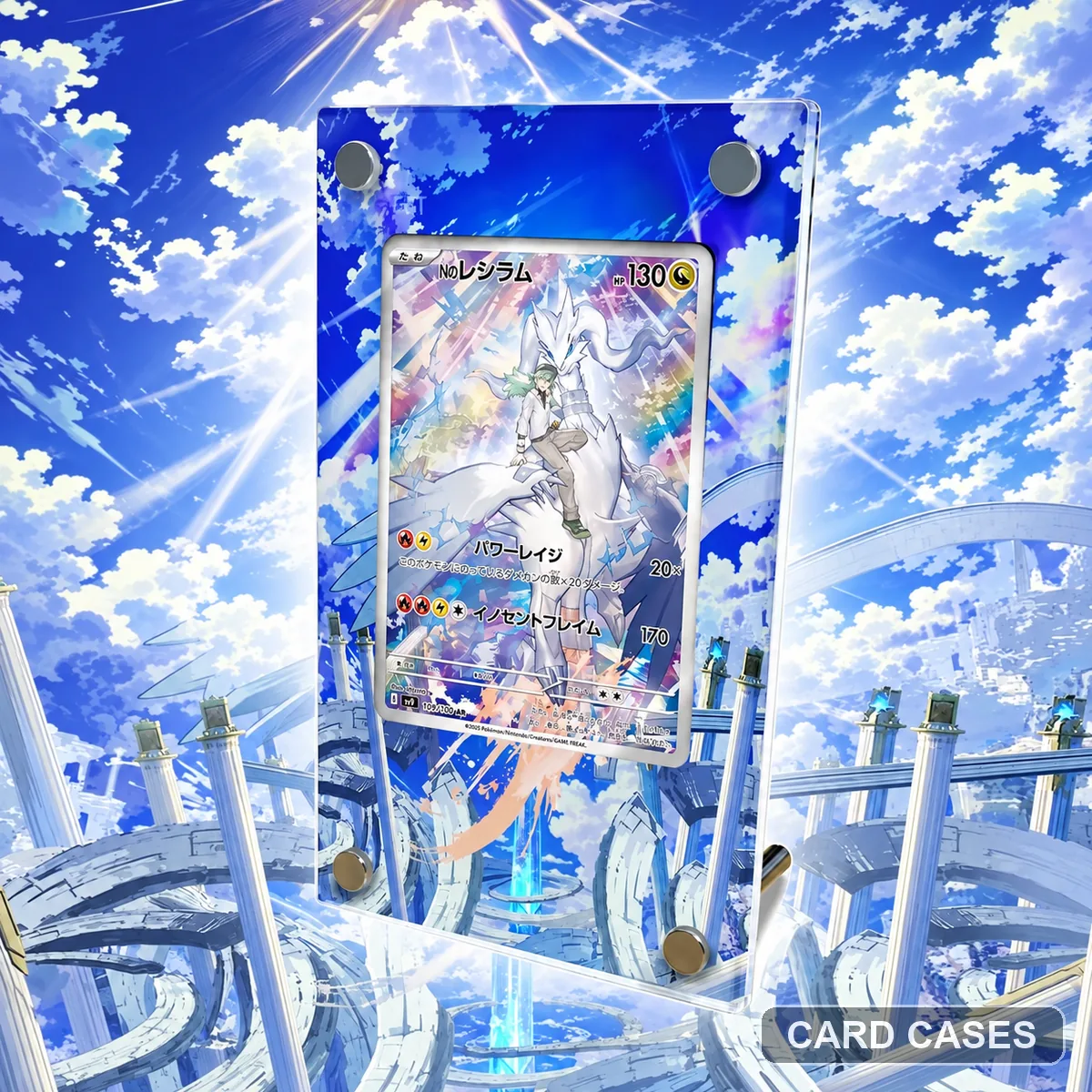 Use the individual Reshiram number before arranging a pair
SV9 N’s Reshiram SAR 109/100 Extended-art Display Frame · PCC-068
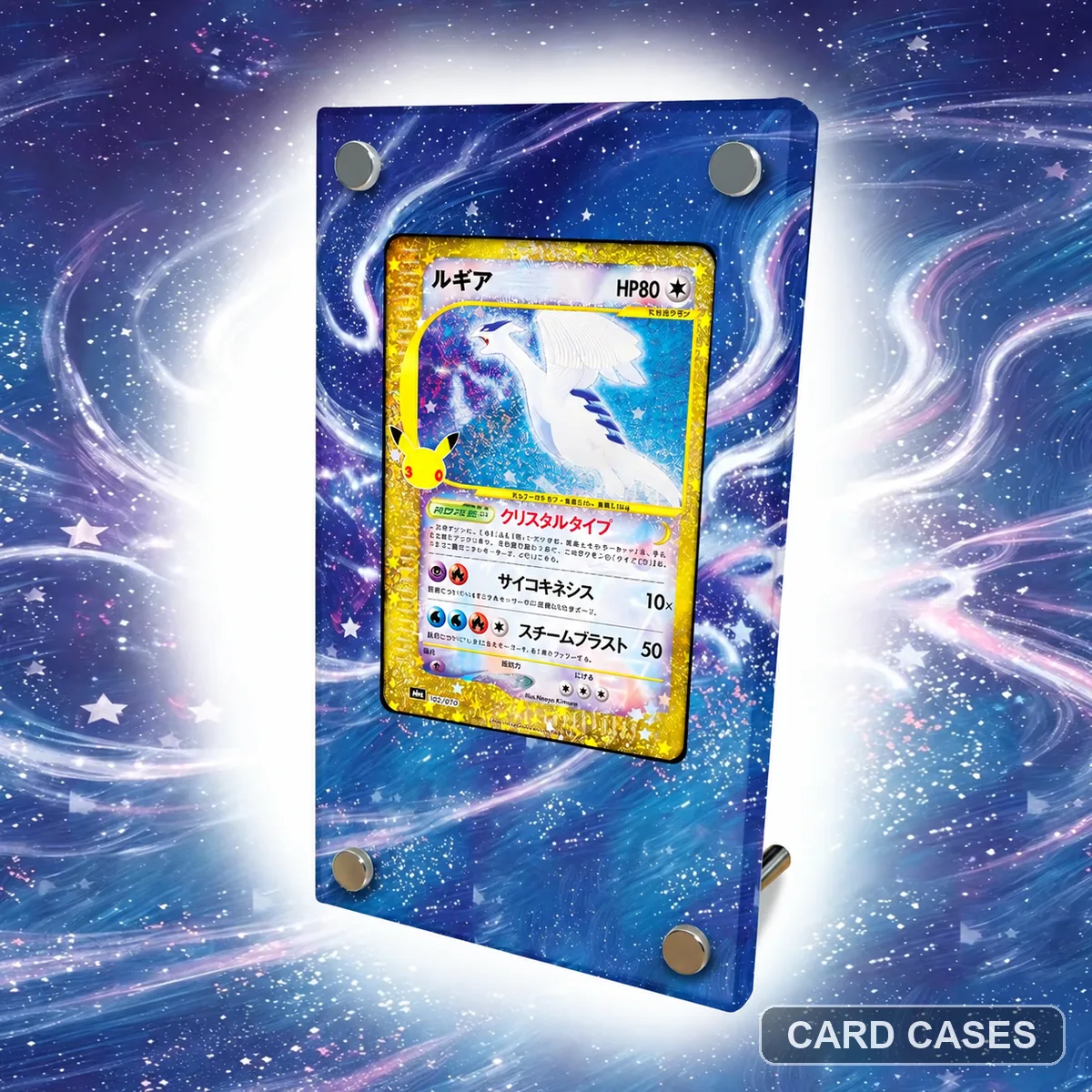 Plan a Lugia display around its own numbered scene
M6a Lugia 142/103 30th Anniversary Extended-art Display Frame · PCC-076
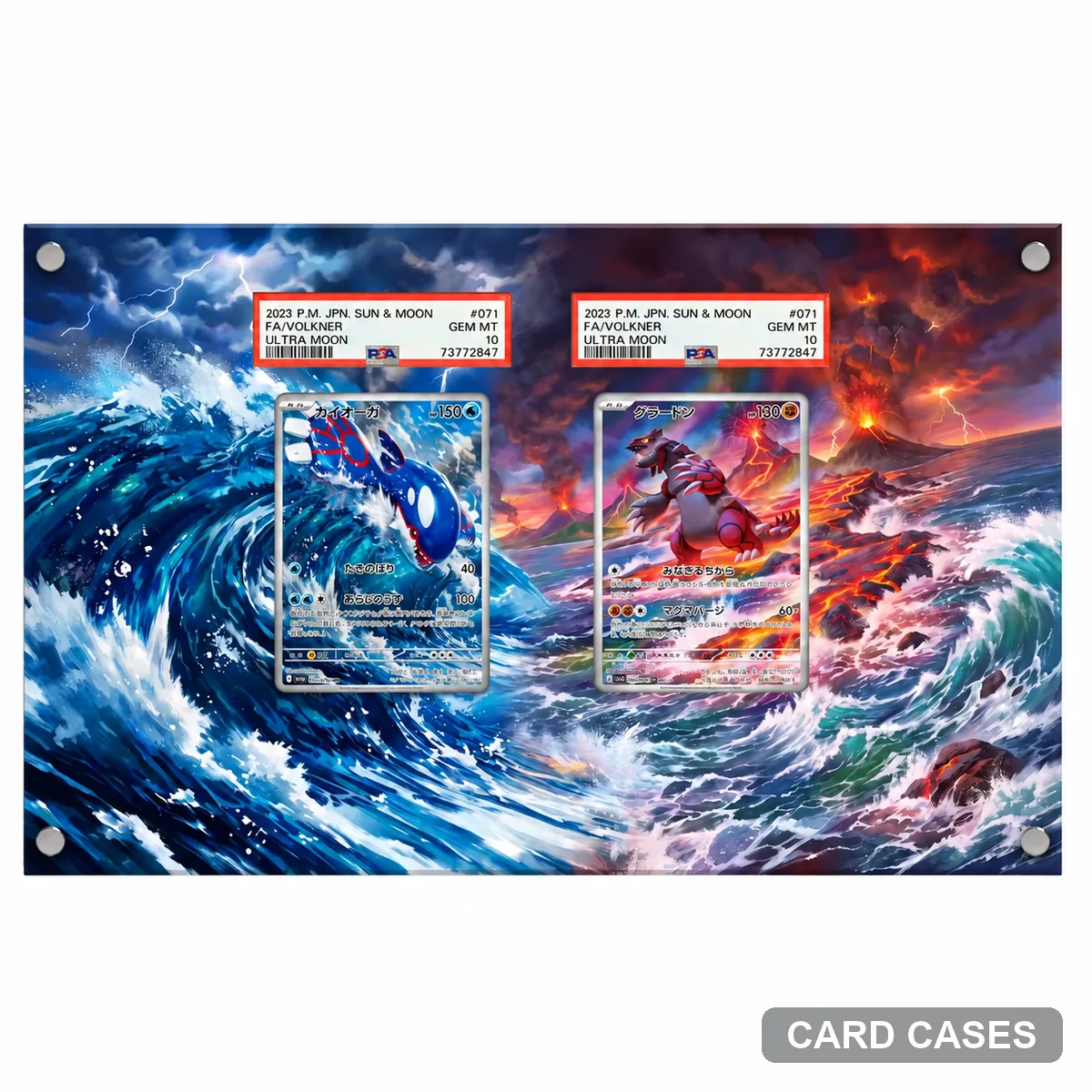 Use Kyogre’s own scene within an M6 collection
M6 Kyogre AR 080/076 Extended-art Display Frame · PCC-078
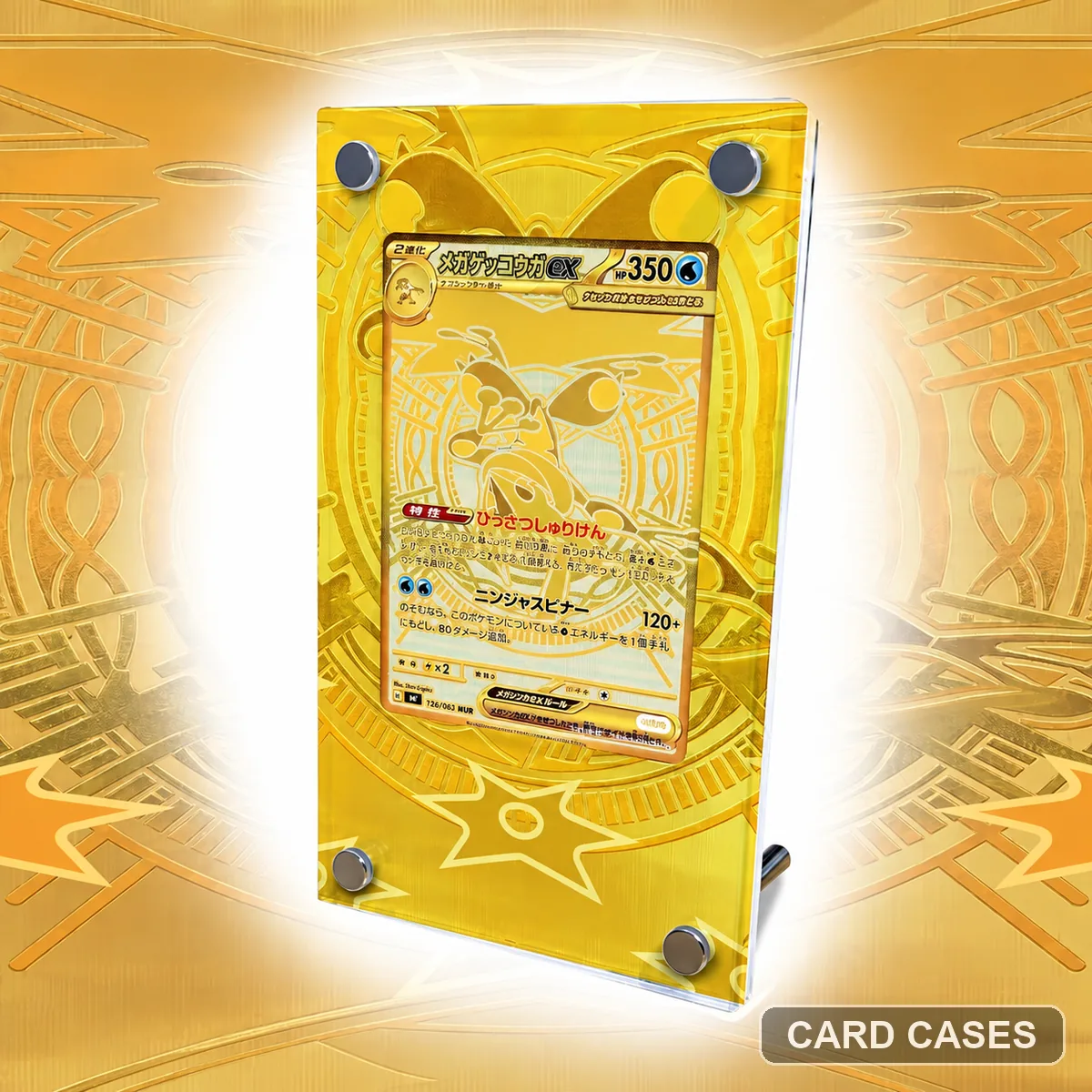 Keep the numbered MUR choice separate from the SAR gallery
M4 Mega Greninja ex MUR 120/083 Extended-art Display Frame · PCC-081
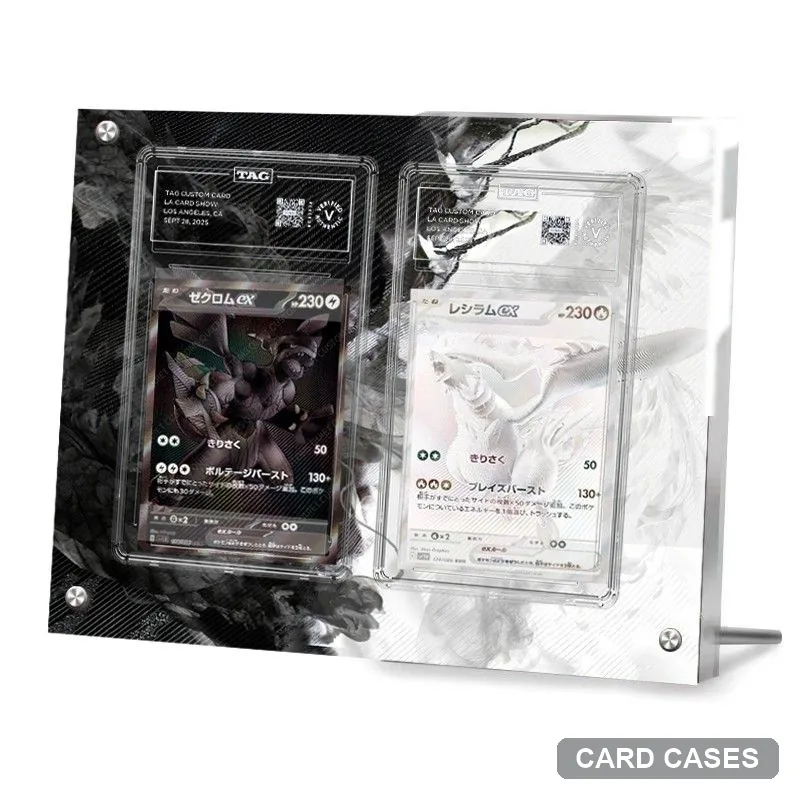 Keep both set prefixes visible in a BWR pairing
SV11B / SV11W Zekrom ex & Reshiram ex BWR Extended-art Display Frame · PCC-094
Other character references
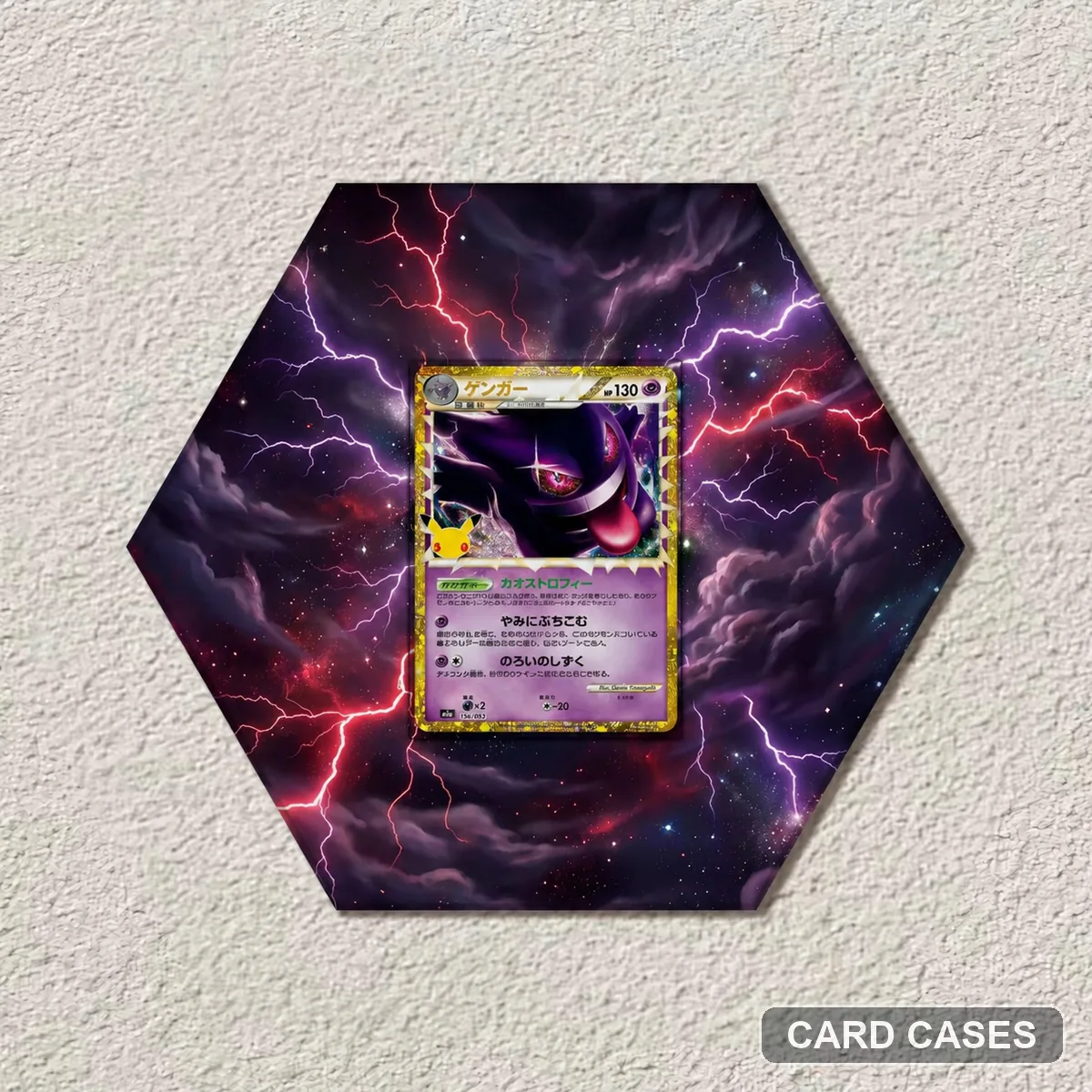 Keep an anniversary theme distinct from Gengar ex
M6a Gengar 30th Anniversary Extended-art Display Frame · PCC-011
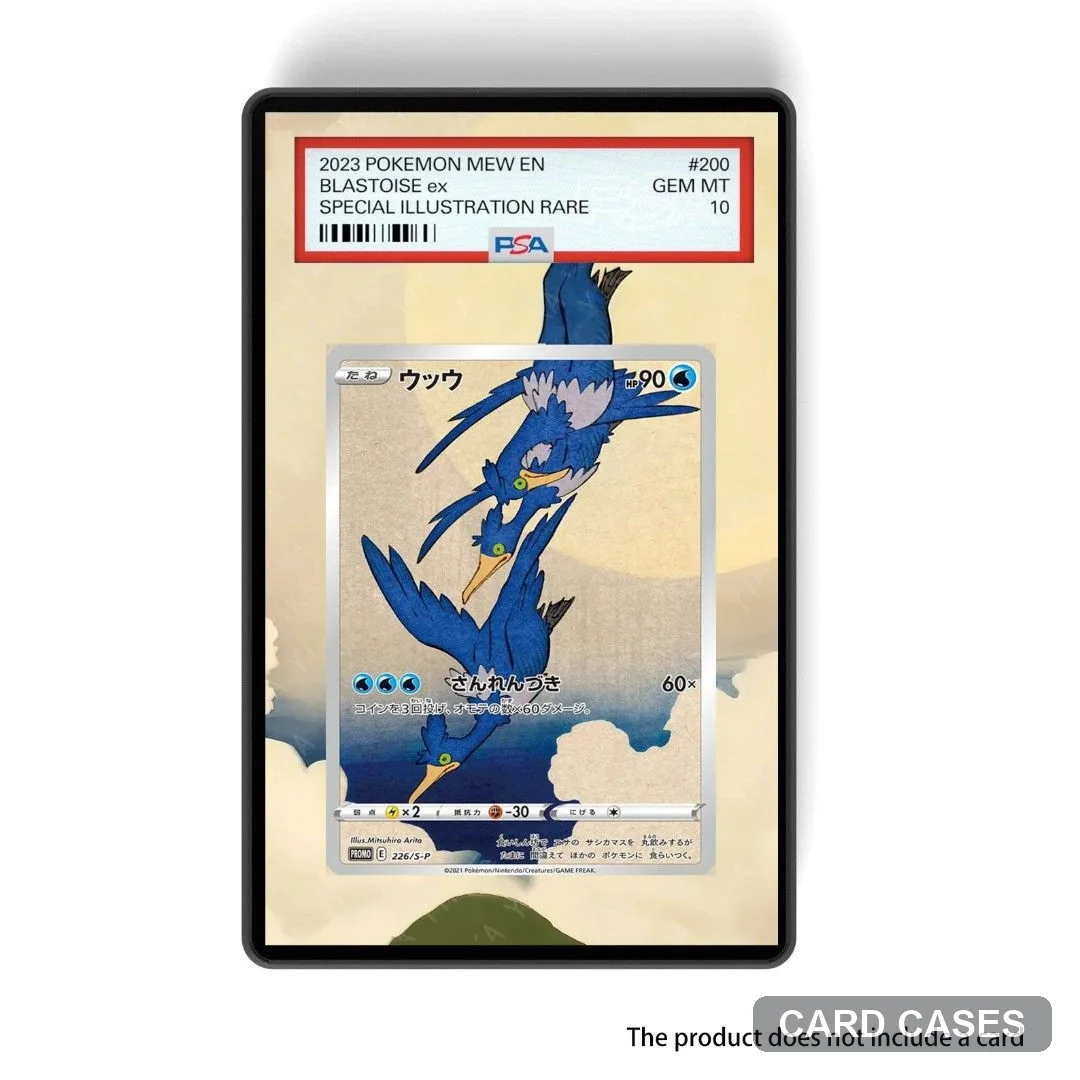 Compare the central card and its ukiyo-e surround
Cramorant PROMO 226/S-P Ukiyo-e Extended-art Display Frame · PCC-014
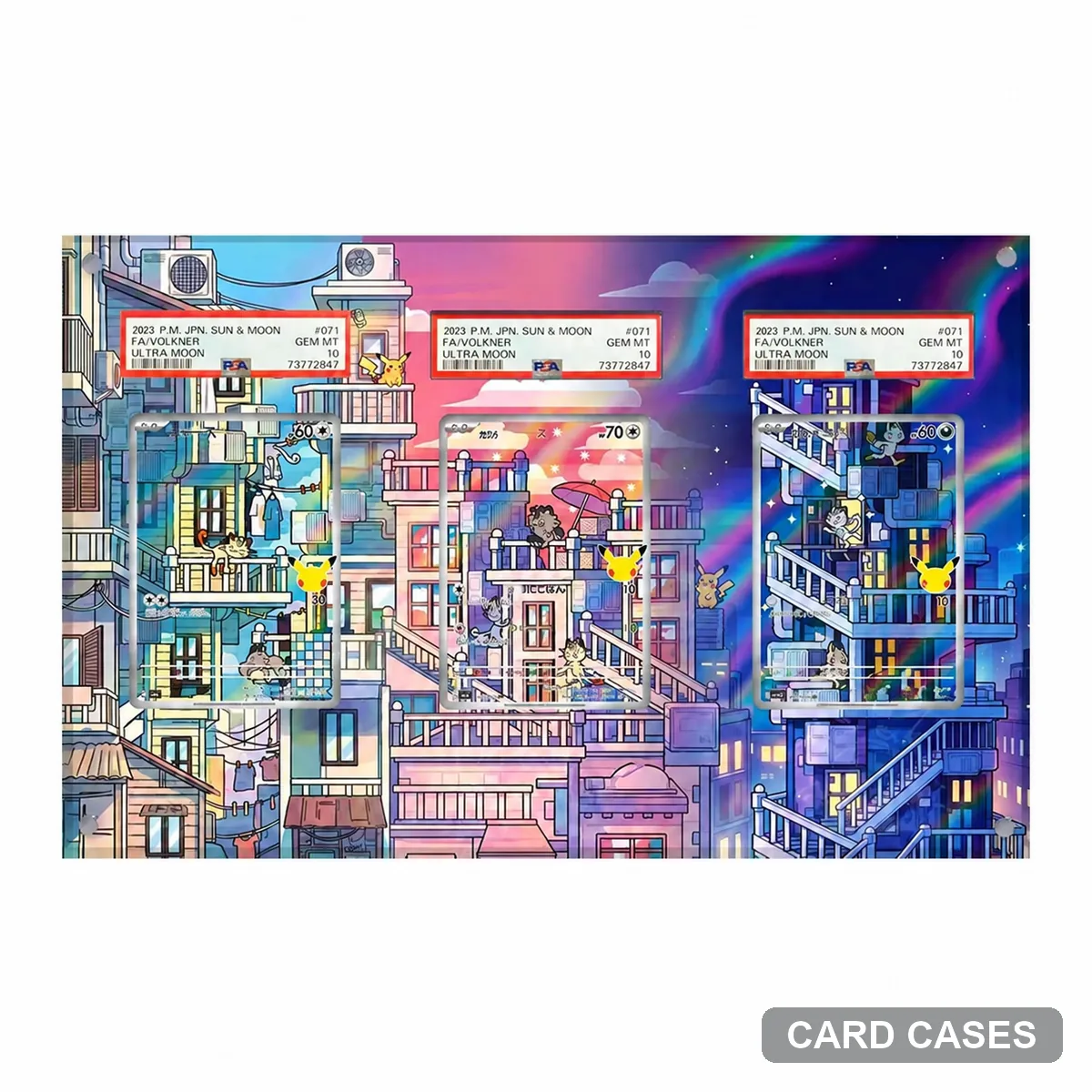 Read the Meowth reference before choosing a surround
M6a Meowth AR 120/103 Extended-art Display Frame · PCC-024
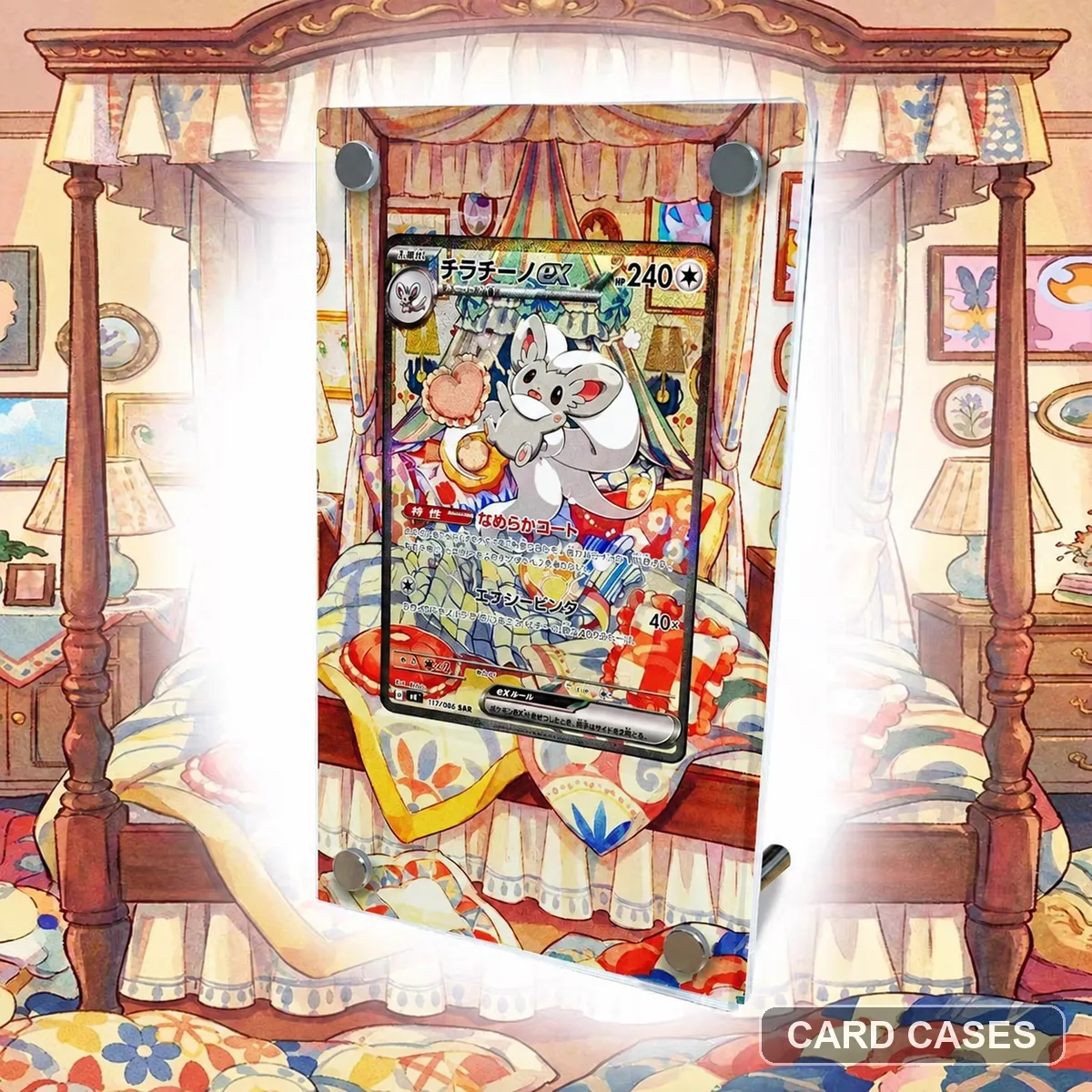 Give the Cinccino illustration its own focal point
M4 Cinccino ex SAR 117/083 Extended-art Display Frame · PCC-044
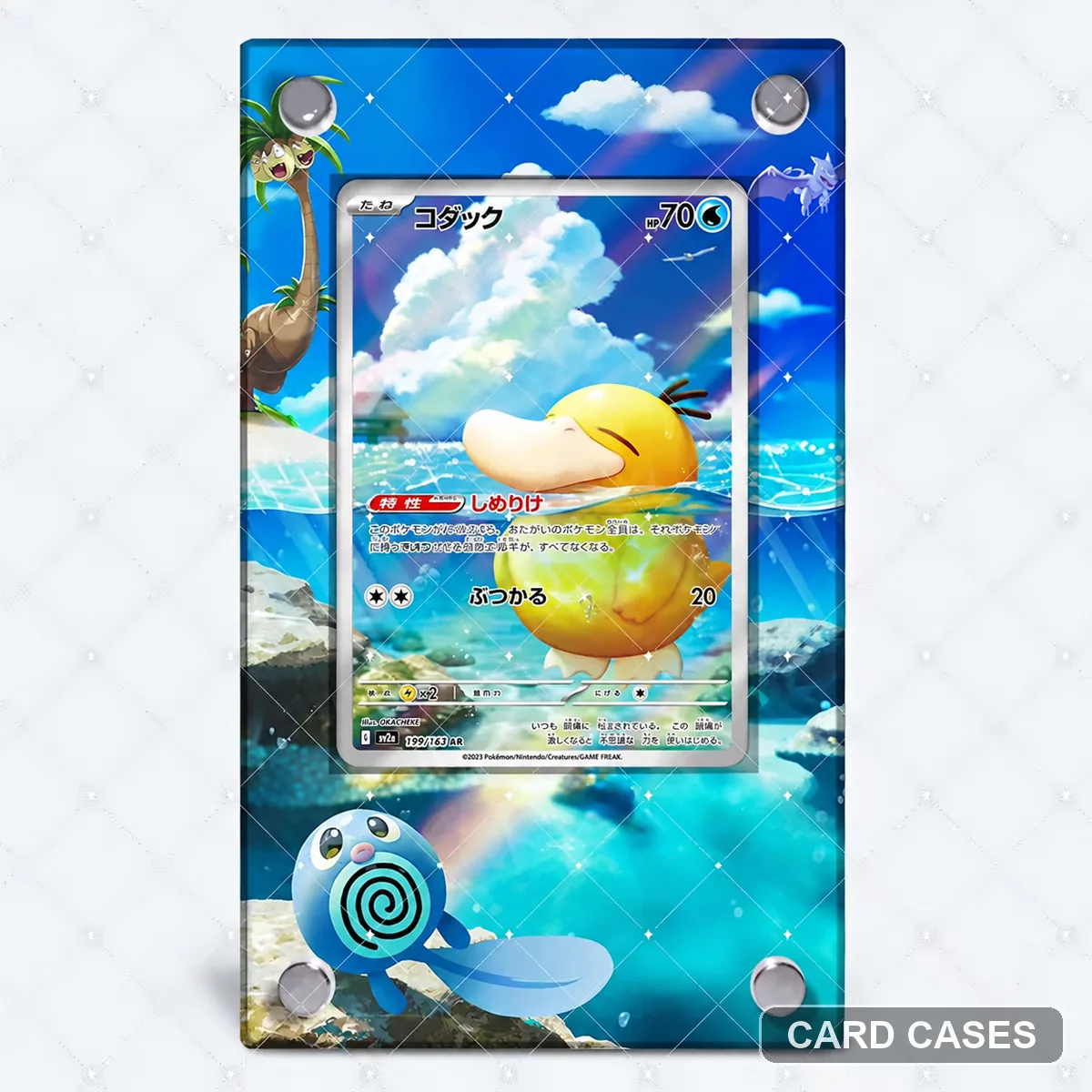 Choose the numbered Psyduck scene before a theme-led one
M2a Psyduck AR 199/193 Extended-art Display Frame · PCC-046
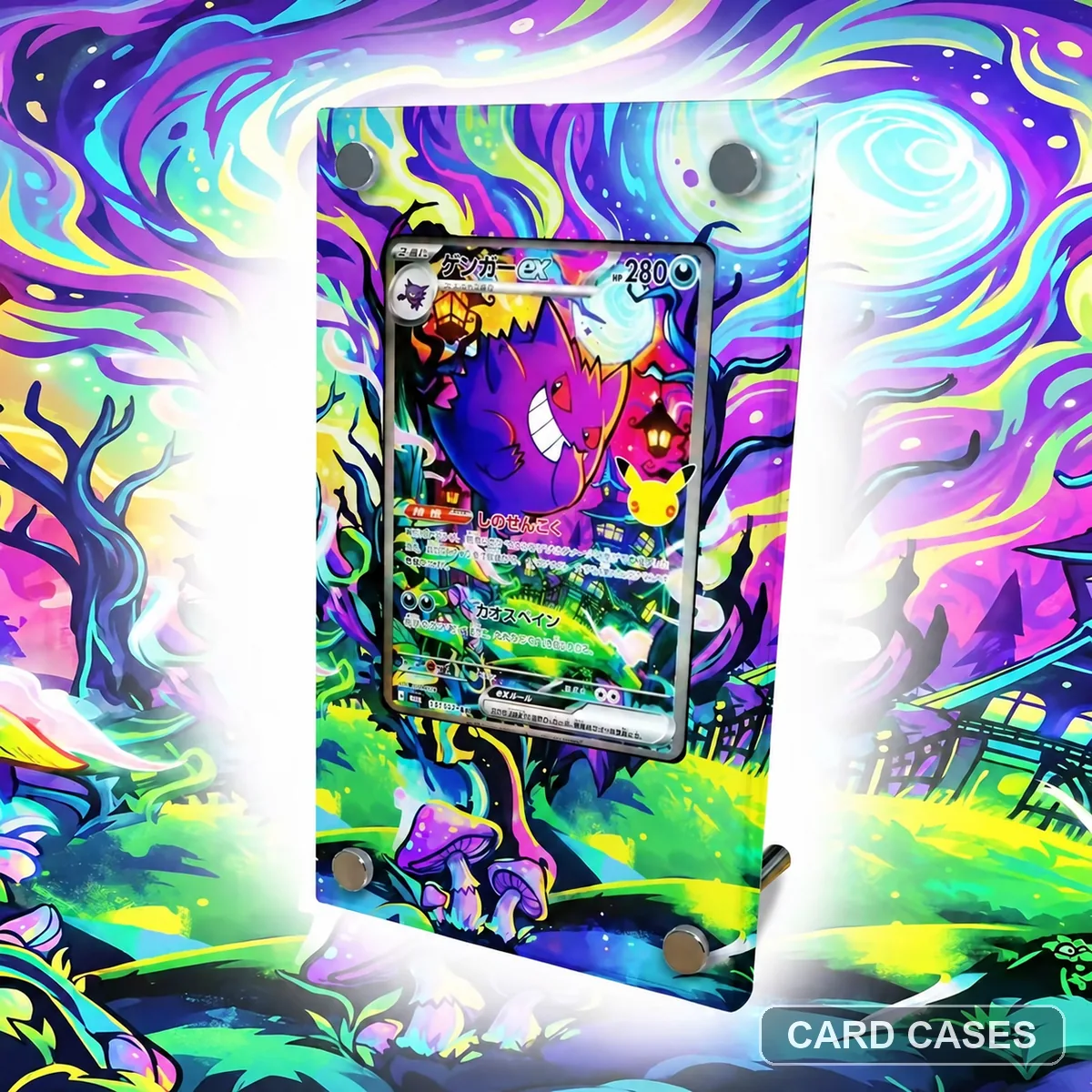 Use the ex number before choosing a Gengar theme
M6a Gengar ex SAR 131/103 Extended-art Display Frame · PCC-060
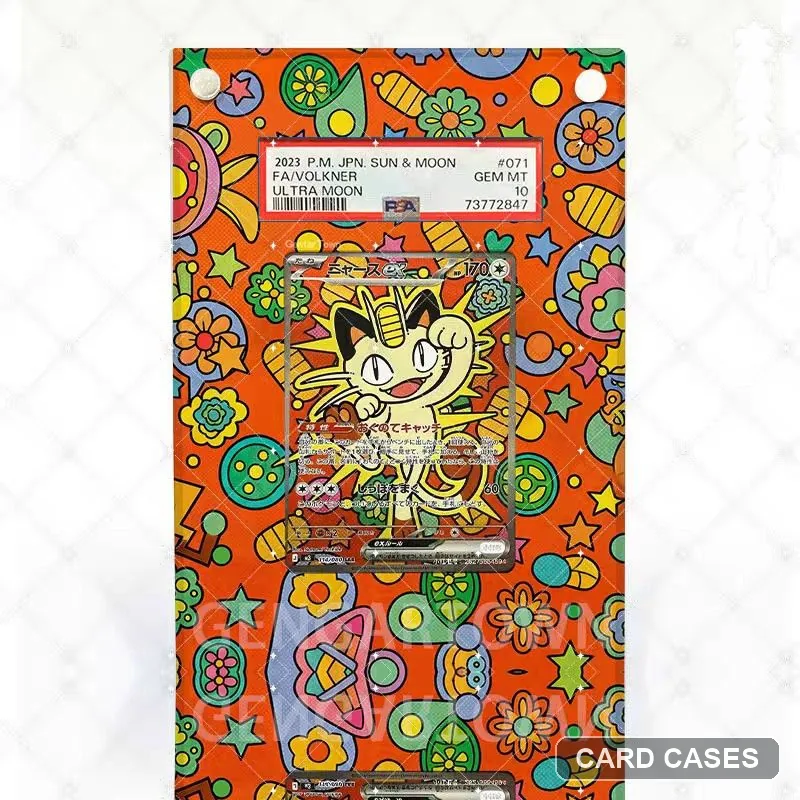 Do not substitute the numbered non-ex Meowth gallery
M3 Meowth ex SAR Extended-art Display Frame · PCC-062
Theme-led display designs
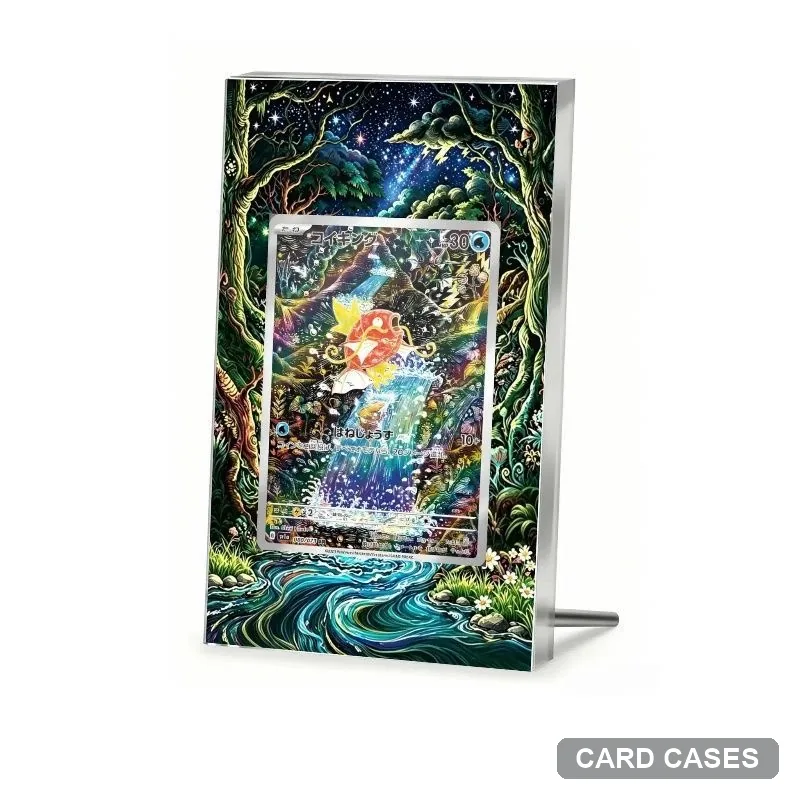 Use the forest-stream scene as a visual brief
Magikarp — Forest Stream — Extended-art Display Frame · PCC-096
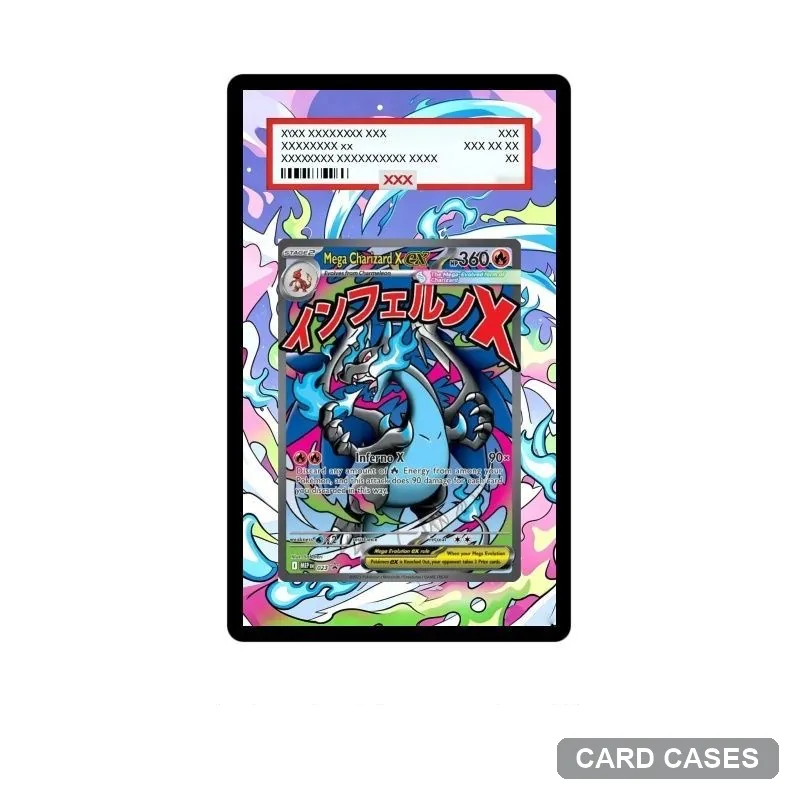 Separate a colour description from a finish specification
Blastoise — Rainbow Artwork — Extended-art Display Frame · PCC-097
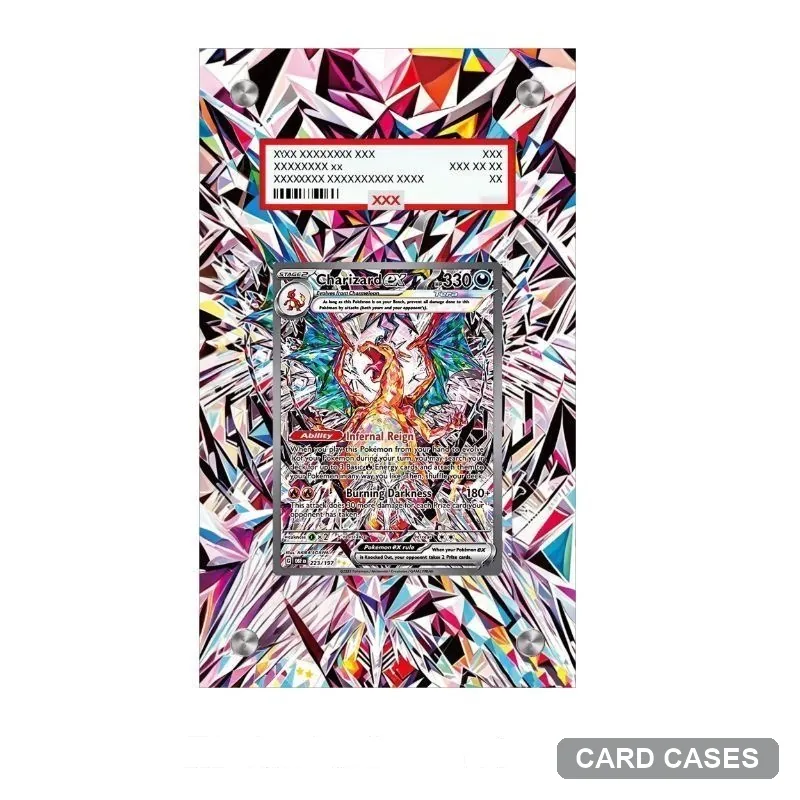 Identify the card within a geometry-led presentation
Crystal Geometry — Extended-art Display Frame · PCC-100
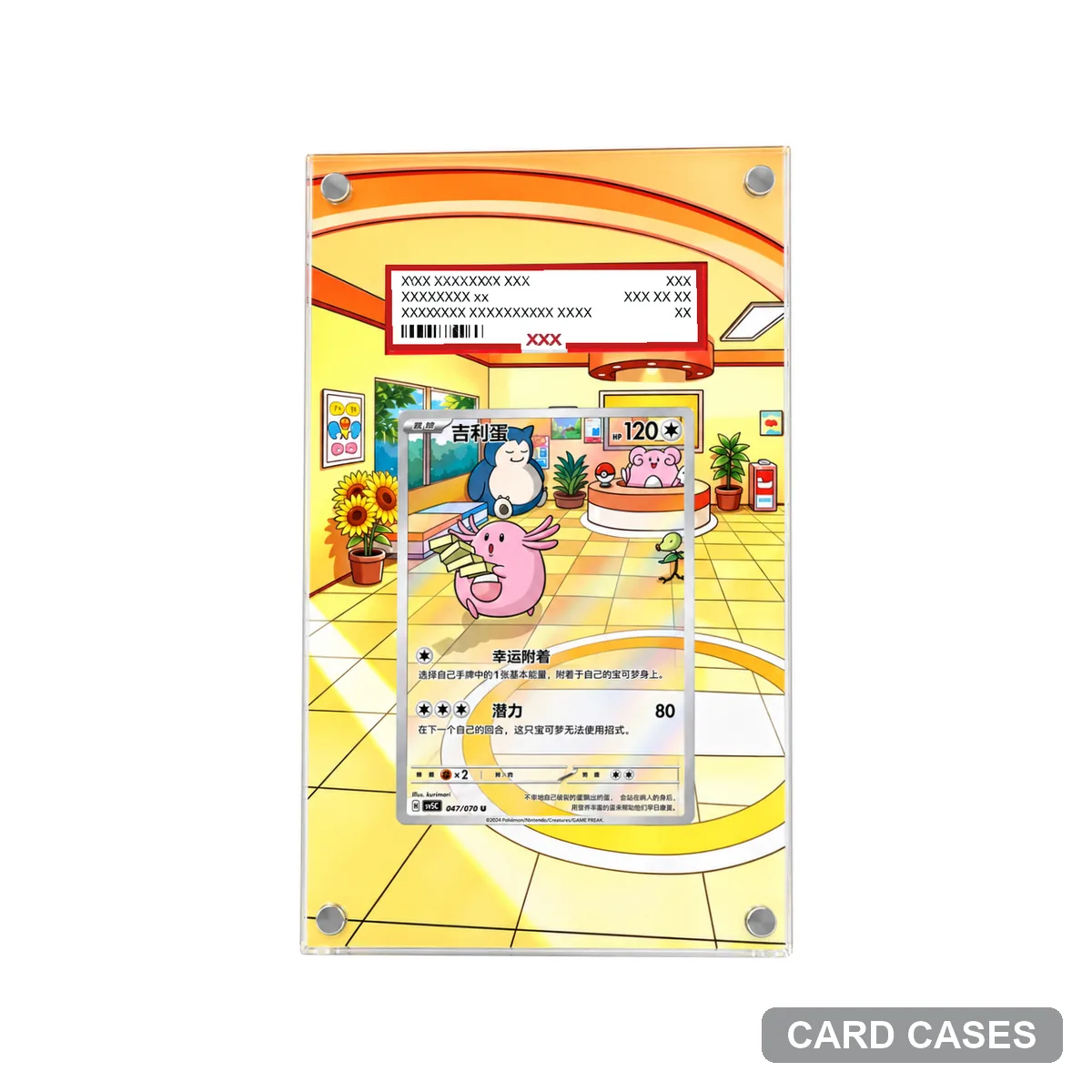 Treat the café as a scene choice, then identify the card
Galarian Slowking — Café — Extended-art Display Frame · PCC-102
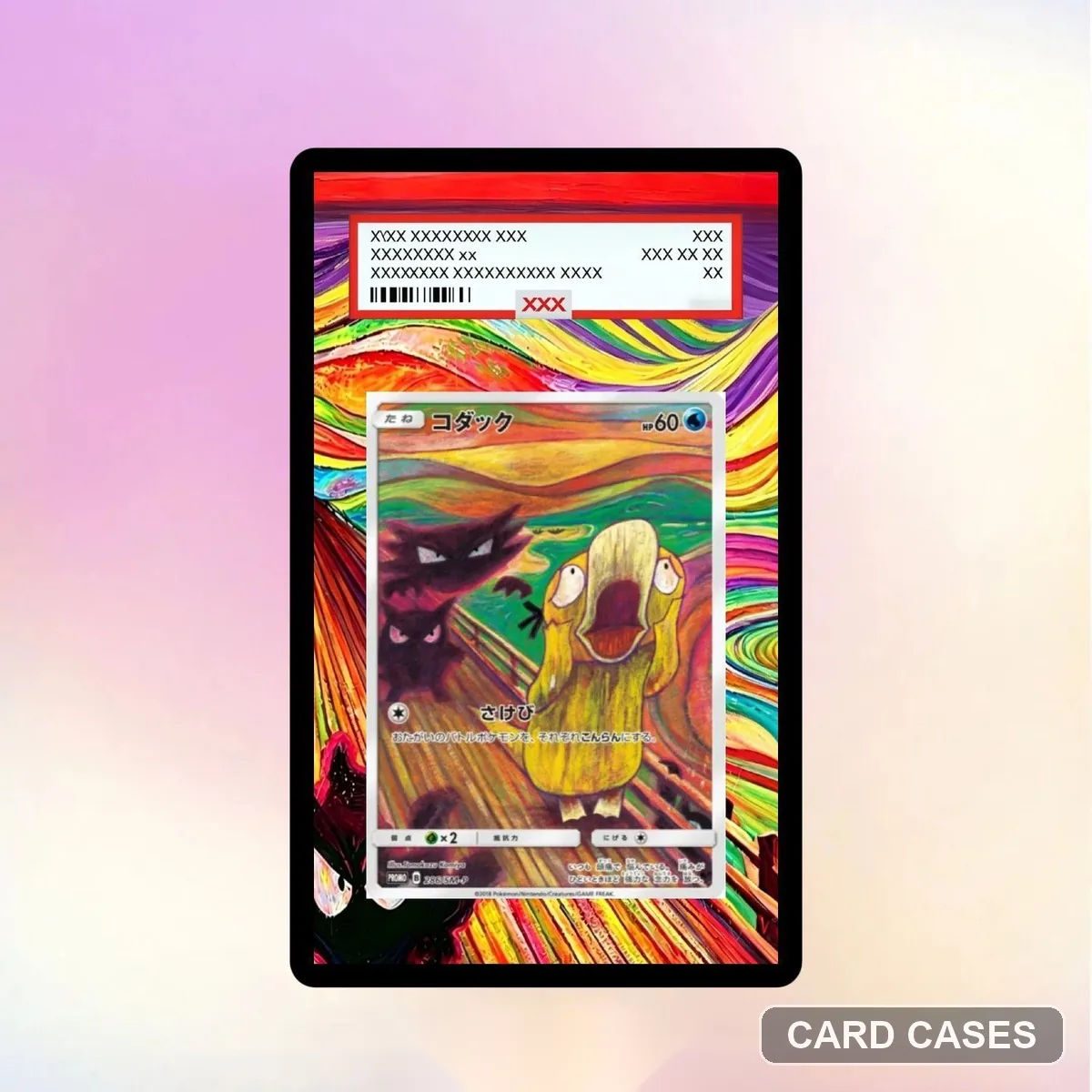 Use the colour treatment without assuming interchangeable artwork
Tyranitar — Rainbow Lines — Extended-art Display Frame · PCC-103
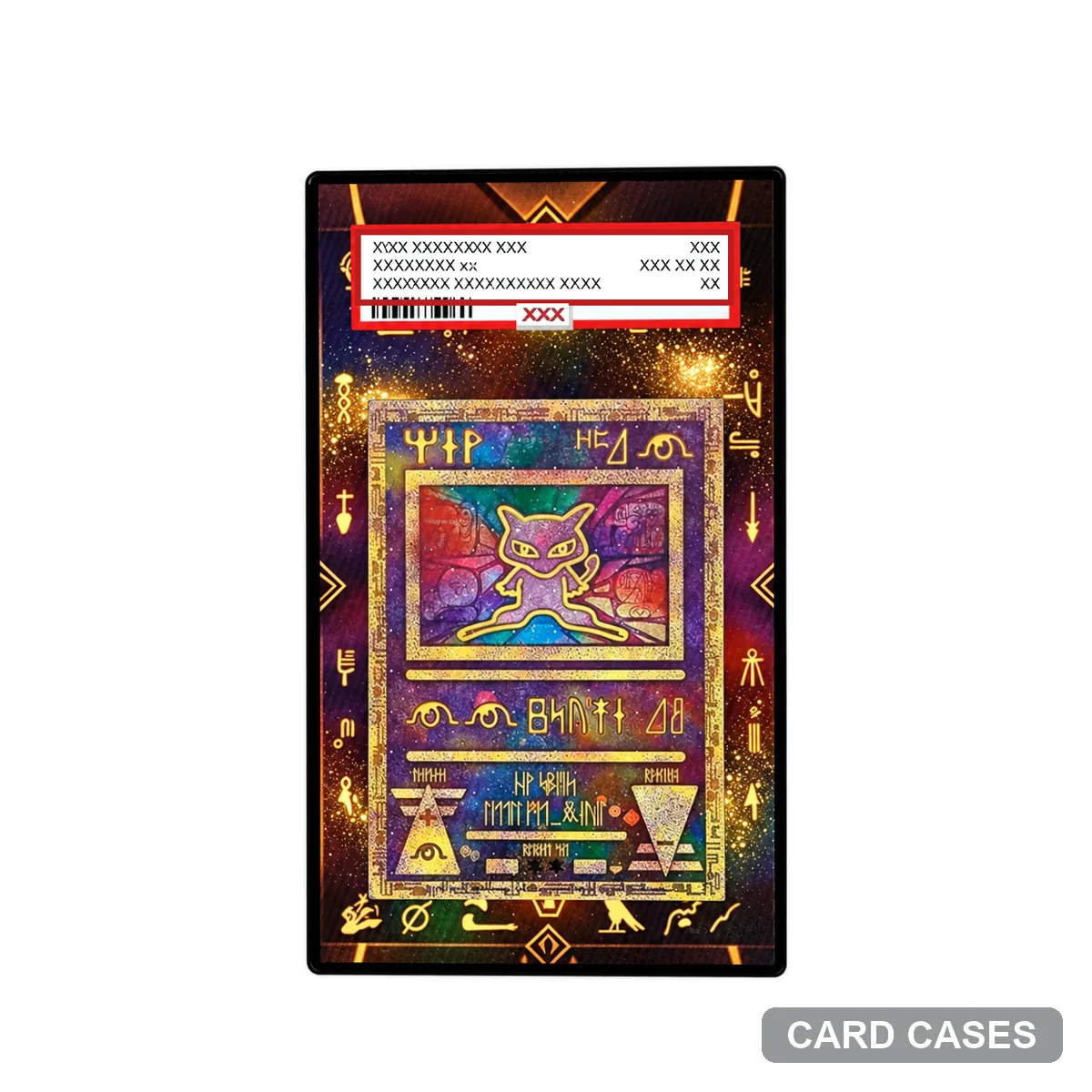 Check the central card within the ancient-themed surround
Alakazam — Ancient Gold and Black — Extended-art Display Frame · PCC-104
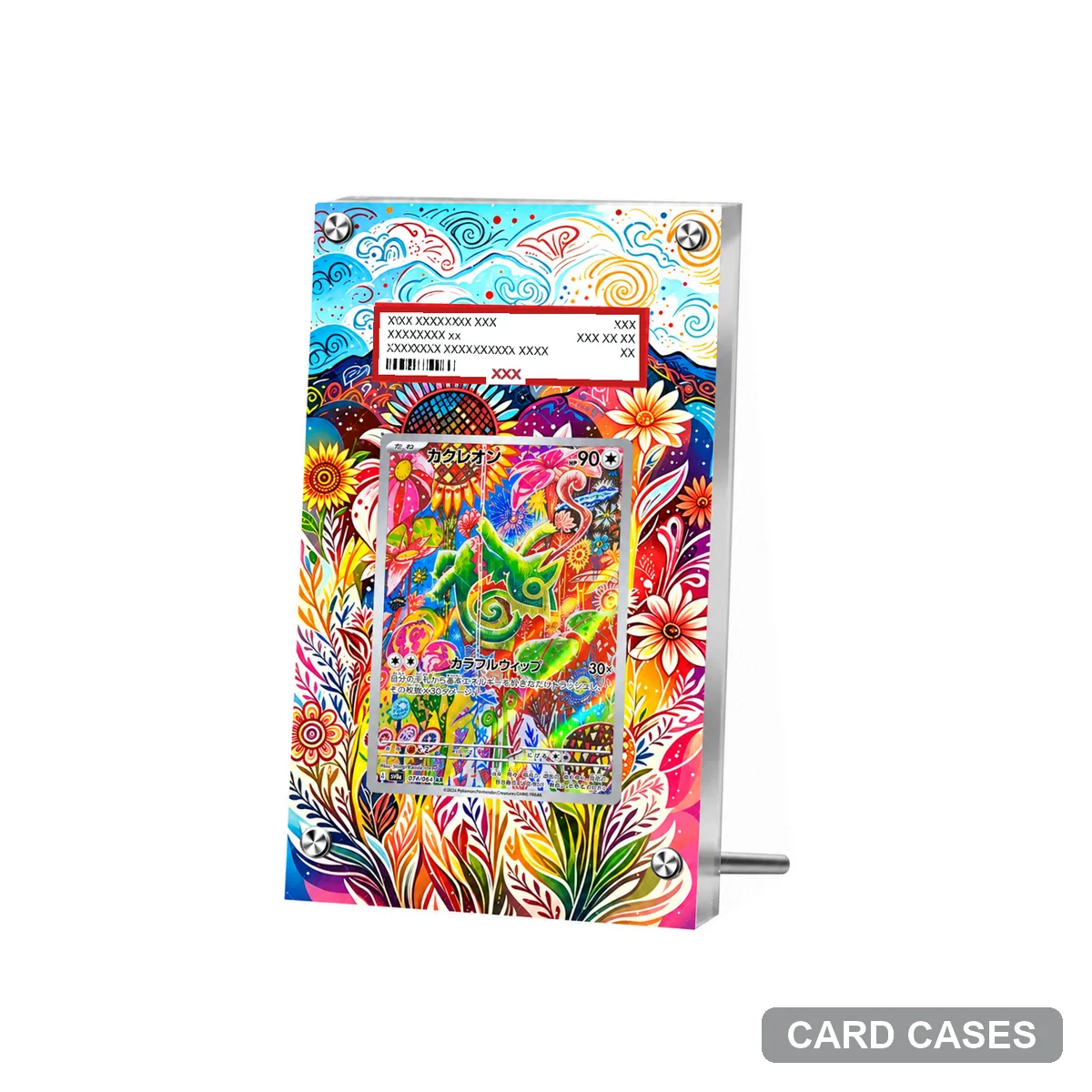 Let the Kecleon scene remain character-specific
Kecleon — Colourful Flowers — Extended-art Display Frame · PCC-105
Move from a reference to an order
Open your chosen product to compare photographs and select a display version. Use the format guide for holder questions and shipping page for delivery information. Cards in the photographs are not included with display accessories.